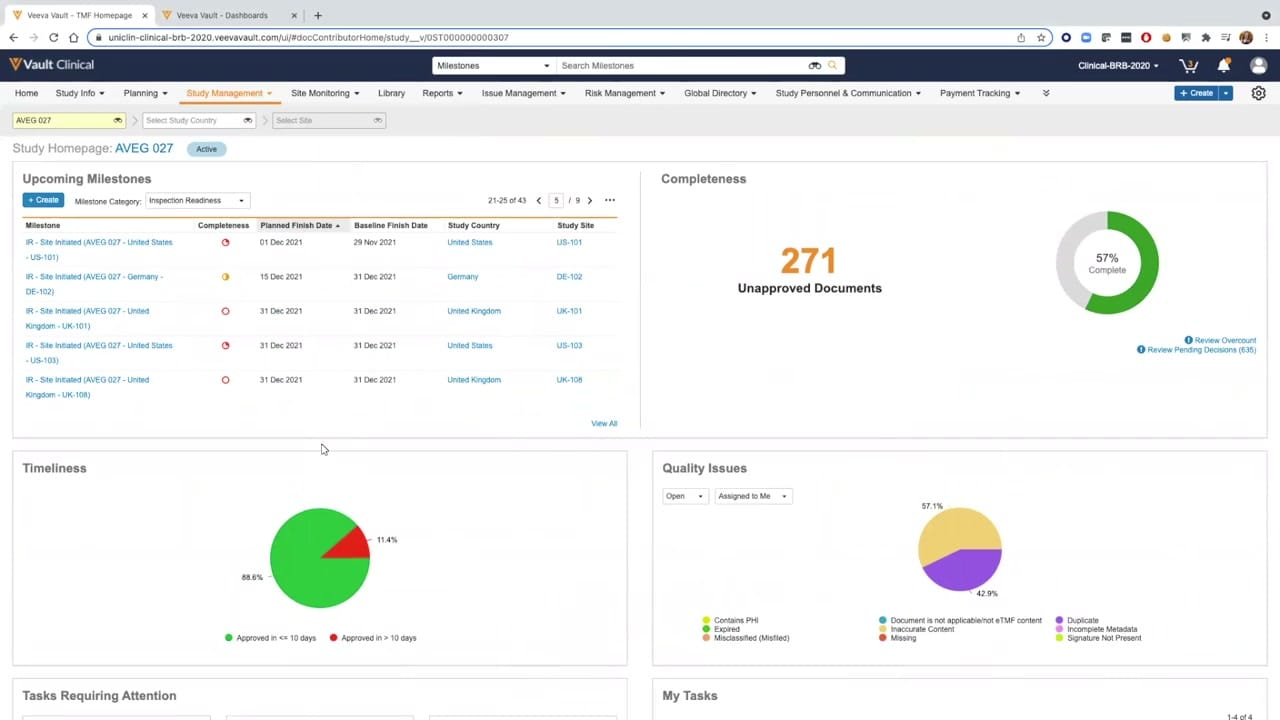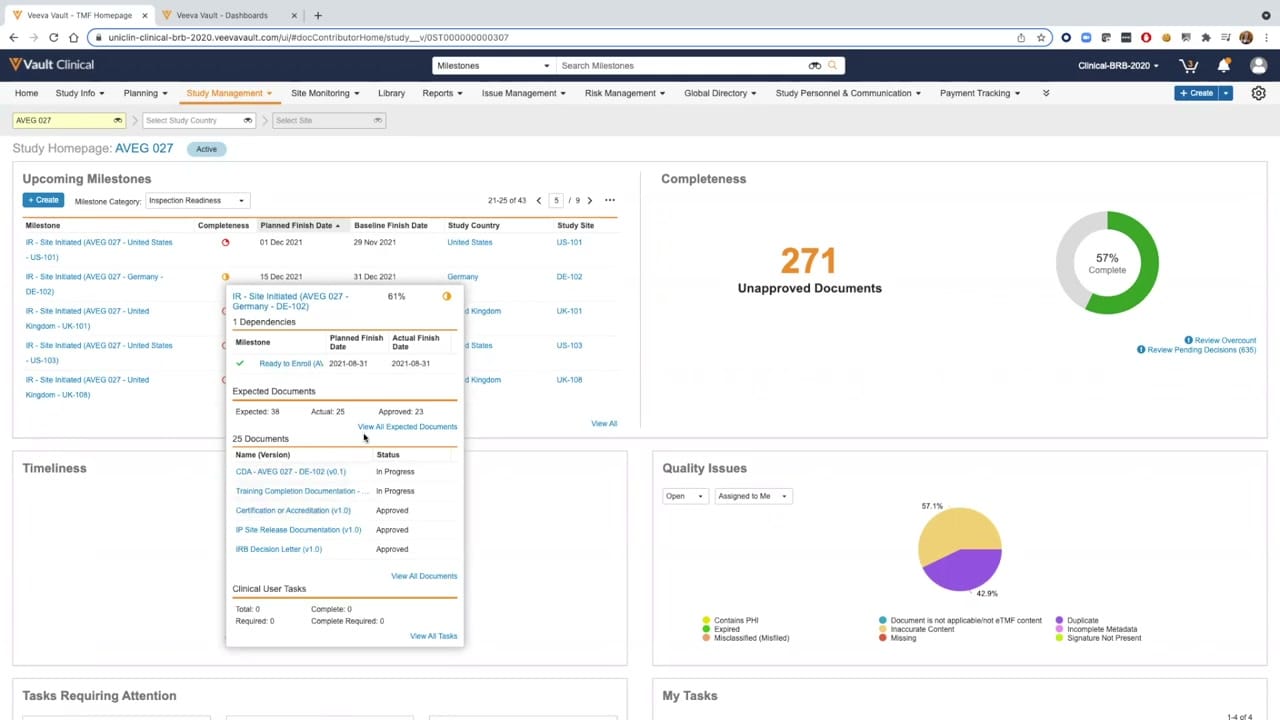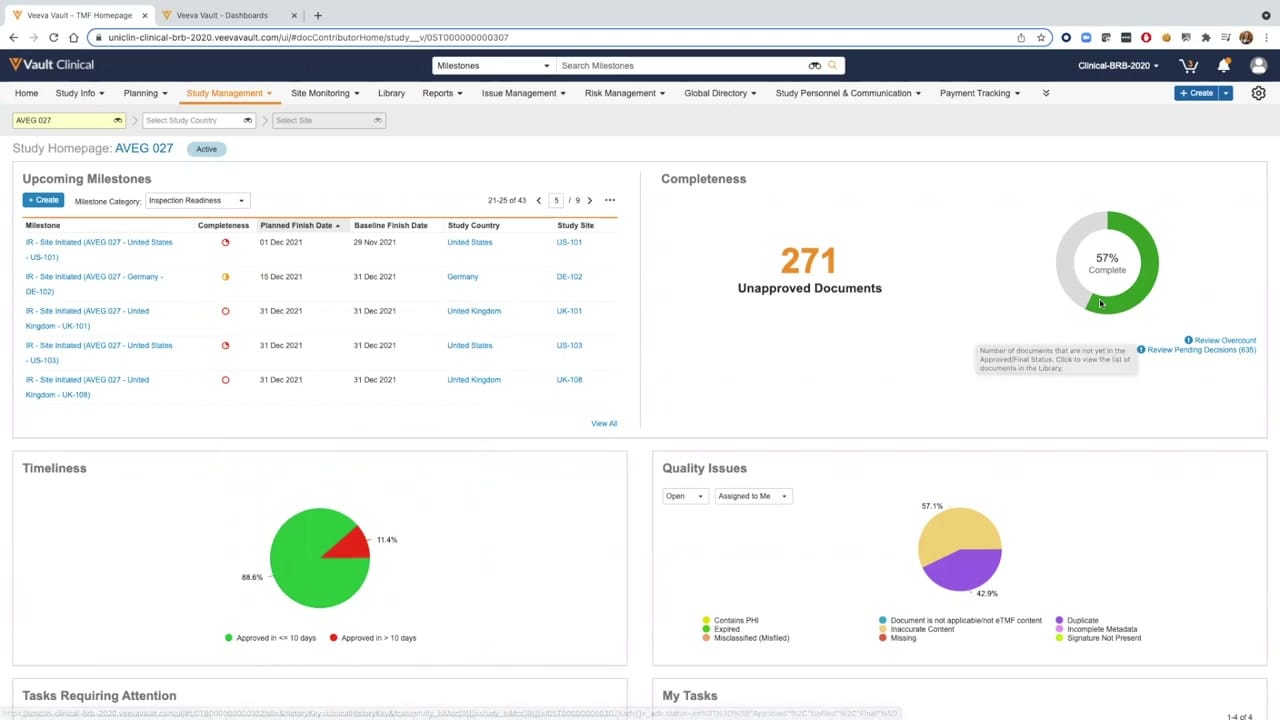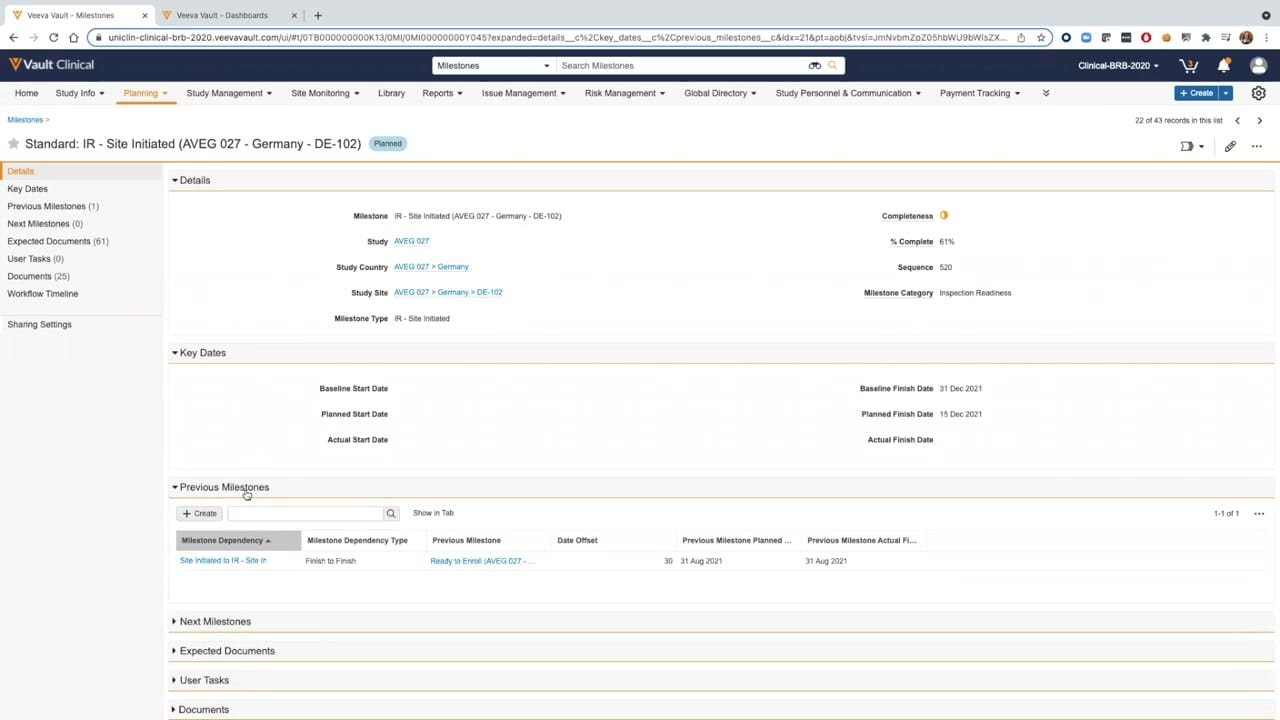
What this eTMF screenshot shows
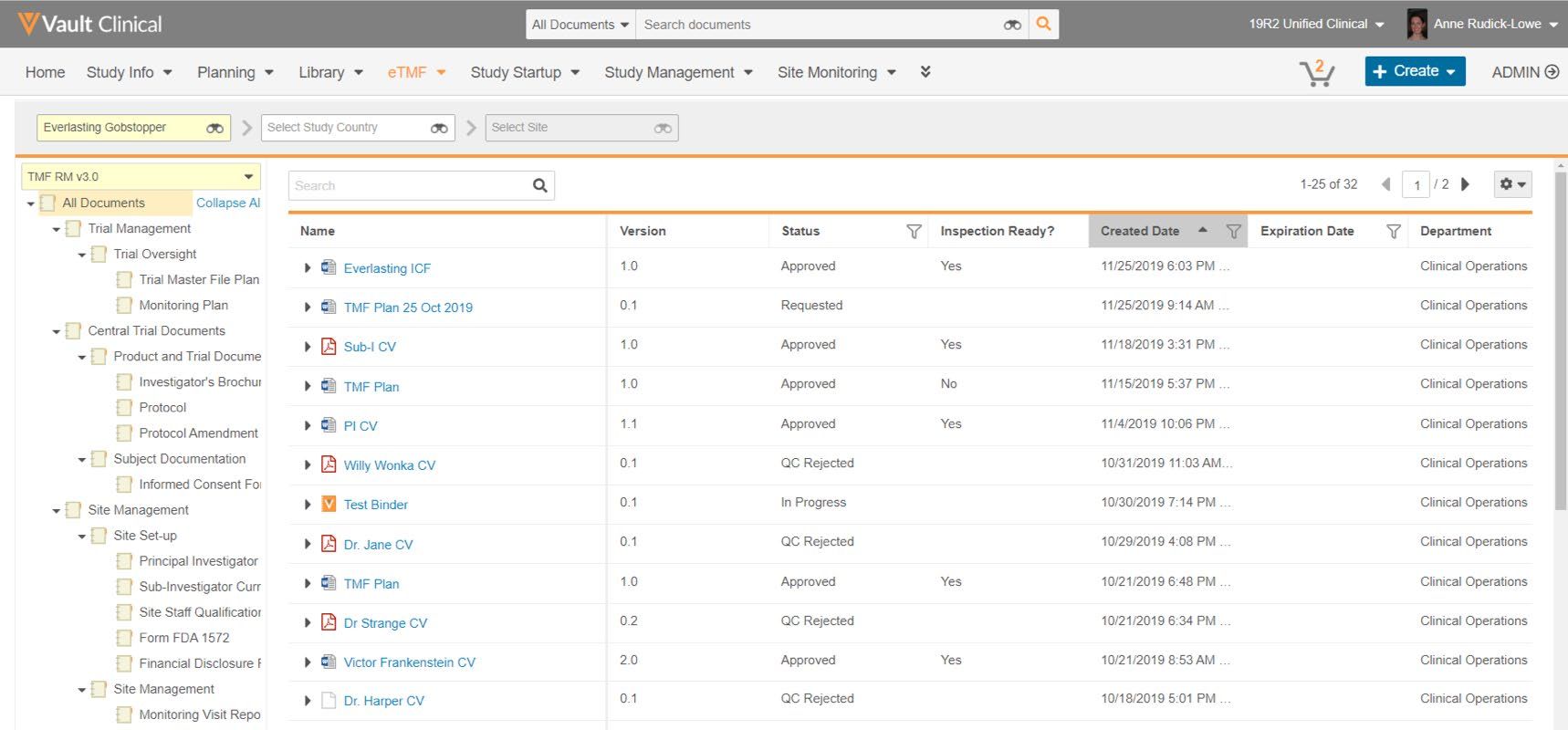
This public interface reference displays the TMF Viewer within Veeva Vault eTMF, showcasing a structured view of clinical trial documentation. The screen is divided into a hierarchical navigation tree on the left and a detailed document list on the right. The left panel displays a folder structure based on the TMF Reference Model version 3.0, organizing files under categories such as Trial Management, Central Trial Documents, and Site Management. The main panel lists individual documents associated with the selected study, "Everlasting Gobstopper." Key metadata columns, including document name, version, status, inspection readiness, creation date, and department, are visible. This layout provides clinical operations users with a centralized view to browse, filter, and track the status of essential trial documents across different levels of the trial master file hierarchy.
Visible interface elements
- Left-hand navigation panel displaying a collapsible TMF Reference Model version 3.0 folder hierarchy.
- Main document grid showing columns for Name, Version, Status, Inspection Ready?, Created Date, Expiration Date, and Department.
- Study filter bar at the top displaying the selected study Everlasting Gobstopper.
- Document status indicators including Approved, Requested, QC Rejected, and In Progress.
- Pagination controls showing 1-25 of 32 records with page navigation arrows.
- Top navigation menu with active eTMF tab highlighted in orange.
- Search bar within the document list panel for finding specific files.
Interface details
The user interface features a top navigation bar with tabs for various clinical operations modules, with the eTMF tab currently active. Below this, a secondary filter bar allows users to narrow down documents by study, country, and site, with "Everlasting Gobstopper" selected as the study. The left-hand panel presents a collapsible folder hierarchy based on the TMF Reference Model, showing sections like Trial Oversight, Product and Trial Documents, and Site Set-up. The main document grid displays 25 of 32 total records, with pagination controls in the upper right. The grid columns include Name, Version, Status, Inspection Ready?, Created Date, Expiration Date, and Department. Document names are accompanied by file type icons, such as PDFs and binders. The Status column displays values like Approved, Requested, QC Rejected, and In Progress, while the Inspection Ready? column contains Yes or No indicators. Column headers feature sorting and filtering icons, enabling users to organize the document list by specific criteria, such as creation date or approval status.
Workflow context
The visible interface supports clinical operations workflows by organizing trial documentation according to standard industry taxonomies. By navigating the TMF Reference Model hierarchy, users can locate specific document types, such as protocols, investigator brochures, or site staff qualifications. The document list displays status values like QC Rejected or Approved, which can help teams monitor the progress of document reviews and identify items requiring attention. The Inspection Ready? column provides a clear indicator of which documents have met the criteria for audit readiness, supporting quality control processes. This structured presentation of metadata and folder hierarchies can assist clinical trial managers in evaluating document completeness and tracking overall trial master file health. The interface allows users to filter by study, country, or site, which could help streamline document oversight across complex, multi-site clinical trials.
Source, version, and interpretation limits
The source of this screenshot is the TMF Viewer feature brief, representing a 2021-era user interface of Veeva Vault eTMF. The displayed data, including study names like "Everlasting Gobstopper" and document names such as "Willy Wonka CV," is synthetic demonstration data and does not represent real-world clinical trials. Because this is a static screenshot, it cannot confirm real-time updates, automated workflows, or active system integrations. Additionally, the specific folder structure, metadata columns, and document statuses reflect a particular customer configuration and software release, meaning the actual user interface and available features may vary depending on individual organization settings and subsequent software updates.
Authoritative references
Use these primary sources to confirm current product positioning, terminology, and release-specific behavior.
- TMF Viewer feature brief(Official Veeva PDF)
- Veeva eTMF product overview(Official Veeva product page)
- Veeva guide to eTMF features and inspection readiness(Official Veeva resource)