What this eTMF screenshot shows
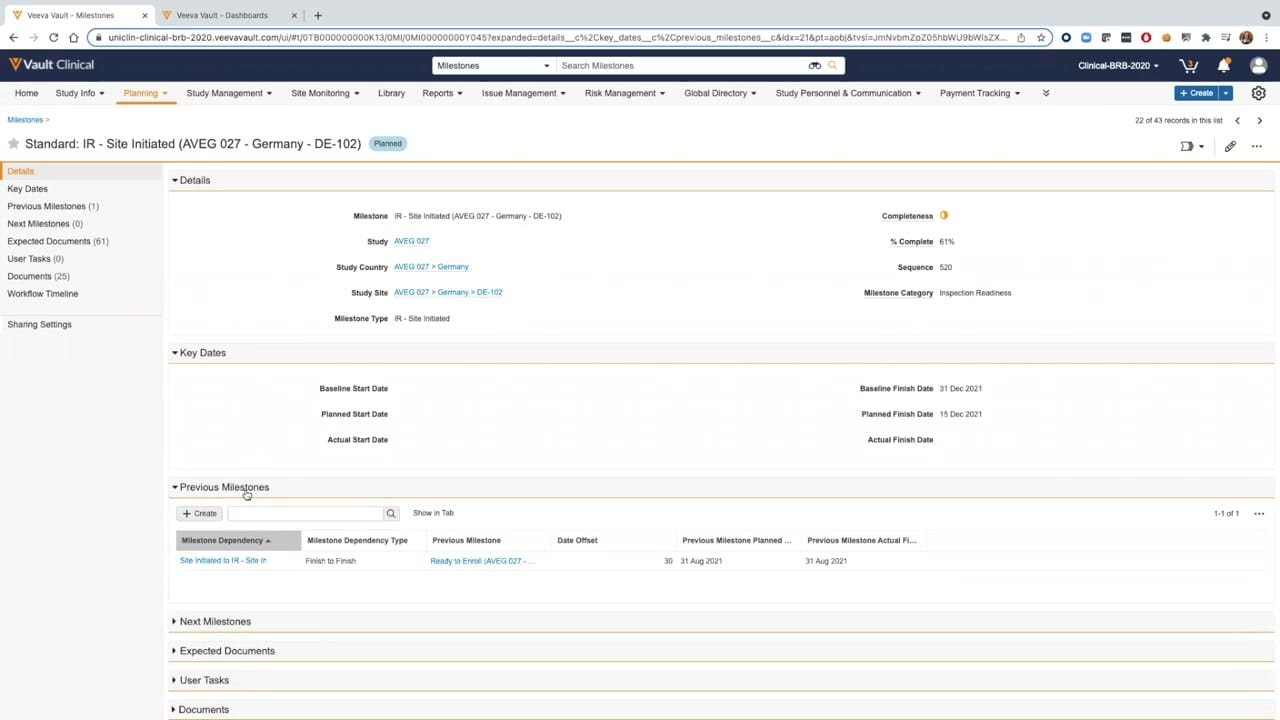
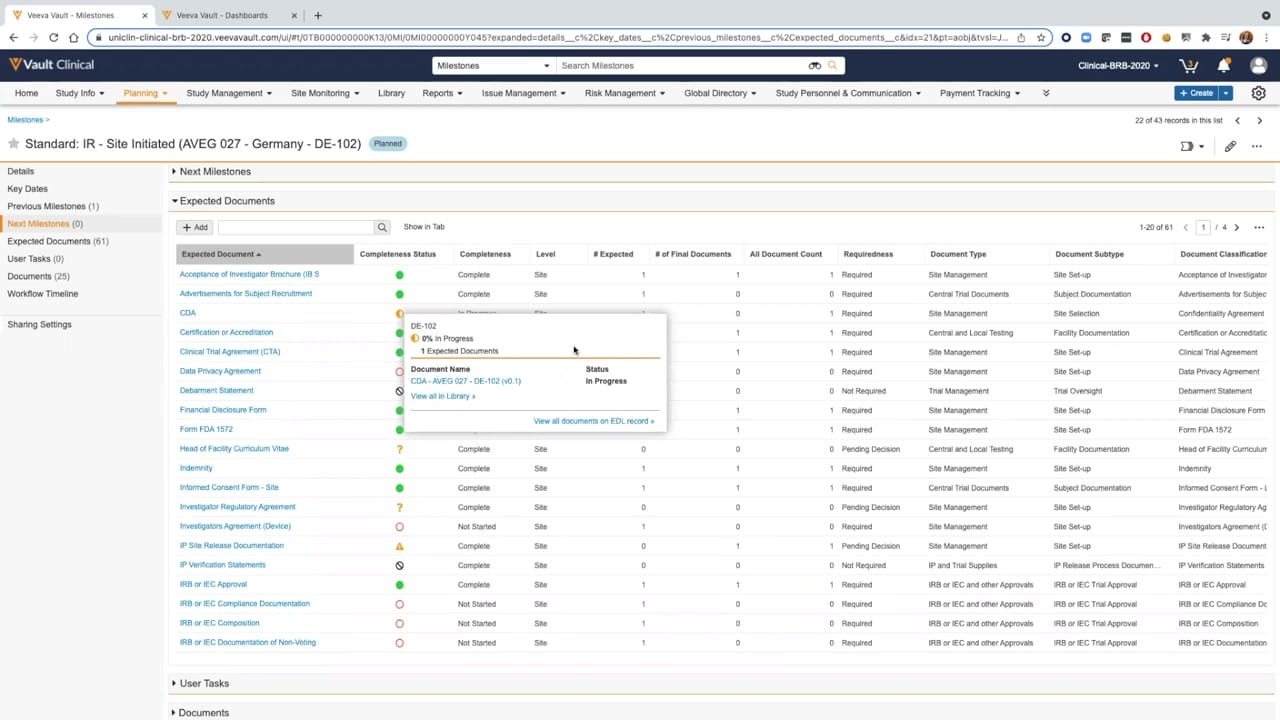
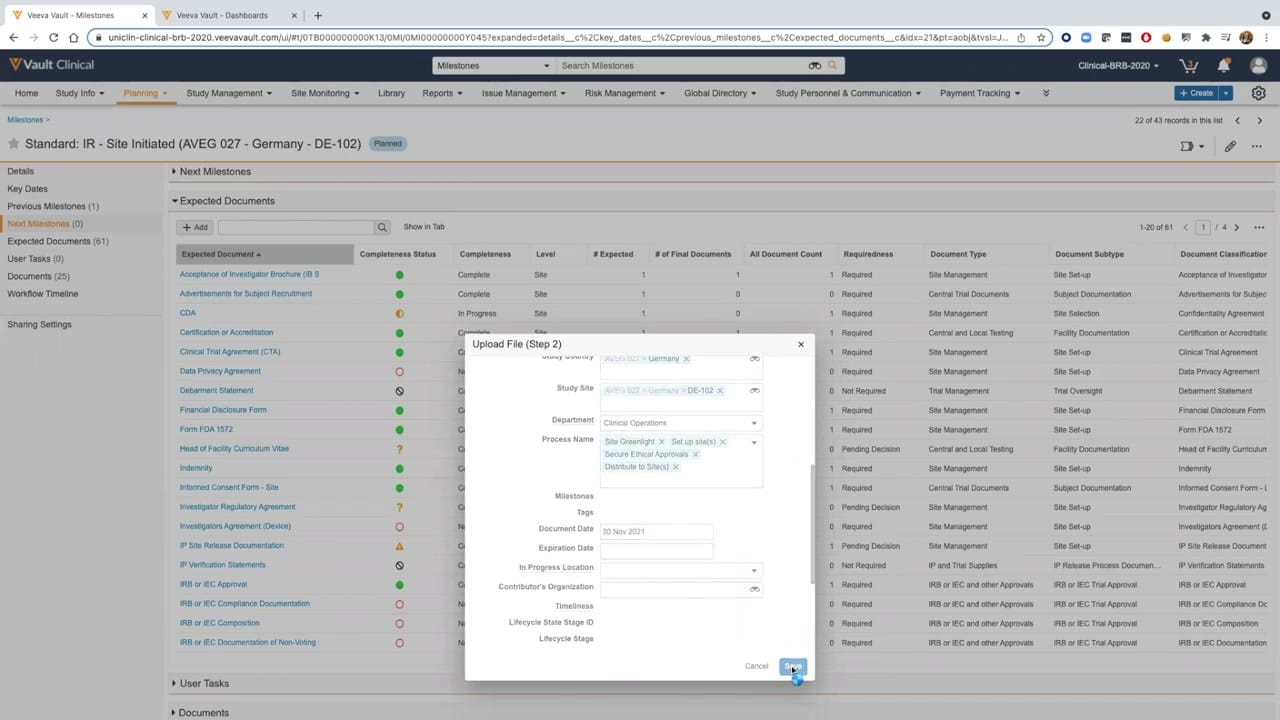
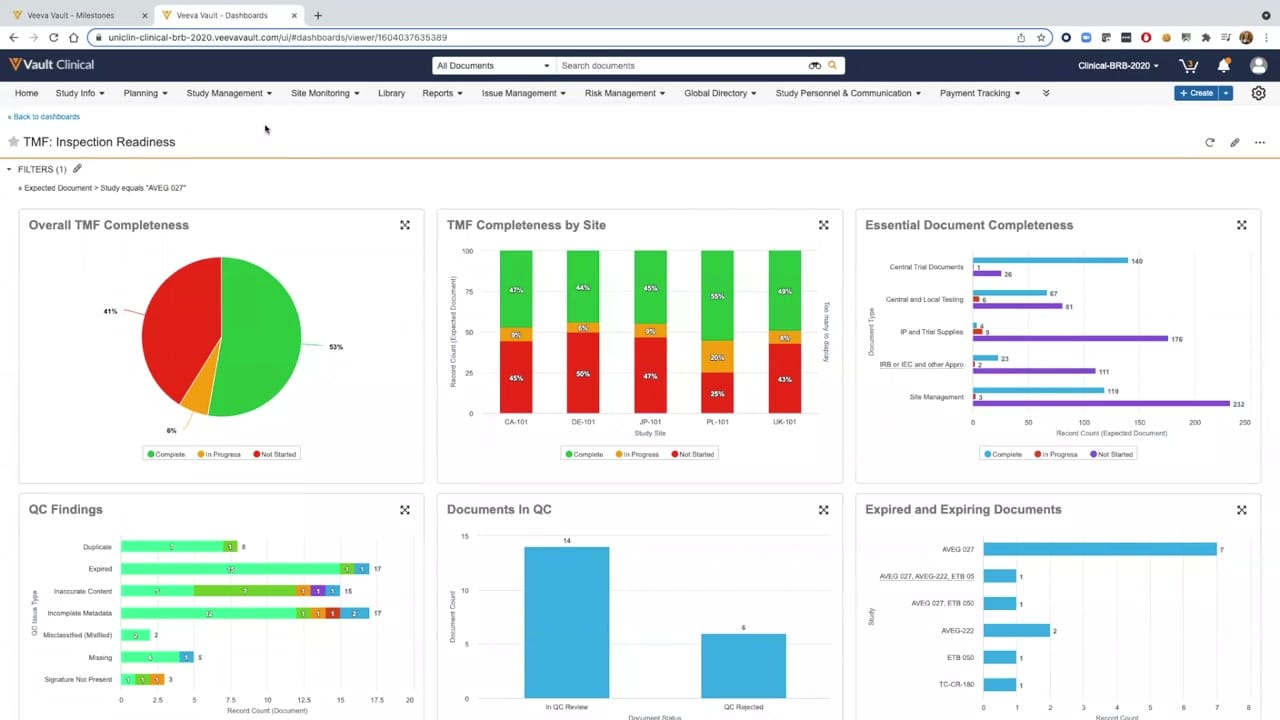
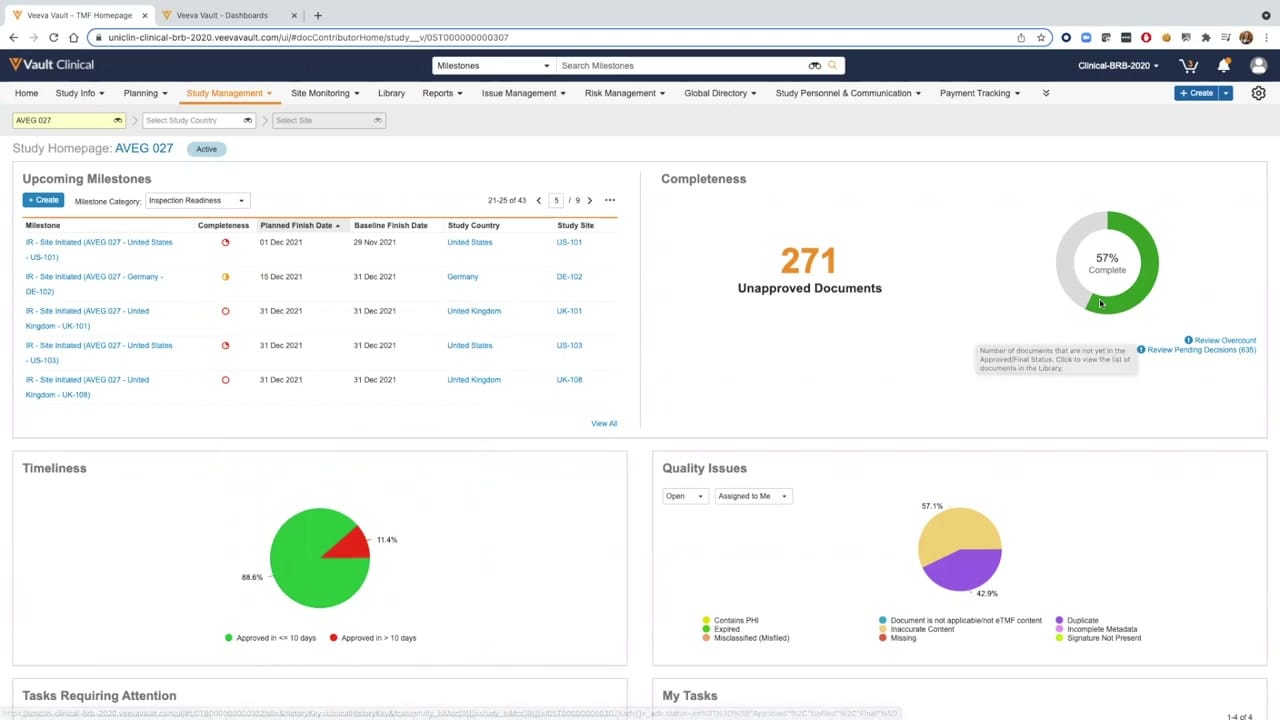
This public interface screenshot displays the Study Homepage for study "AVEG 027" within Veeva Vault Clinical, specifically highlighting the eTMF Study Details view. The dashboard layout provides clinical operations users with a consolidated visual summary of study-level metrics and milestones. The interface is divided into several distinct panels, including Upcoming Milestones, Completeness, Timeliness, and Quality Issues. These panels present synthetic demonstration data, such as document counts, percentage charts, and milestone dates, to illustrate how a study's overall progress and document status can be monitored. The top navigation bar and contextual filters allow users to navigate across different study management areas, countries, and sites, facilitating high-level oversight of the electronic trial master file.
Visible interface elements
- Study Homepage header displaying the study identifier AVEG 027 with an Active status badge.
- Upcoming Milestones panel showing a table of inspection readiness milestones, planned dates, and completeness icons.
- Completeness panel featuring a donut chart showing fifty-seven percent complete and a metric of two hundred seventy-one unapproved documents.
- Timeliness panel containing a pie chart that displays document approval durations split into two color-coded categories.
- Quality Issues panel displaying a pie chart of open issues categorized by document discrepancies like incomplete metadata and duplicates.
- Top navigation bar with tabs for Study Info, Planning, Study Management, Site Monitoring, and Reports.
- Dropdown filters for selecting specific study countries and sites at the top left of the workspace.
Interface details
The interface features a structured, multi-panel dashboard layout under the "Study Homepage: AVEG 027" header. On the left, the "Upcoming Milestones" panel displays a tabular list of milestones filtered by "Inspection Readiness," showing details such as milestone name, completeness status icons, planned and baseline finish dates, country, and site. To the right, the "Completeness" panel highlights a prominent metric of "271 Unapproved Documents" alongside a green and grey donut chart indicating "57% Complete." A hover tooltip explains that this represents documents not yet in an approved or final status. Below these, the "Timeliness" panel presents a pie chart dividing document approvals into two categories: "Approved in <= 10 days" at 88.6% and "Approved in > 10 days" at 11.4%. Adjacent to it, the "Quality Issues" panel displays a pie chart representing open issues assigned to the user, categorized by specific document discrepancies such as "Incomplete Metadata" at 57.1% and "Duplicate" at 42.9%. Navigation tabs at the top of the screen provide access to broader clinical areas like Planning, Site Monitoring, and Reports.
Workflow context
In a clinical operations workflow, this dashboard can support study managers and TMF specialists in tracking trial master file completeness and quality. By presenting visual summaries of upcoming milestones and document statuses, the interface could help users identify potential bottlenecks, such as pending approvals or unresolved quality issues. For instance, the "Completeness" and "Timeliness" metrics can assist teams in prioritizing document reviews to maintain inspection readiness. The "Quality Issues" panel, which categorizes specific discrepancies like incomplete metadata or duplicates, could help users target corrective actions for specific sites or countries. Although the displayed data is synthetic, the layout illustrates how clinical teams can utilize centralized dashboards to monitor study progress, coordinate document collection efforts, and manage outstanding tasks across multiple trial sites.
Source, version, and interpretation limits
The screenshot is sourced from an official Veeva hosted demo titled "Vault eTMF Demo: Part 2, TMF Completeness," dating from approximately 2020. Because this represents an older software release and utilizes synthetic demonstration data, the visible layout, labels, and navigation options may differ from current production environments. This static image cannot establish real-time data synchronization, automated validation, or regulatory compliance. Additionally, specific configurations, user permissions, and active modules will vary based on individual customer implementations. The displayed metrics, dates, and study names are entirely illustrative and do not represent actual clinical trial records or active system performance.
Authoritative references
Use these primary sources to confirm current product positioning, terminology, and release-specific behavior.
- Vault eTMF Demo: Part 2, TMF Completeness(Official Veeva hosted demo)
- Veeva eTMF product overview(Official Veeva product page)
- Veeva guide to eTMF features and inspection readiness(Official Veeva resource)