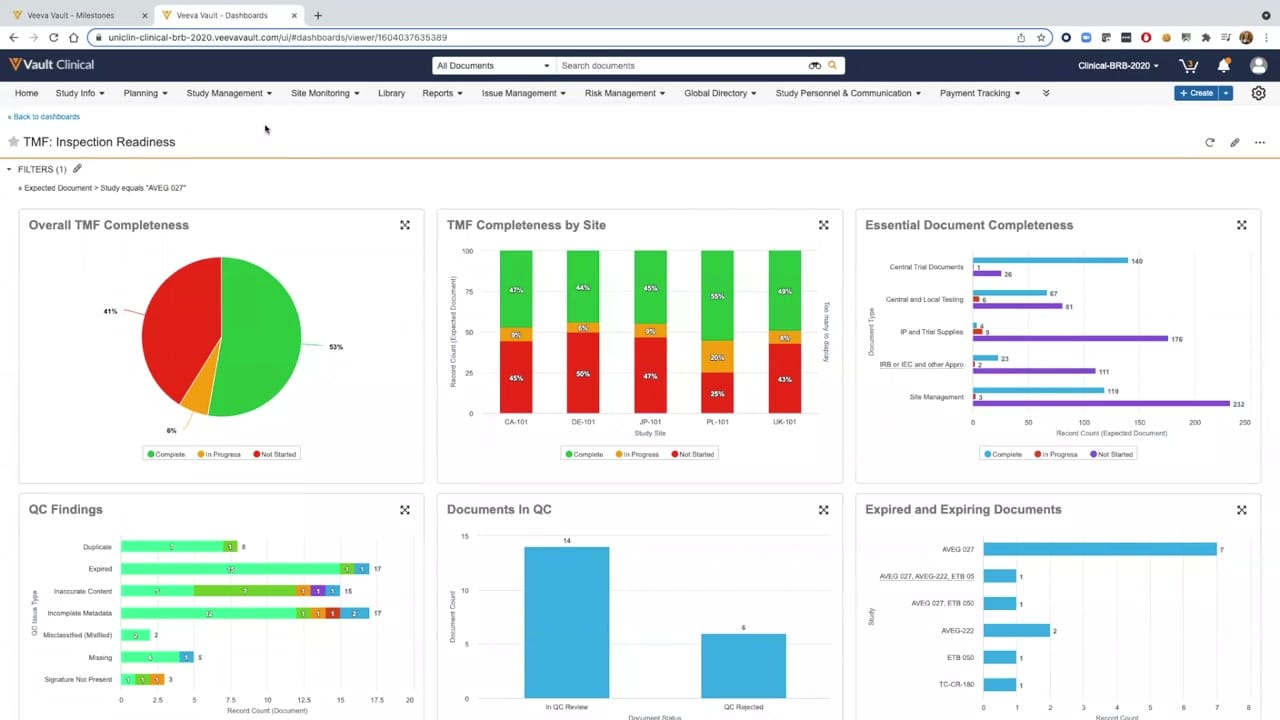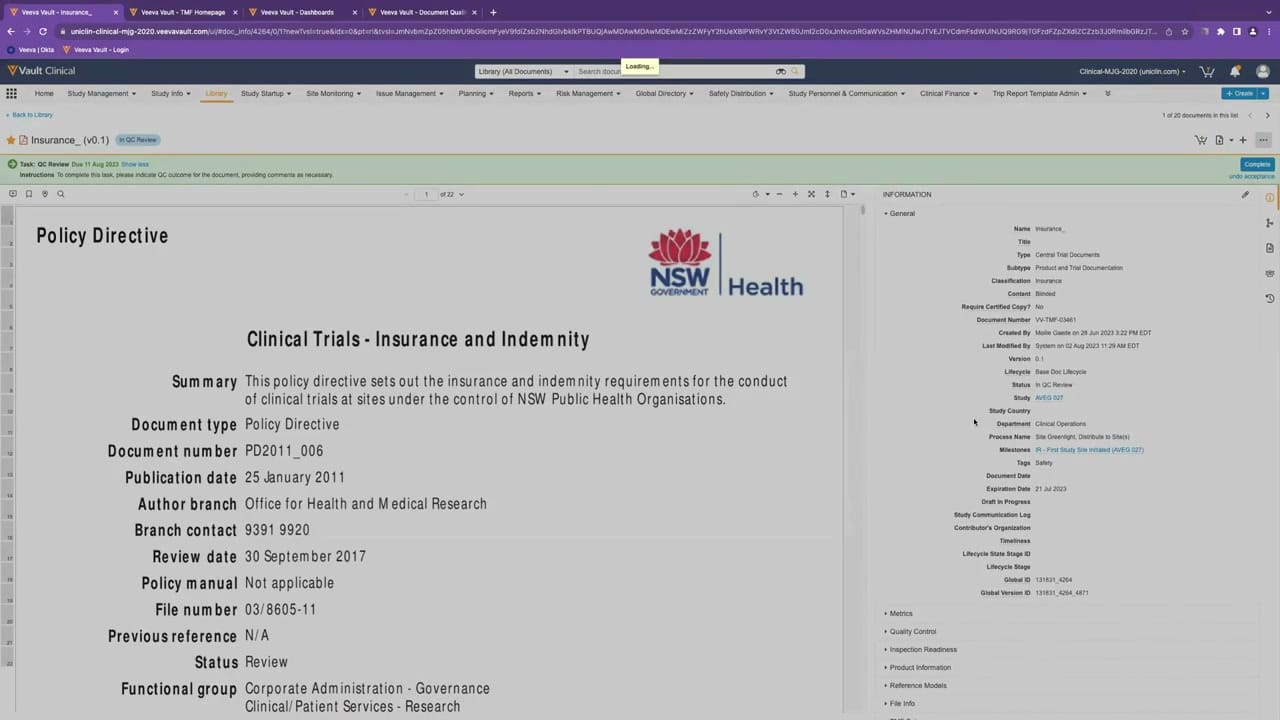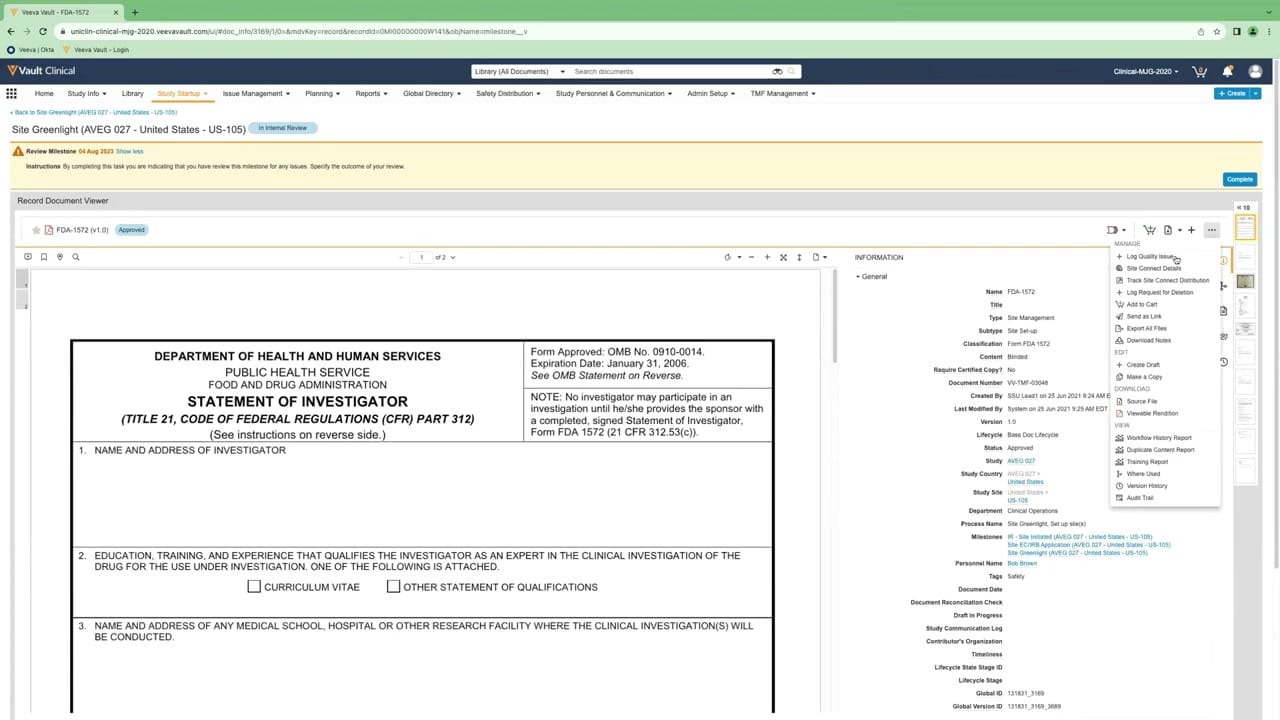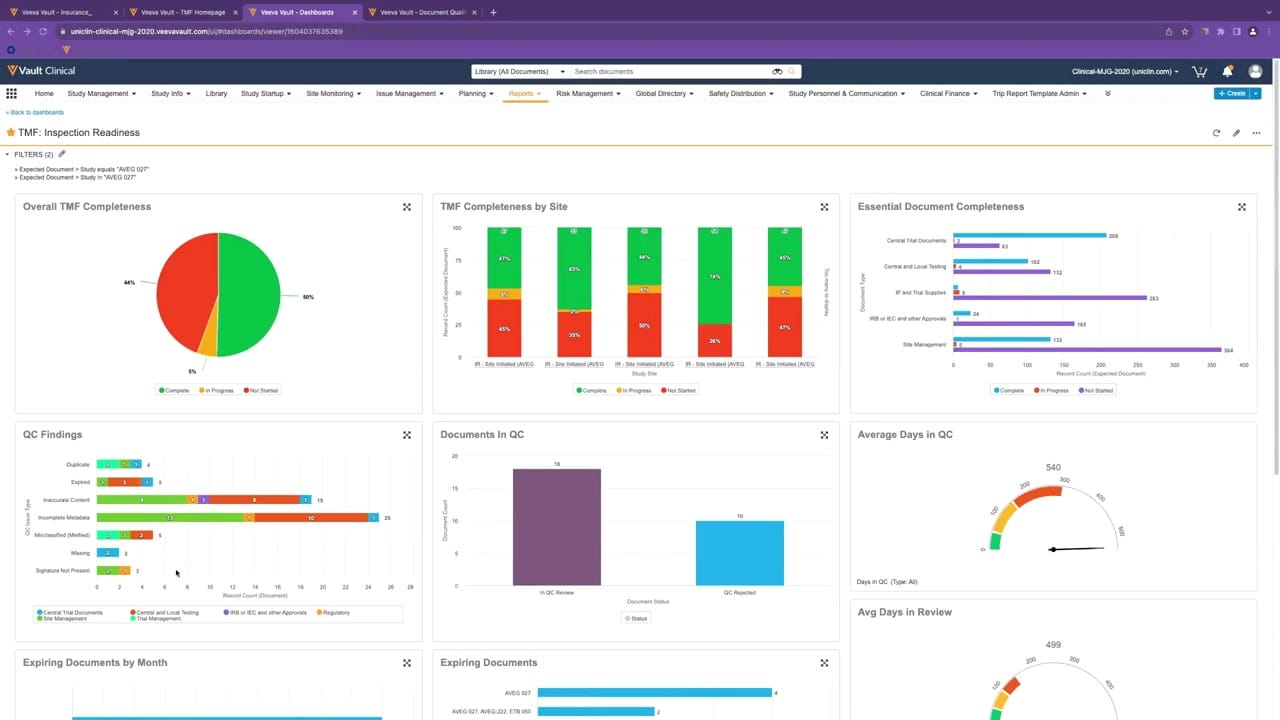
What this eTMF screenshot shows
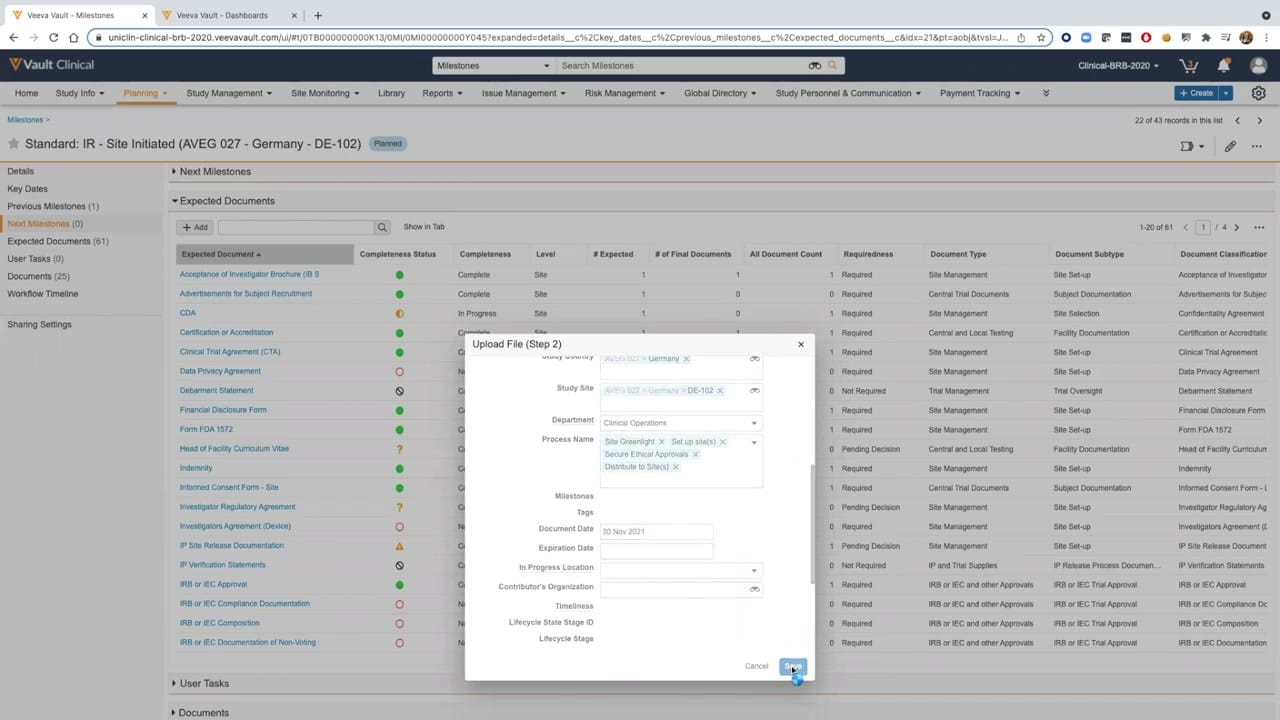
This reference screen displays the Veeva Vault eTMF interface during a document upload workflow. A modal dialog titled "Upload File (Step 2)" is superimposed over an Expected Documents list for a specific milestone, "Standard: IR - Site Initiated (AVEG 027 - Germany - DE-102)". The background interface presents a structured table of expected documents, each associated with completeness statuses, requiredness levels, and document classifications. The modal itself contains metadata fields that allow users to categorize and associate the file being uploaded with specific study parameters, such as study country, study site, department, and process names. This layout illustrates how the system organizes trial master file documentation against predefined milestones, providing a structured environment for managing clinical trial documentation.
Visible interface elements
- "Upload File (Step 2)" modal dialog overlaying the main screen.
- Expected Documents table with columns for Completeness Status, Requiredness, and Document Classification.
- Color-coded status icons in the Completeness Status column.
- Metadata fields within the modal, including Study Country, Study Site, and Department.
- "Save" and "Cancel" buttons at the bottom right of the upload modal.
- Left-hand navigation panel showing sections like Expected Documents and Next Milestones.
- Milestone header displaying "Standard: IR - Site Initiated (AVEG 027 - Germany - DE-102)".
Interface details
The interface is divided into a left-hand navigation panel and a main content area. The navigation panel lists sections such as Key Dates, Expected Documents, and Workflow Timeline. The main content area displays the Expected Documents table, which features columns for Expected Document, Completeness Status, Completeness, Level, # Expected, # of Final Documents, All Document Count, Requiredness, Document Type, Document Subtype, and Document Classification. Visual indicators in the Completeness Status column use color-coded icons, including green circles, yellow question marks, and red outlines, to represent different states. The "Upload File (Step 2)" modal dialog is centered on the screen, partially obscuring the underlying table. This modal contains input fields and dropdown menus for metadata entry, including Study Country, Study Site, Department, Process Name, and Document Date, which is populated with "30 Nov 2021". Action buttons labeled "Cancel" and "Save" are positioned at the bottom right of the modal, with a cursor hovering over the Save button.
Workflow context
In clinical operations, this interface can support the systematic collection and classification of essential trial documents. The underlying Expected Documents list, or Expected Document List (EDL), serves as a template that outlines which items are required for a specific milestone, such as site initiation. By presenting a structured upload modal, the system could help users ensure that uploaded files are tagged with accurate metadata, such as the correct study site and process name, before they are saved to the repository. This structured metadata entry can support downstream searchability, quality control, and reporting activities. Additionally, the visual completeness status indicators could help clinical trial managers quickly identify missing or incomplete documentation, thereby supporting efforts to maintain an inspection-ready trial master file throughout the study lifecycle.
Source, version, and interpretation limits
The screenshot is sourced from an official Veeva hosted demo titled "Vault eTMF Demo: Part 2, TMF Completeness," dating from approximately 2020. Because this is a static image of a demonstration environment, the visible data, including study names like "AVEG 027," dates, and document counts, should be treated as synthetic demonstration data. The specific fields, layout, and available options reflect a particular software release and configuration, which may differ from active production environments. This static representation cannot establish real-time system behavior, automated validation, or regulatory compliance status.
Authoritative references
Use these primary sources to confirm current product positioning, terminology, and release-specific behavior.
- Vault eTMF Demo: Part 2, TMF Completeness(Official Veeva hosted demo)
- Veeva eTMF product overview(Official Veeva product page)
- Veeva guide to eTMF features and inspection readiness(Official Veeva resource)