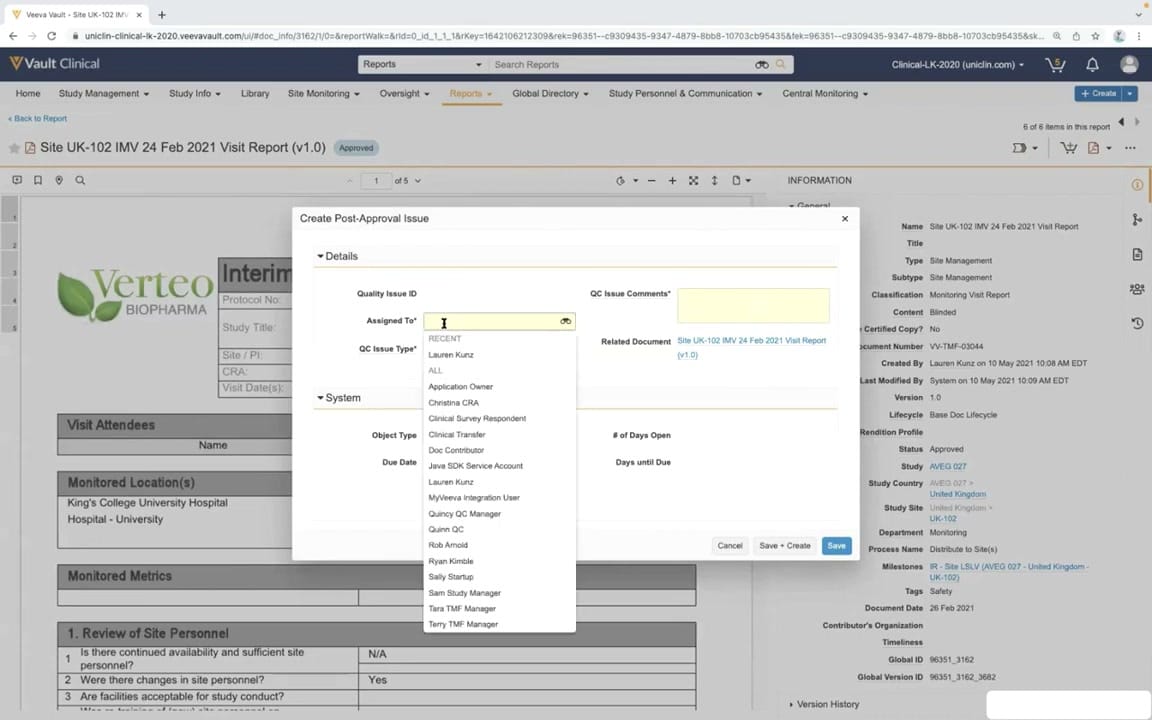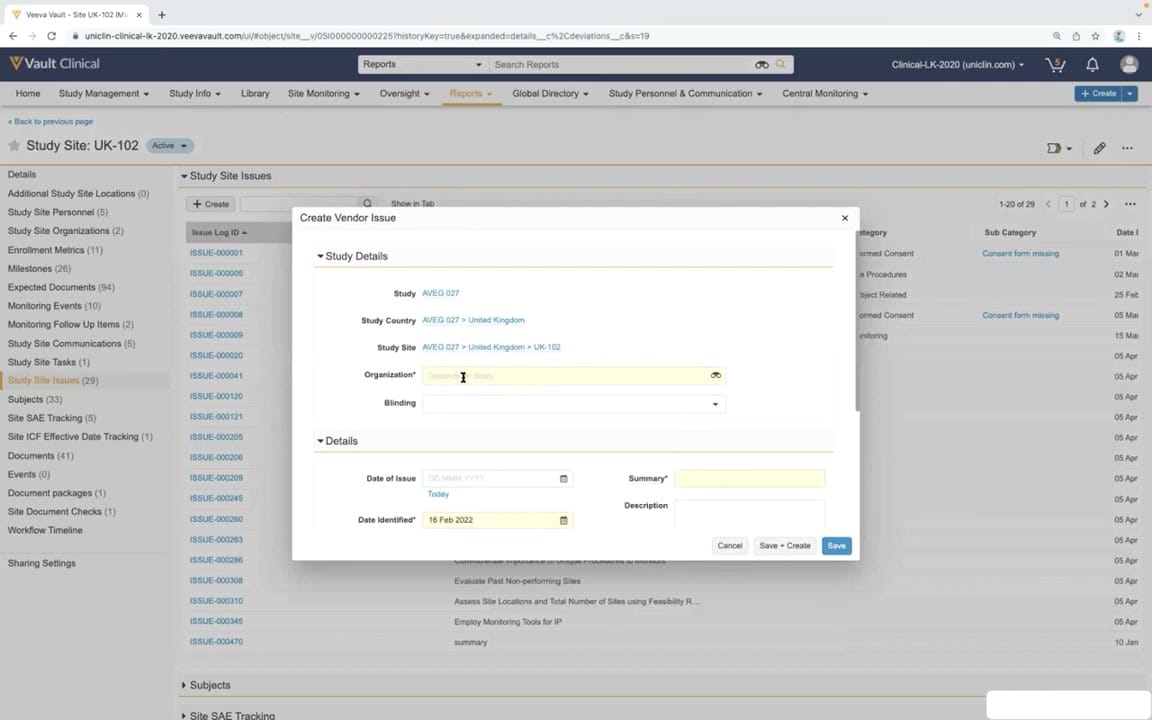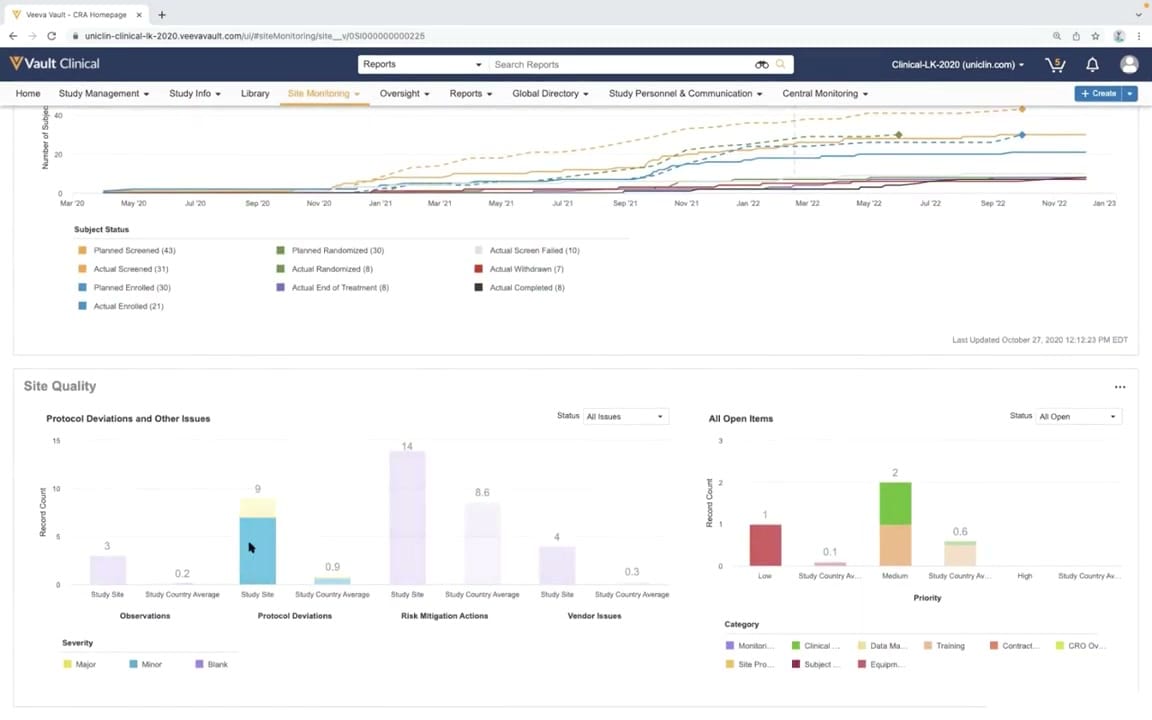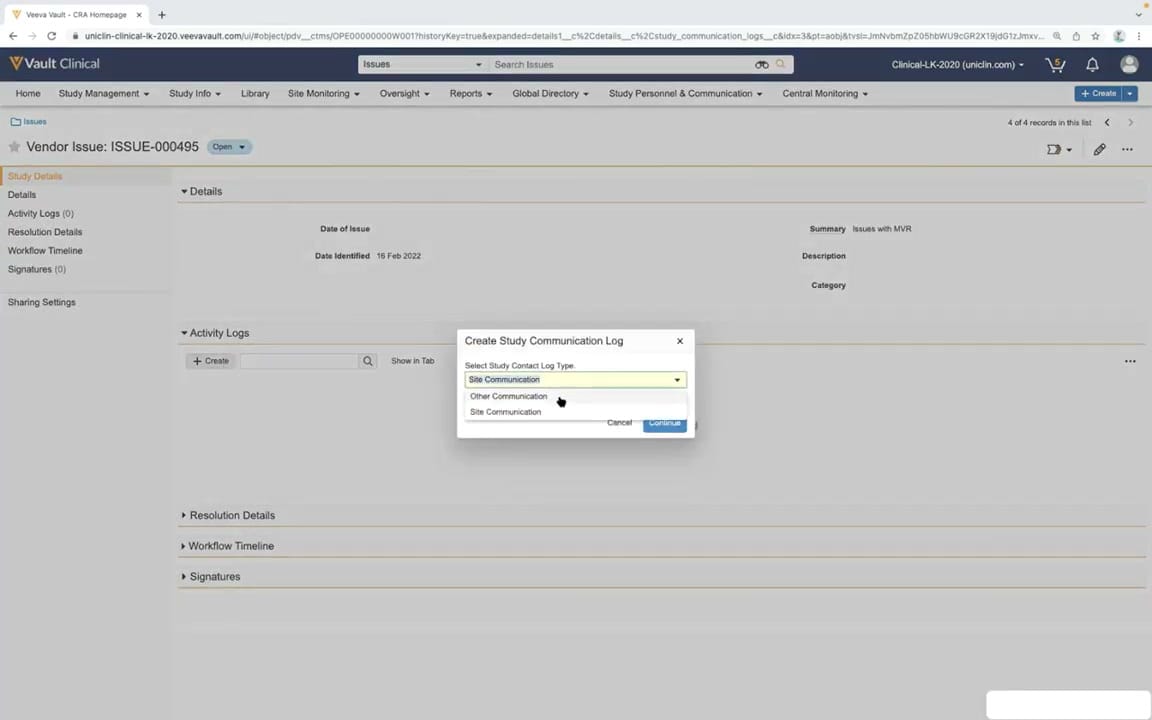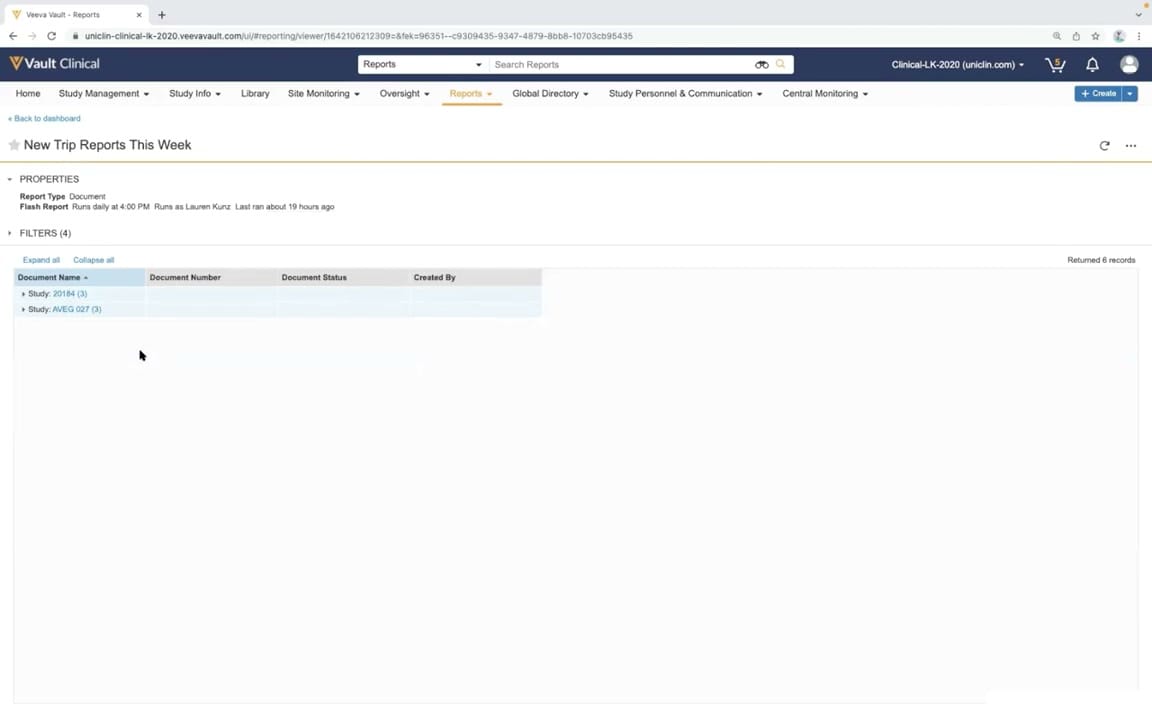
What this CTMS screenshot shows
This interface displays the "New Trip Reports This Week" report within Veeva Vault Clinical, specifically configured for clinical trial management system (CTMS) monitoring workflows. The screen presents a structured, tabular view of document-based trip reports generated across active clinical studies. Users can access this report directly from the Reports tab or navigate back to a dashboard using the provided breadcrumb link. The report is configured as a Flash Report, which automates data generation on a daily schedule to keep clinical operations teams informed of recent monitoring activities. By grouping records by study, the interface allows clinical trial managers and monitors to quickly identify newly submitted or updated trip reports, facilitating timely oversight of site monitoring activities and ensuring study compliance.
Visible interface elements
- Active "Reports" tab in the main navigation bar.
- Report title "New Trip Reports This Week" with a favorite star icon.
- Properties panel showing the report type as "Document" and Flash Report details.
- Collapsed "FILTERS (4)" section.
- Data table displaying columns for Document Name, Document Number, Document Status, and Created By.
- Grouped rows for "Study: 20184 (3)" and "Study: AVEG 027 (3)".
- "Returned 6 records" indicator on the right side of the table header.
- "Expand all" and "Collapse all" text links above the table.
Interface details
The user interface features a standard Veeva Vault navigation bar at the top, highlighting the active Reports tab alongside other clinical management modules such as Study Management, Site Monitoring, and Oversight. Below the main navigation, the report title "New Trip Reports This Week" is displayed with a star icon indicating a favorited status. The Properties section details the report type as "Document" and specifies the Flash Report schedule, noting that it runs daily at 4:00 PM under a designated user profile. A collapsible Filters section shows that four filters are currently applied to the dataset. The main data grid displays a total of six returned records, organized hierarchically. The table columns include Document Name, Document Number, Document Status, and Created By. The records are grouped by study, specifically showing three records under "Study: 20184" and three records under "Study: AVEG 027". Actionable controls like "Expand all" and "Collapse all" allow users to toggle the visibility of the grouped document details within the grid.
Workflow context
In clinical trial management, monitoring trip reports are critical documents that record the details of site visits, including protocol compliance, subject safety, and data verification. This interface supports the monitoring trip reports workflow by providing a centralized, automated view of newly generated reports. Clinical operations managers and lead monitors use these scheduled Flash Reports to track the progress of site monitors and ensure that trip reports are submitted and reviewed within regulatory and protocol-specified timelines. The grouping of reports by specific studies, such as the synthetic examples visible in the demo, helps managers allocate resources and prioritize reviews. By automating the delivery of this data, the system reduces manual tracking efforts and enhances study oversight, allowing teams to quickly address issues or deviations identified during site visits.
Source, version, and interpretation limits
The screenshot is sourced from the official Veeva YouTube demo titled "CTMS Oversight Deep Dive Demo," published in March 2022. The visible browser chrome and demo tenant URL "uniclin-clinical-lk-2020.veevavault.com" indicate a synthetic demonstration environment rather than a live production system. Consequently, the displayed study names, user profiles, and record counts represent mock data configured for demonstration purposes. Users should note that the user interface layout, available fields, and specific report configurations may vary depending on the Vault release version, active customer configurations, and individual user permissions within their organization's specific Veeva Vault CTMS environment.
Authoritative references
Use these primary sources to confirm current product positioning, terminology, and release-specific behavior.
- CTMS Oversight Deep Dive Demo(Official Veeva YouTube demo)
- Veeva CTMS product overview(Official Veeva product page)
- Veeva CTMS trial-management overview(Official Veeva resource)