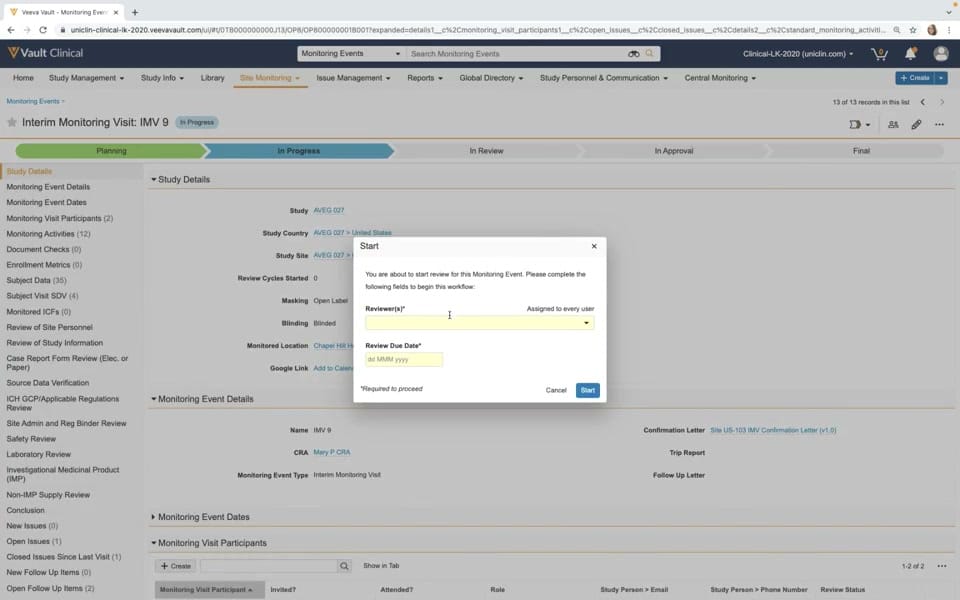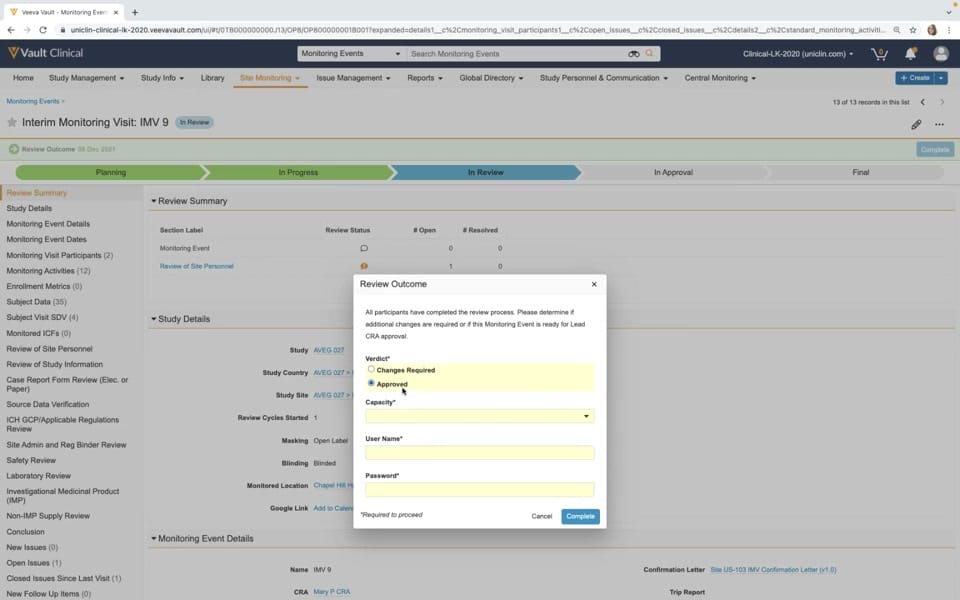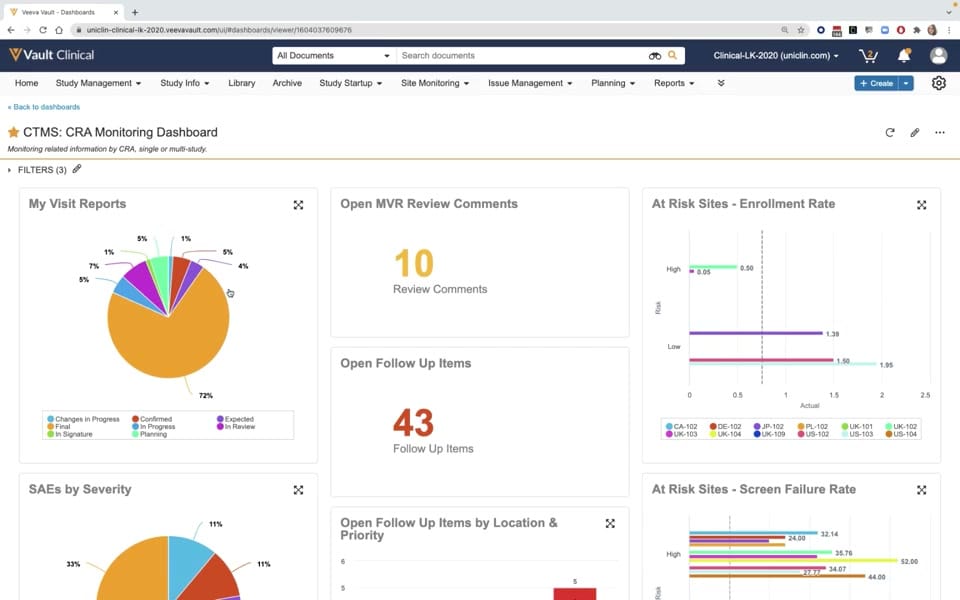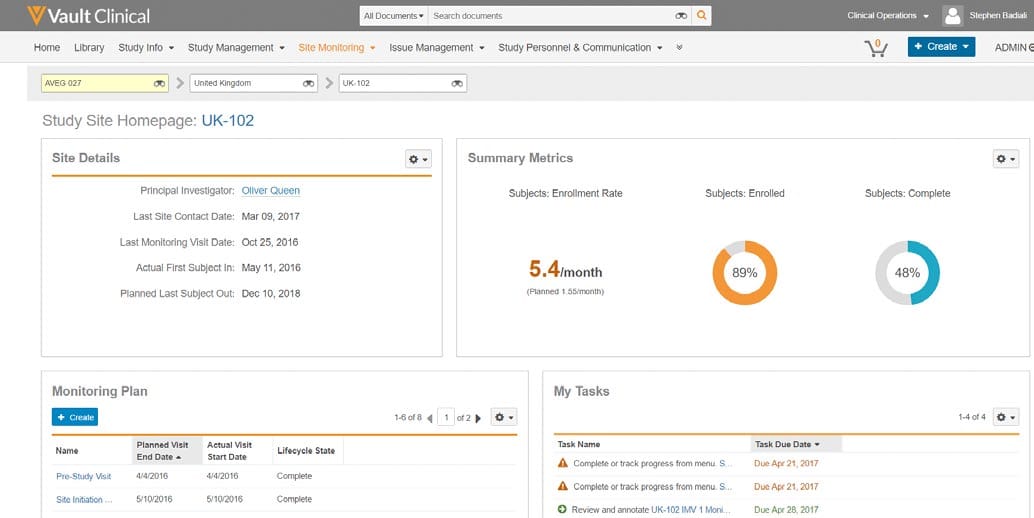
What this CTMS screenshot shows
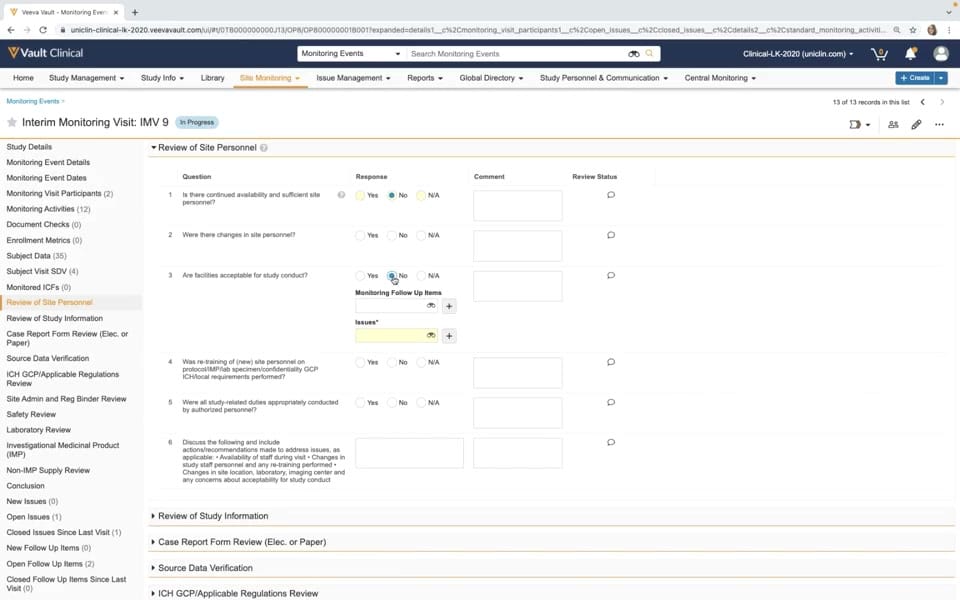
This public interface reference displays the monitoring event details workflow within Veeva Vault CTMS, specifically focusing on an interim monitoring visit. The interface presents a structured checklist for clinical monitors to document site evaluations during a trial. In this view, the "Interim Monitoring Visit: IMV 9" is marked with an "In Progress" status badge. The main workspace displays the "Review of Site Personnel" section, which contains a series of standardized questions regarding site staffing and facility acceptability. Each question is accompanied by radio button response options for "Yes", "No", and "N/A", alongside text fields for comments and icons for review status. A left-hand navigation panel lists numerous other monitoring activities, metrics, and issue tracking categories, illustrating how a clinical monitor can navigate through different components of a site visit evaluation.
Visible interface elements
- "Interim Monitoring Visit: IMV 9" title with an "In Progress" status badge.
- Left-hand navigation sidebar listing monitoring tasks, including "Review of Site Personnel" and "Source Data Verification".
- "Review of Site Personnel" questionnaire table with columns for Question, Response, Comment, and Review Status.
- Radio buttons for "Yes", "No", and "N/A" responses next to each evaluation question.
- "Monitoring Follow Up Items" and "Issues" fields nested under Question 3.
- Collapsible sections for "Review of Study Information" and "Case Report Form Review" at the bottom of the main panel.
- Top navigation bar with clinical operations tabs such as "Site Monitoring" and "Issue Management".
Interface details
The user interface is structured with a top navigation bar containing global clinical operations tabs, such as Study Management, Site Monitoring, and Issue Management. Below this, the main content area features a left-hand sidebar that acts as a table of contents for the monitoring event. This sidebar lists specific tasks and metrics, including Monitoring Visit Participants, Subject Data, and Review of Site Personnel, which is currently highlighted. The central panel displays the expanded "Review of Site Personnel" section. This section presents a table with columns for Question, Response, Comment, and Review Status. For instance, Question 3 asks if facilities are acceptable for study conduct, showing a selected "No" radio button. This selection reveals additional fields for "Monitoring Follow Up Items" and "Issues" with search and add icons. Below the active questionnaire, other collapsible sections are visible, including Review of Study Information, Case Report Form Review, and Source Data Verification. These sections can be expanded to reveal further evaluation criteria, maintaining a clean and organized layout for complex data entry.
Workflow context
In clinical trial management, documenting site monitoring visits is essential for maintaining oversight and ensuring protocol adherence. This interface supports clinical monitors by providing a standardized, digital checklist to record observations during an interim monitoring visit. By utilizing the structured questions under "Review of Site Personnel," a monitor can systematically evaluate site staffing adequacy and facility conditions. The ability to flag negative responses, such as marking facilities as unacceptable, and directly link follow-up items or issues within the questionnaire could help clinical operations teams track and resolve site-level problems. The comprehensive sidebar navigation allows the user to transition between different monitoring tasks, such as source data verification and safety reviews, which can support a thorough and organized site evaluation process. This structured workflow could help clinical trial managers maintain visibility into site performance and outstanding action items across the study.
Source, version, and interpretation limits
The provided screenshot represents a public demonstration of Veeva Vault CTMS, originating from an official Veeva hosted demo video published around 2020. Because this image depicts an older Vault release, the visual styling, navigation elements, and available features may differ from current versions of the software. Additionally, the specific questions, checklist items, and sidebar categories shown reflect a configured demonstration environment with synthetic data. Actual customer implementations will vary based on specific organizational workflows, study protocols, and system configurations. This static image cannot verify real-time data synchronization, automated validation, or regulatory compliance status of the active monitoring event.
Authoritative references
Use these primary sources to confirm current product positioning, terminology, and release-specific behavior.
- Monitoring in Veeva CTMS(Official Veeva hosted demo)
- Veeva CTMS product overview(Official Veeva product page)
- Veeva CTMS trial-management overview(Official Veeva resource)