What this CTMS screenshot shows
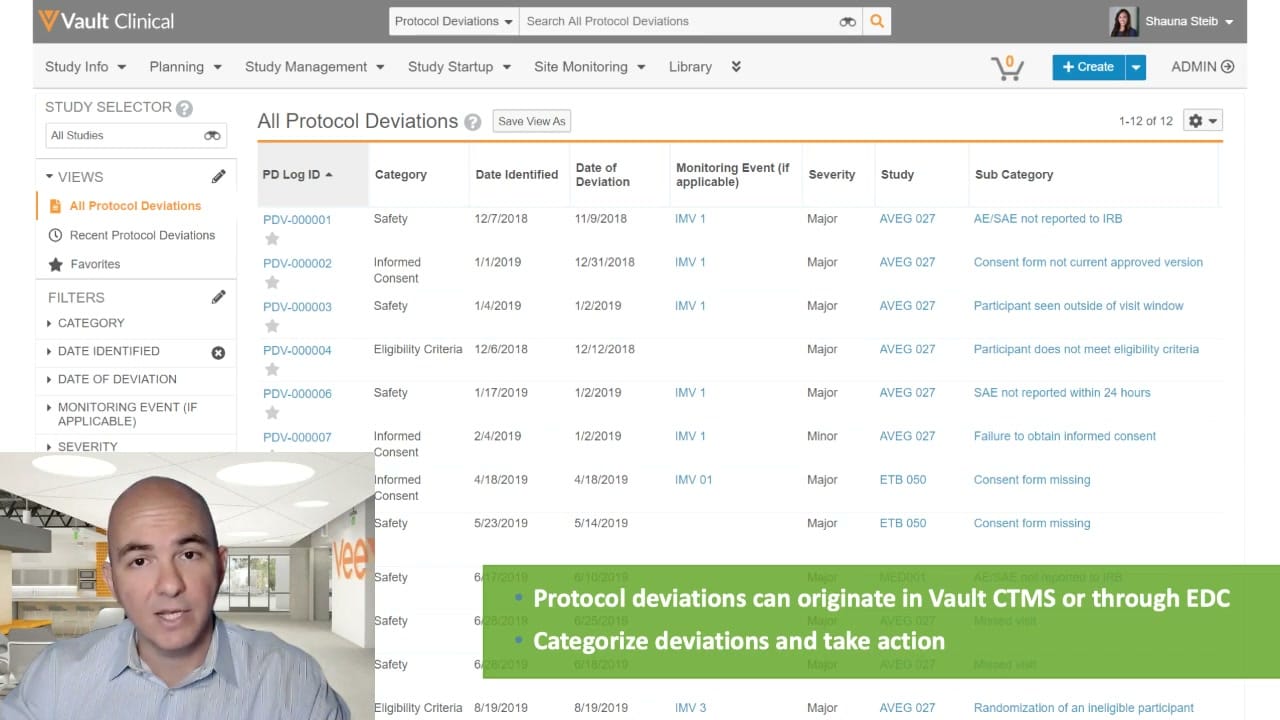
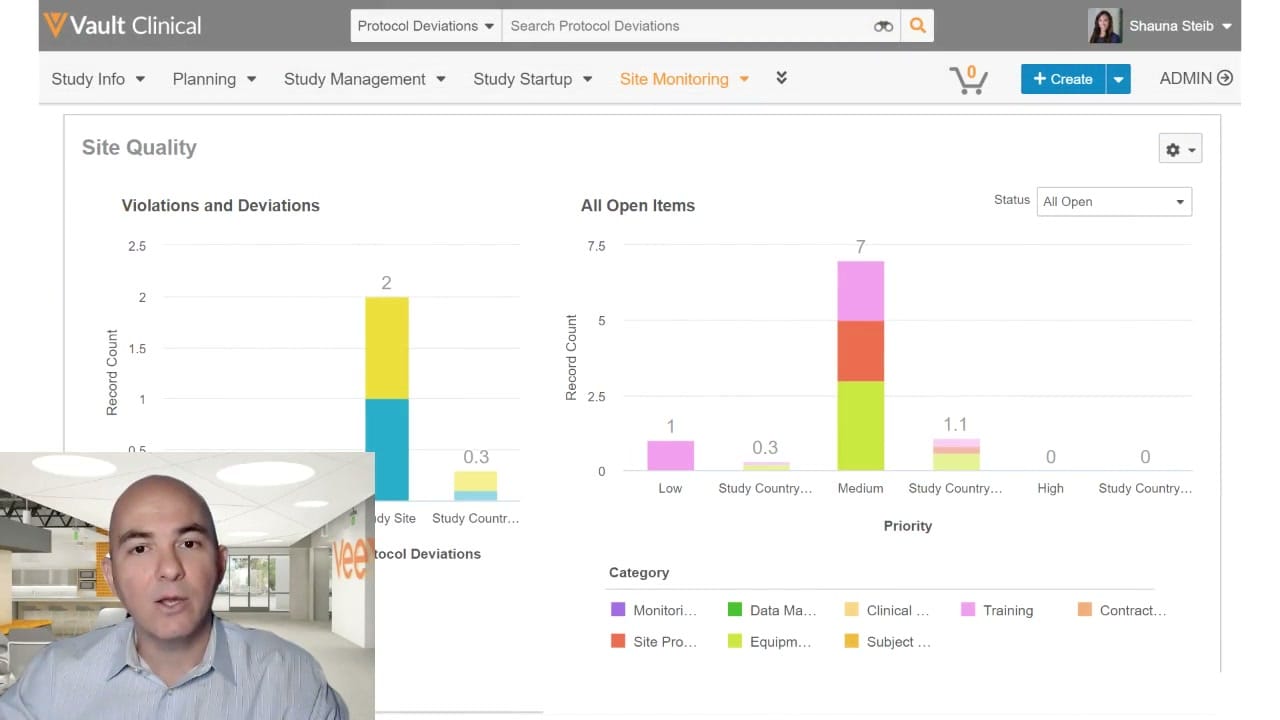
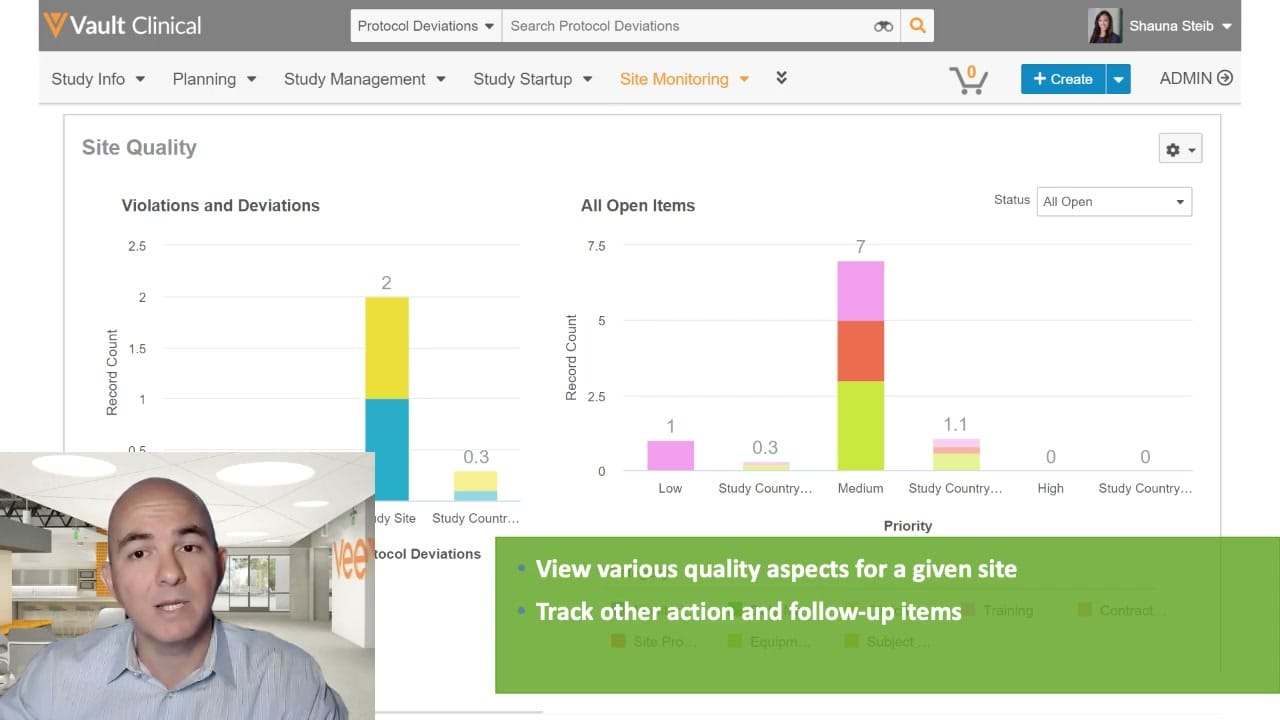
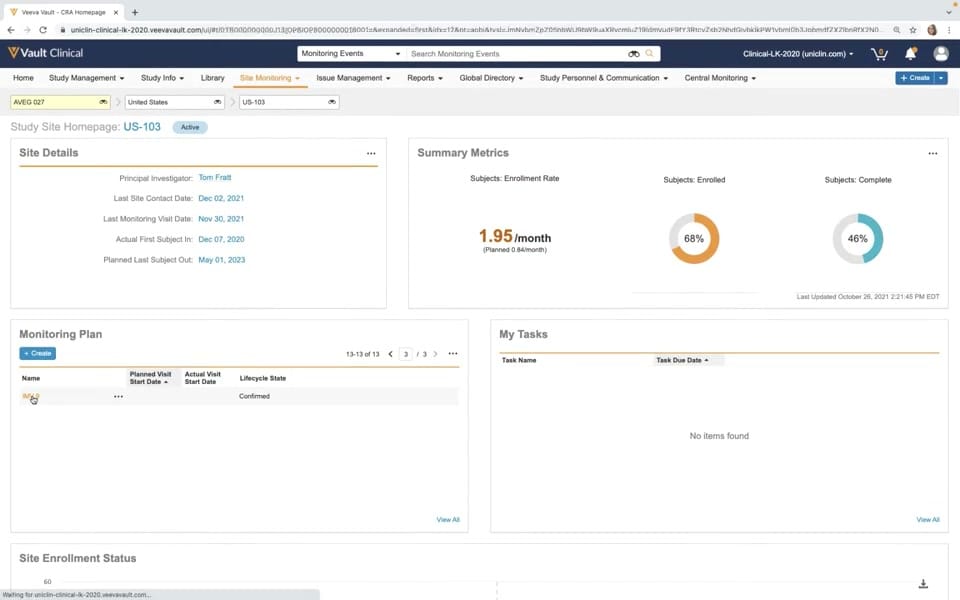
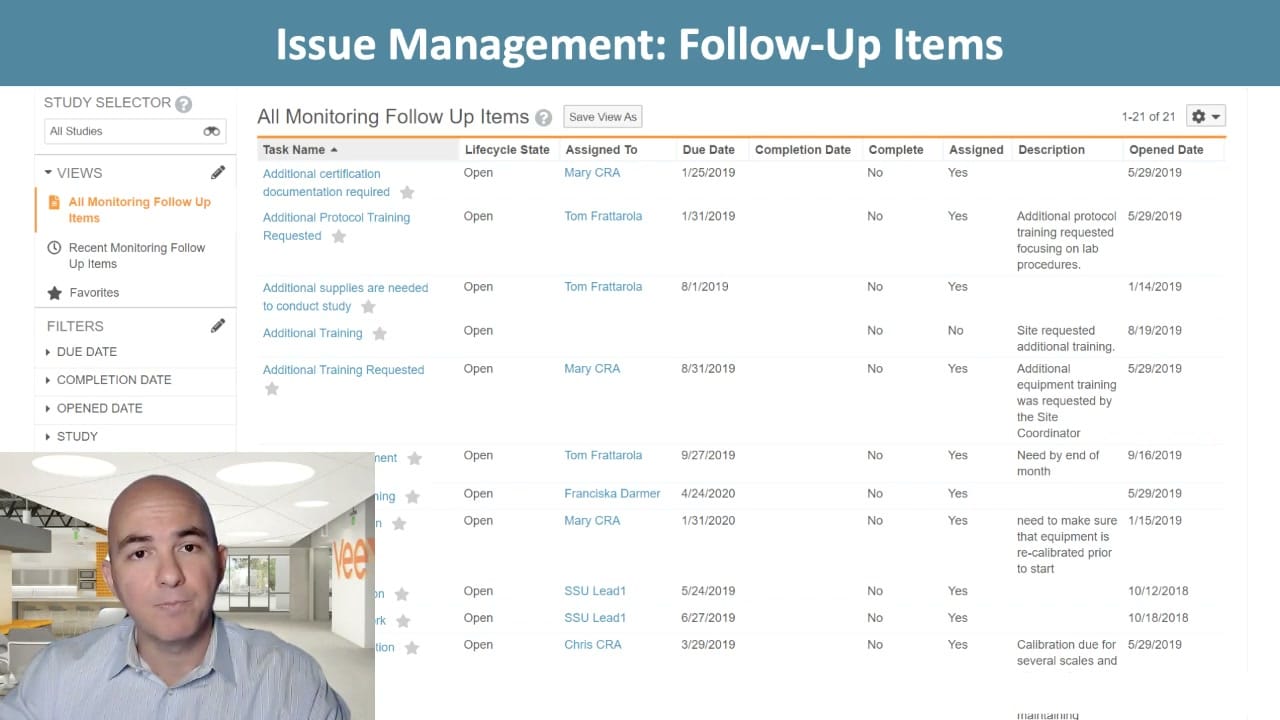
This interface displays the "All Monitoring Follow Up Items" view within Veeva Vault CTMS, a component of clinical trial management. The screen provides clinical operations teams with a centralized list to track, manage, and resolve issues arising during study monitoring. The layout features a left-hand navigation panel containing a study selector, customizable views, and collapsible filter categories such as due date, completion date, opened date, and study. The main workspace is occupied by a structured data table listing individual follow-up tasks. Each entry displays key attributes including task name, lifecycle state, assignee, due date, completion status, and description. This tabular format allows clinical trial managers and monitors to maintain oversight of outstanding action items across multiple sites and studies, supporting the systematic resolution of protocol deviations and operational issues.
Visible interface elements
- Study Selector dropdown menu in the left sidebar, currently set to All Studies.
- Views panel highlighting All Monitoring Follow Up Items in orange text.
- Collapsible filter categories for Due Date, Completion Date, Opened Date, and Study.
- Main data table displaying columns for Task Name, Lifecycle State, Assigned To, Due Date, and Description.
- Hyperlinked task names and assignees, including Mary CRA and Tom Frattarola.
- Save View As button and a configuration gear icon located above the main table.
- Presenter video overlay positioned in the bottom-left corner of the screen.
Interface details
The user interface is structured into two primary functional areas. On the left, the sidebar contains a Study Selector dropdown set to "All Studies" alongside a search icon. Below this, the Views section highlights the active selection, "All Monitoring Follow Up Items," in orange text. The Filters section below lists collapsible criteria for narrowing down the task list. The main content area displays the "All Monitoring Follow Up Items" table, which indicates a total count of 21 items. The table header includes a "Save View As" button and a configuration gear icon. The data columns organize task details systematically, showing Task Name, Lifecycle State, Assigned To, Due Date, Completion Date, Complete, Assigned, Description, and Opened Date. Task names and assignees, such as "Mary CRA" and "Tom Frattarola," are styled as blue hyperlinks, suggesting interactive navigation to detailed records. The "Lifecycle State" column shows all visible items as "Open," while the "Complete" column indicates "No" for these pending tasks. A presenter video overlay is visible in the bottom-left corner, partially obscuring the lower portion of the sidebar and the table rows.
Workflow context
Within the context of clinical trial management, tracking follow-up items is critical for maintaining study compliance and data integrity. During or after monitoring visits, clinical research associates (CRAs) and study managers identify issues, protocol deviations, or resource needs that require action. This interface serves as the central repository for these action items. By utilizing the filters for due dates and opened dates, coordinators can prioritize urgent tasks, such as outstanding protocol training or pending certification documentation. The workflow involves assigning tasks to specific team members, setting deadlines, and documenting descriptions of the required actions. As tasks are addressed, users update their lifecycle states and completion dates, transitioning items from open to complete. This structured tracking ensures that all site-level issues are documented, assigned, and resolved systematically, which supports overall study oversight and regulatory readiness.
Source, version, and interpretation limits
The screenshot is sourced from an official Veeva hosted demo titled "Study Oversight: Track, Manage, and Resolve Issues," dating from approximately 2020. Because this is a static image from a historical demonstration, it may not reflect the latest user interface designs, features, or navigation patterns of current Veeva Vault CTMS releases. Additionally, a presenter video overlay is present in the lower-left quadrant, which partially blocks the view of several table rows and sidebar elements. The data shown, including names, dates, and task descriptions, represents synthetic demonstration data configured for this specific presentation and does not represent real-world clinical trial records or standard default configurations.
Authoritative references
Use these primary sources to confirm current product positioning, terminology, and release-specific behavior.
- Study Oversight: Track, Manage, and Resolve Issues(Official Veeva hosted demo)
- Veeva CTMS product overview(Official Veeva product page)
- Veeva CTMS trial-management overview(Official Veeva resource)