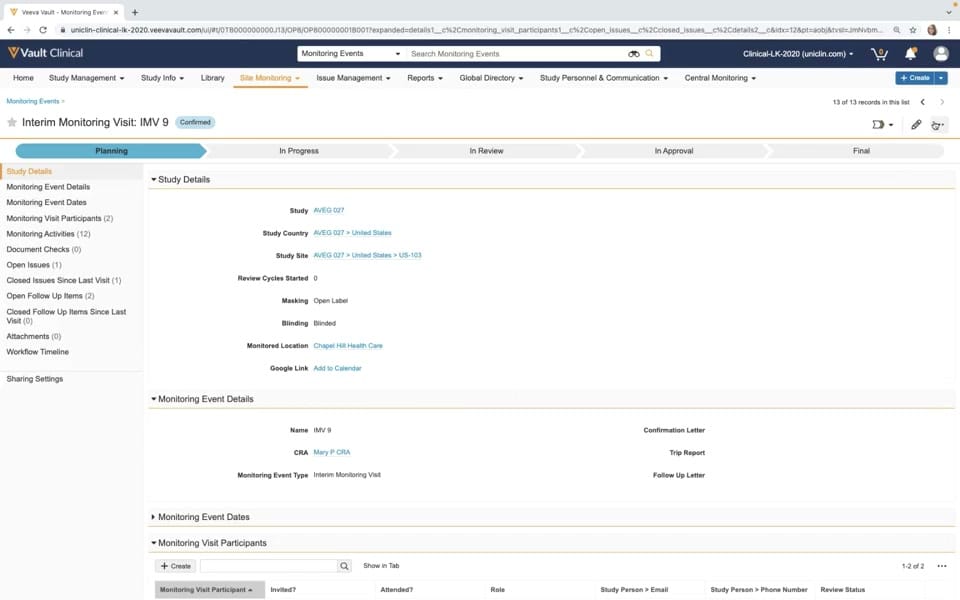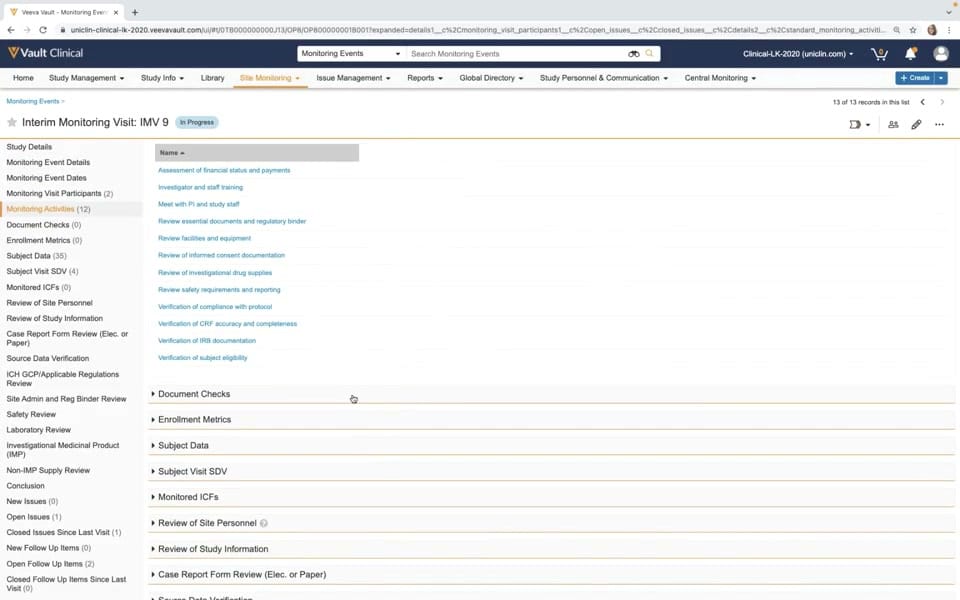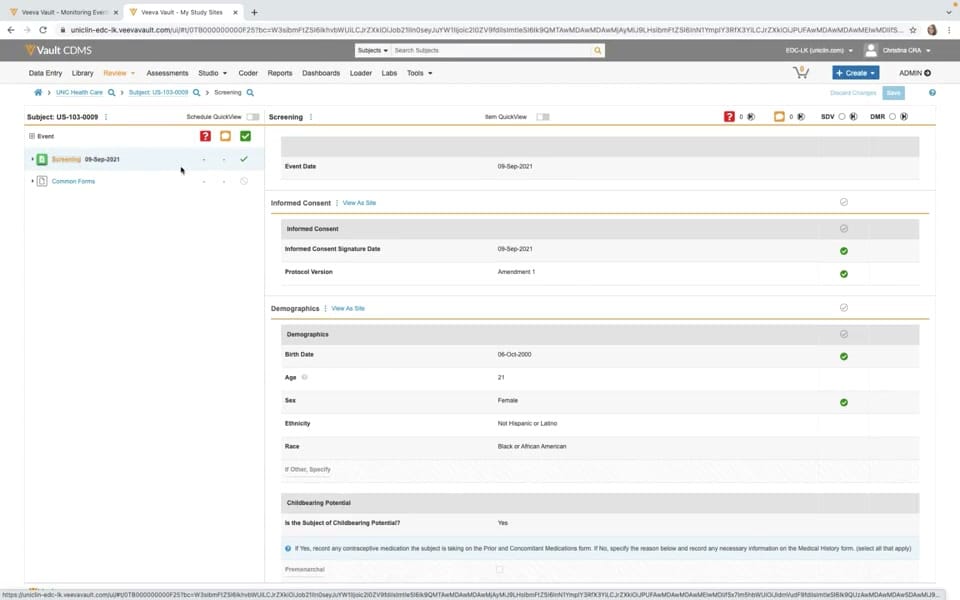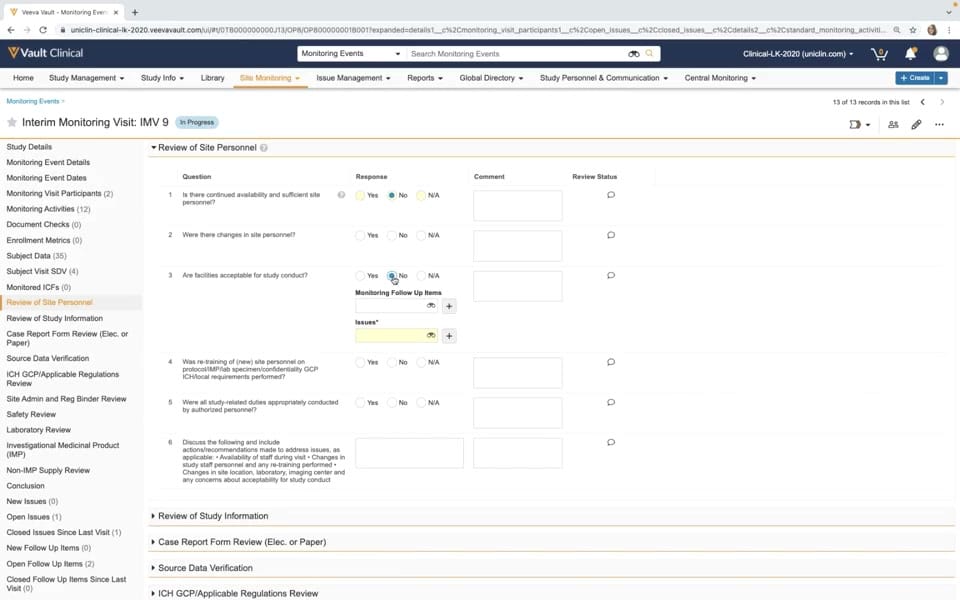
What this CTMS screenshot shows
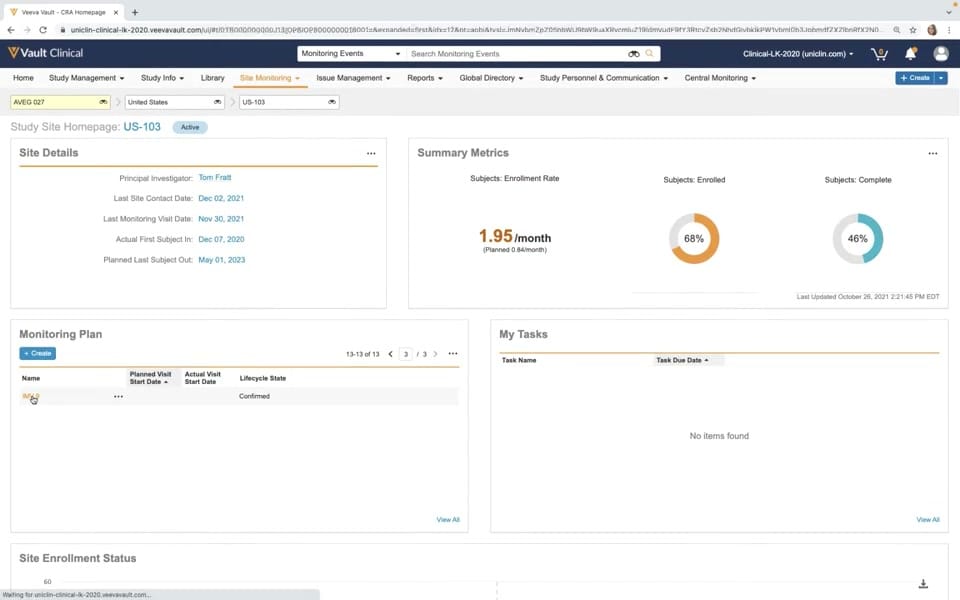
This reference screenshot displays the Study Site Homepage for site US-103 within Veeva Vault Clinical, specifically configured for Clinical Research Associate (CRA) monitoring workflows. The interface organizes key site-level metrics, administrative details, and monitoring plans into a single, structured dashboard. At the top, dropdown selectors allow the user to filter by study (AVEG 027), country (United States), and site (US-103). The main workspace is divided into distinct panels, including Site Details, Summary Metrics, Monitoring Plan, and My Tasks. This layout provides CRAs with a centralized view of site progress, upcoming or completed monitoring visits, and outstanding tasks. The interface utilizes visual indicators, such as donut charts for subject enrollment and completion percentages, alongside tabular lists to present operational data clearly.
Visible interface elements
- Study Site Homepage header for site US-103 with an Active status badge
- Site Details panel displaying the Principal Investigator name and key contact dates
- Summary Metrics panel showing enrollment rate and donut charts for subjects enrolled and complete
- Monitoring Plan table listing visit records like IMV-9 with a Confirmed lifecycle state
- My Tasks panel displaying a "No items found" message
- Top navigation bar with tabs for Site Monitoring, Study Management, and Issue Management
- Dropdown selectors for study AVEG 027, United States, and site US-103
Interface details
The interface features a standard Veeva Vault header with global navigation tabs, including Site Monitoring, Study Management, and Issue Management. Below the header, breadcrumb-style dropdowns facilitate quick navigation across studies, countries, and sites. The Study Site Homepage for US-103 displays an "Active" status badge. The Site Details panel lists key personnel and milestones, such as the Principal Investigator, Tom Pratt, and dates for the last site contact and monitoring visit. Adjacent to this, the Summary Metrics panel presents enrollment data, showing an enrollment rate of 1.95 per month against a planned rate of 0.84 per month, alongside donut charts representing 68 percent enrollment and 46 percent completion. Below these panels, the Monitoring Plan section displays a table listing monitoring visits, such as IMV-9, with its lifecycle state marked as Confirmed. A My Tasks panel is positioned to the right, which currently displays a "No items found" state. Action buttons, such as "+ Create" in the Monitoring Plan panel, allow users to initiate new records directly from this dashboard view.
Workflow context
In clinical operations, a CRA can utilize this homepage to prepare for site visits and track ongoing site performance. The Site Details panel provides immediate access to key historical dates, which can help the CRA determine when the next contact or visit is due. The Summary Metrics panel offers a visual representation of enrollment progress, allowing the user to compare actual enrollment rates against planned targets. This comparison can support decisions regarding site-level recruitment strategies or resource allocation. Additionally, the Monitoring Plan table lists scheduled visits and their current lifecycle states, helping the CRA track the status of monitoring activities. By consolidating tasks, metrics, and visit schedules into a single view, the interface can support efficient site oversight and help clinical operations teams maintain visibility over site-level milestones and compliance activities.
Source, version, and interpretation limits
The screenshot is sourced from an official Veeva hosted demo titled "Monitoring in Veeva CTMS," representing a 2020-era Vault release. Because this is a static image of a demonstration environment, the displayed data, including names, dates, and metrics, is synthetic and intended for illustrative purposes only. The interface layout, available fields, and specific terminology reflect a particular configuration and may differ from active, customer-specific implementations or newer software releases. This static view cannot establish real-time data synchronization, automated calculations, or regulatory compliance status. Users should consult current Veeva documentation for the latest system capabilities and configuration options.
Authoritative references
Use these primary sources to confirm current product positioning, terminology, and release-specific behavior.
- Monitoring in Veeva CTMS(Official Veeva hosted demo)
- Veeva CTMS product overview(Official Veeva product page)
- Veeva CTMS trial-management overview(Official Veeva resource)