What this CTMS screenshot shows
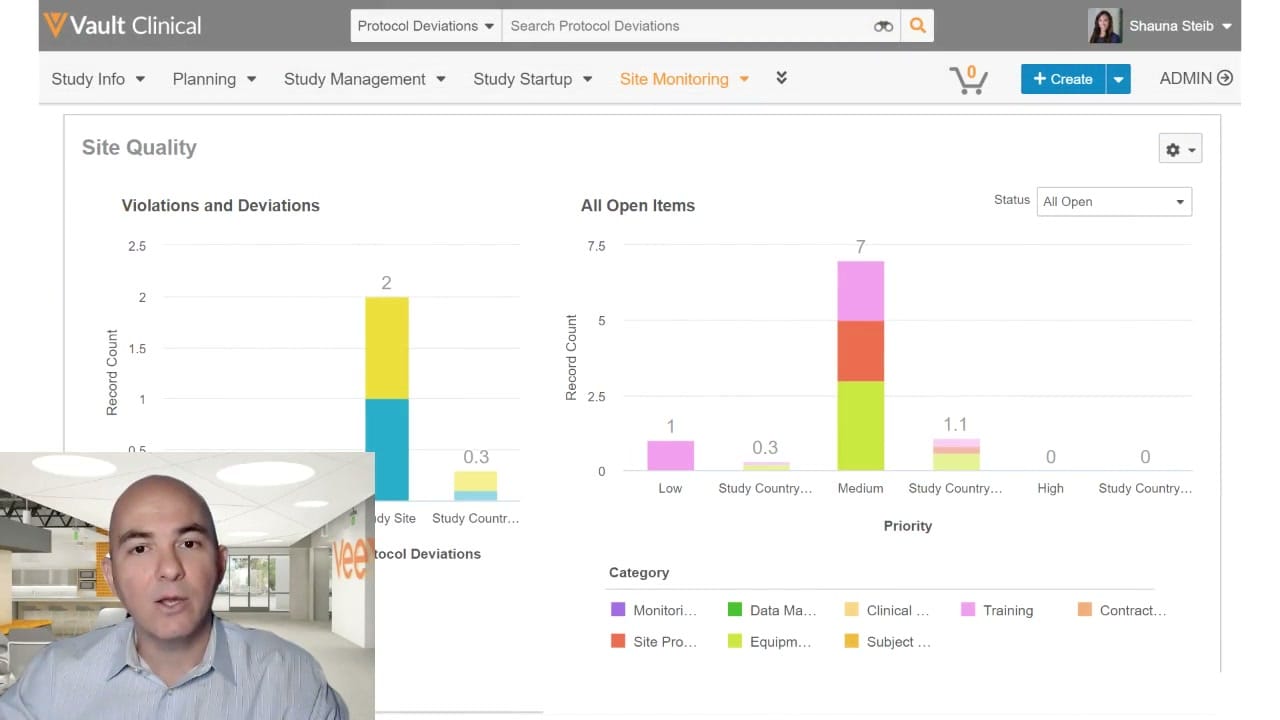
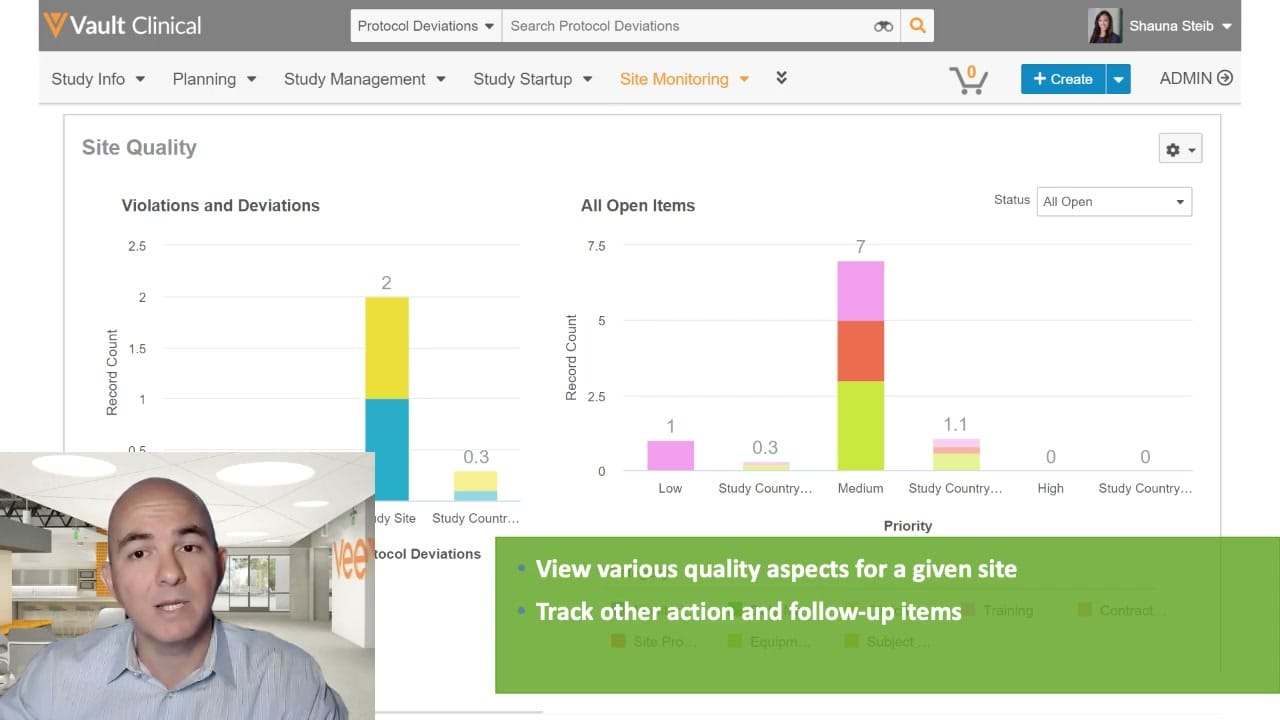
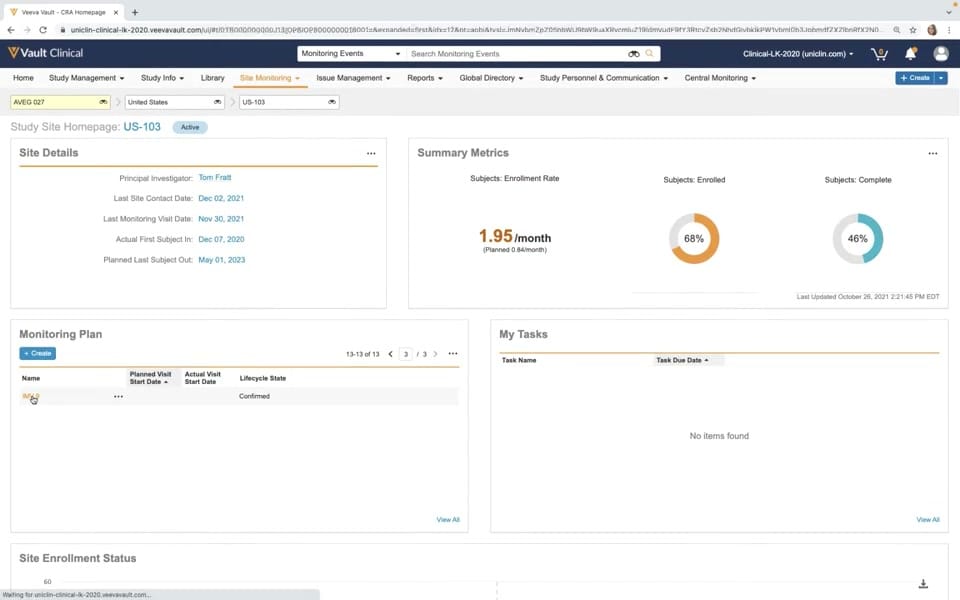
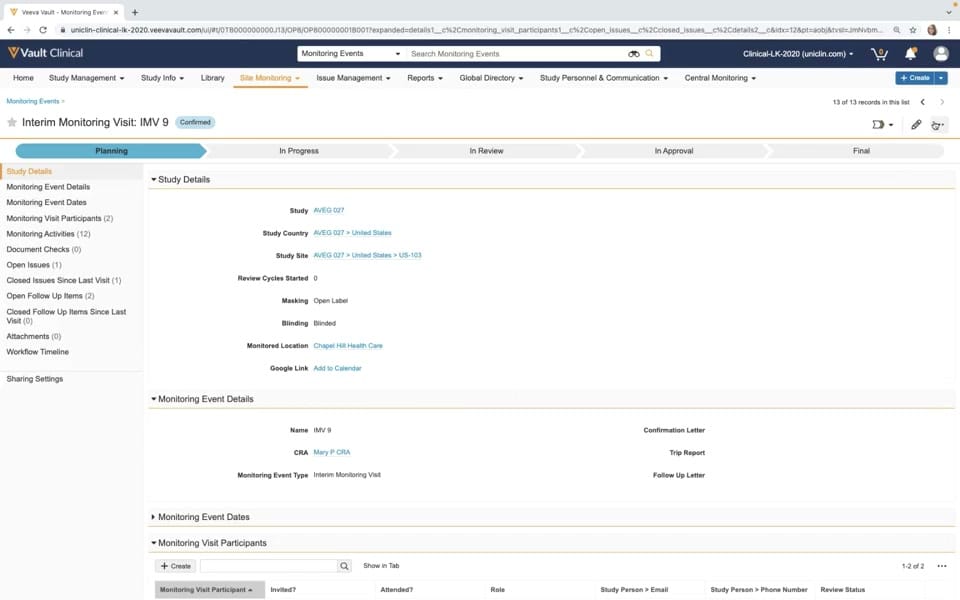
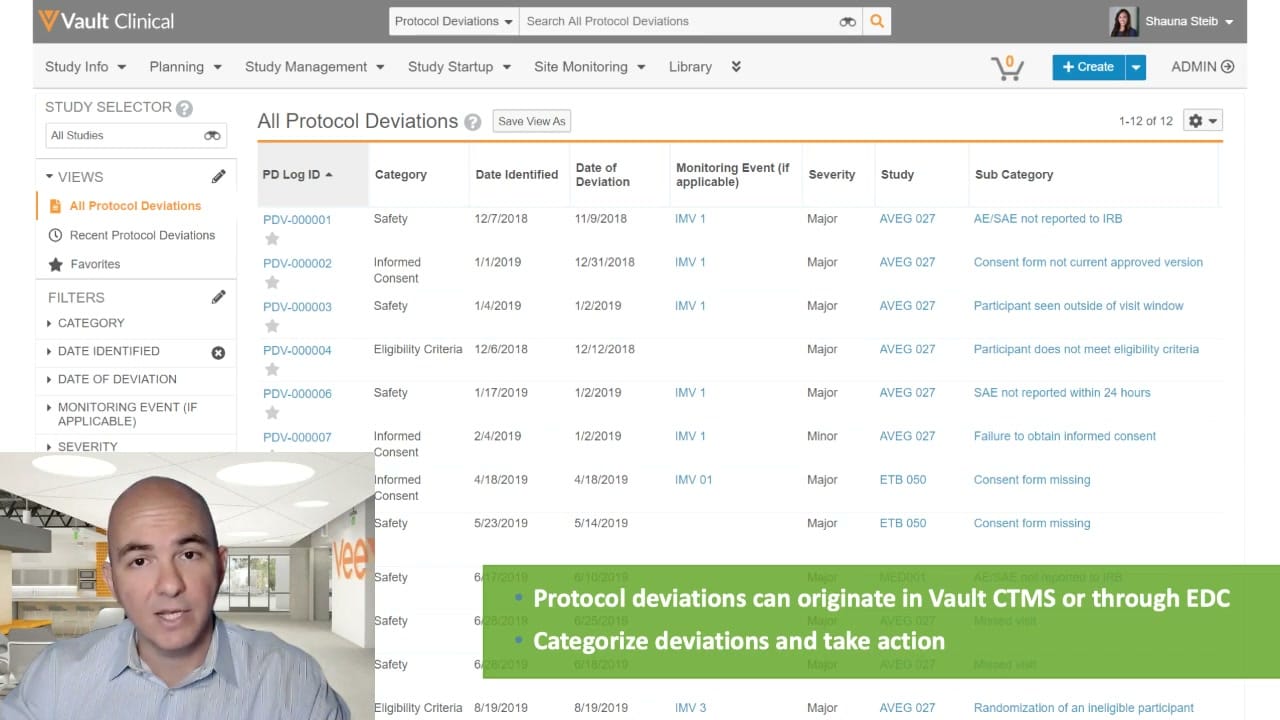
This interface reference displays the Protocol Deviations log within Veeva Vault Clinical, configured for clinical trial management system (CTMS) operations. The screen presents a centralized tabular view titled All Protocol Deviations, which lists individual deviation records alongside key metadata. Users can navigate the system using the primary header tabs, which include Study Info, Planning, Study Management, Study Startup, Site Monitoring, and Library. A left-hand sidebar provides a Study Selector tool, pre-configured views such as Recent Protocol Deviations and Favorites, and collapsible filter categories to refine the displayed records. The main table displays synthetic demonstration data, including unique log identifiers, categories, identification dates, severity levels, and associated study codes. This view supports clinical operations teams in identifying, tracking, and managing protocol deviations across active clinical trials.
Visible interface elements
- Vault Clinical header with navigation tabs including Study Management and Site Monitoring.
- Study Selector dropdown in the left sidebar set to All Studies.
- All Protocol Deviations table displaying twelve synthetic deviation records.
- Table columns for PD Log ID, Category, Date Identified, Date of Deviation, Severity, and Study.
- Left-hand filter panel with collapsible options for Category, Date Identified, and Severity.
- Presenter video overlay in the bottom-left corner of the screen.
- Green text banner at the bottom explaining deviation origins and categorization.
Interface details
The user interface is structured with a global header containing a search bar specifically scoped to Protocol Deviations, a create button, and user profile information. Below the header, the main workspace is split into a left navigation panel and a primary data table. The left panel features a Study Selector dropdown set to All Studies, followed by a Views section and a Filters section. The Filters section allows users to segment data by Category, Date Identified, Date of Deviation, Monitoring Event, and Severity. The central table, displaying twelve records, contains columns for PD Log ID, Category, Date Identified, Date of Deviation, Monitoring Event, Severity, Study, and Sub Category. Each row begins with a clickable log ID link, such as PDV-000001, and a star icon for favoriting. The table columns display attributes like Safety or Informed Consent for categories, and Major or Minor for severity. A presenter video overlay is visible in the lower-left corner, and a green informational banner at the bottom highlights that protocol deviations can originate in Vault CTMS or through EDC.
Workflow context
In the context of clinical trial management, tracking protocol deviations is essential for maintaining study compliance and data integrity. This interface supports the issue triage workflow by allowing clinical monitors and study managers to review deviations logged from various sources. As indicated by the on-screen text, these deviations can originate directly within Vault CTMS or be imported from an Electronic Data Capture (EDC) system. Once logged, clinical operations personnel use this centralized list to categorize each deviation, assess its severity, and associate it with specific monitoring events or studies, such as the synthetic study AVEG 027. This structured tracking enables teams to prioritize major deviations, such as unreported adverse events or consent form issues, and take appropriate corrective and preventive actions. The interface provides the visibility needed to monitor compliance trends across multiple sites and studies.
Source, version, and interpretation limits
The screenshot is sourced from an official Veeva hosted demo titled Study Oversight: Track, Manage, and Resolve Issues, dating from approximately 2020. Because this is a frame from a video demonstration, it contains a presenter video overlay in the bottom-left corner and a green text callout at the bottom, which partially obscures the underlying interface. The data shown, including study names like AVEG 027 and specific deviation logs, represents synthetic demonstration data. Actual user interfaces, available fields, and navigation options may vary depending on the specific Vault release, customer configurations, and active user permissions within an organization's clinical trial management environment.
Authoritative references
Use these primary sources to confirm current product positioning, terminology, and release-specific behavior.
- Study Oversight: Track, Manage, and Resolve Issues(Official Veeva hosted demo)
- Veeva CTMS product overview(Official Veeva product page)
- Veeva CTMS trial-management overview(Official Veeva resource)