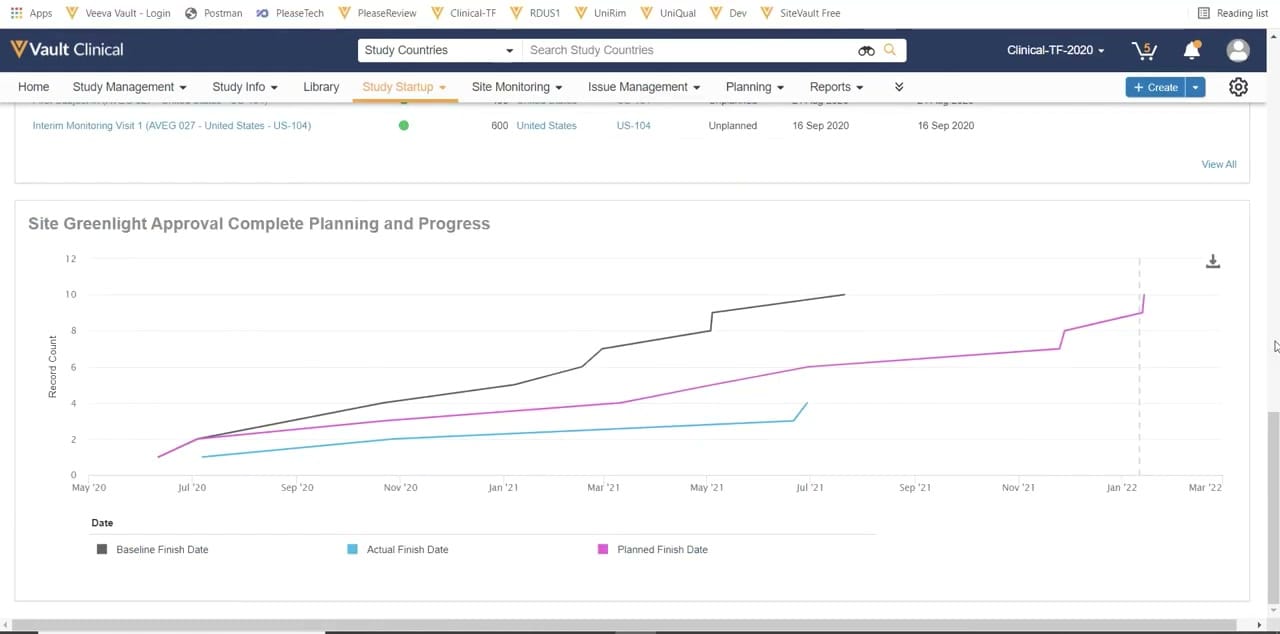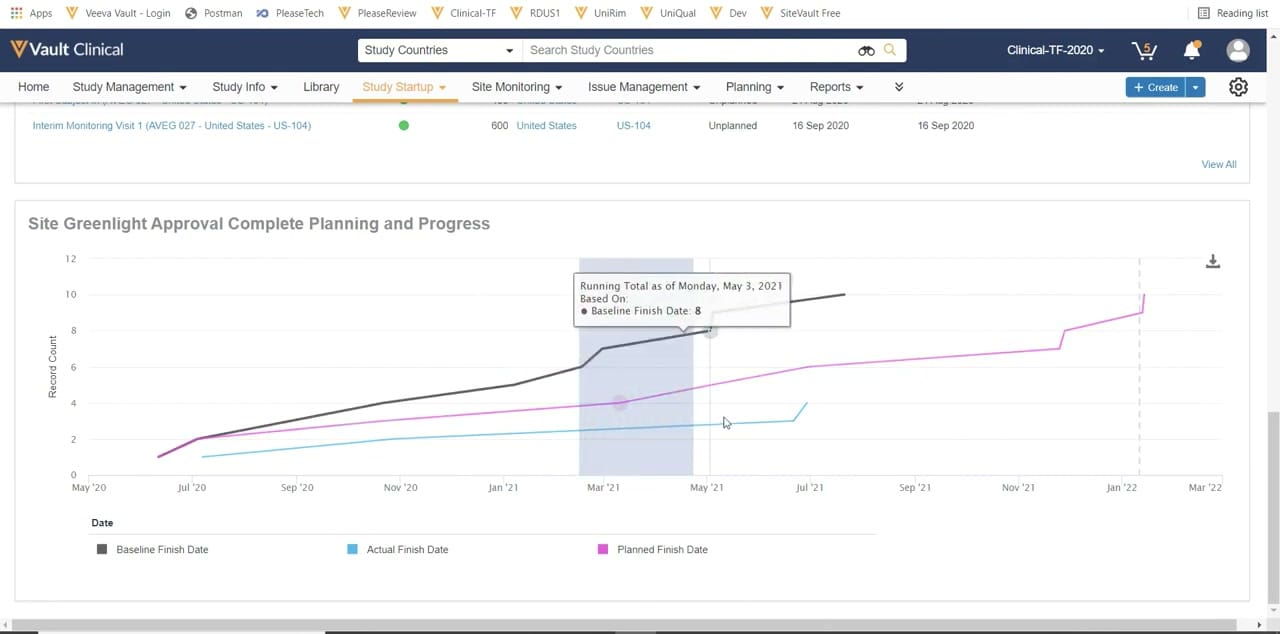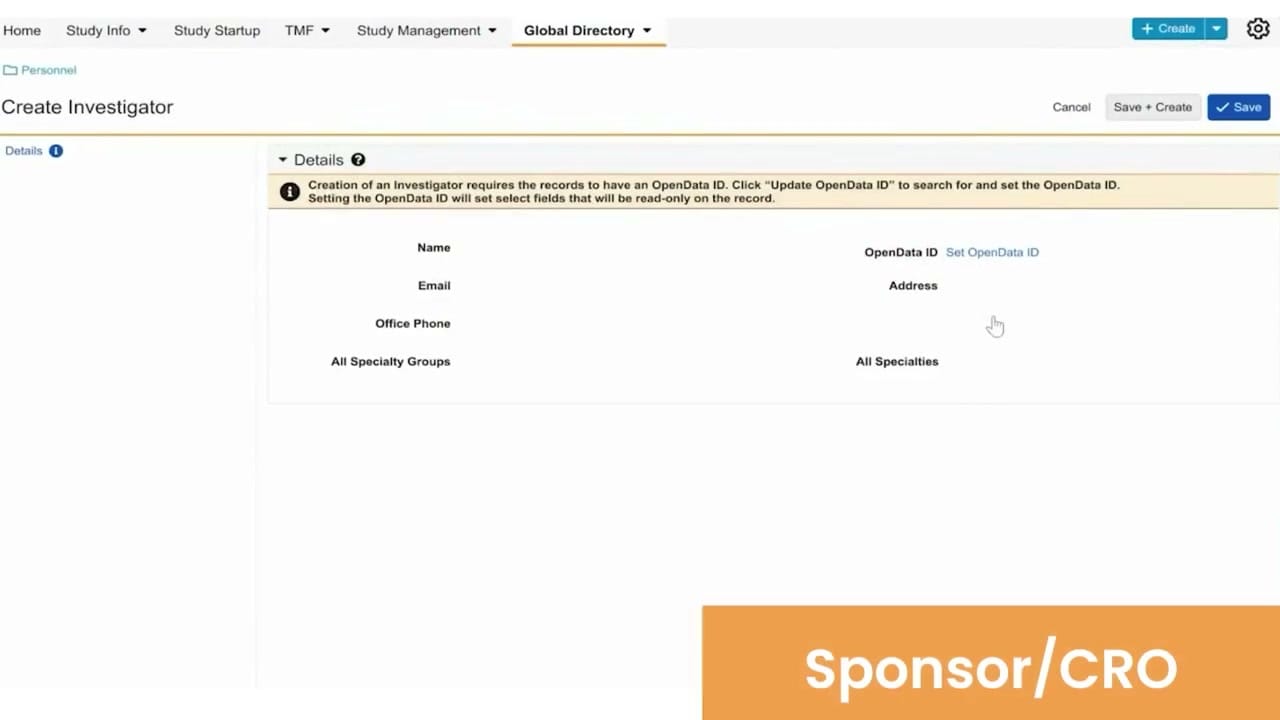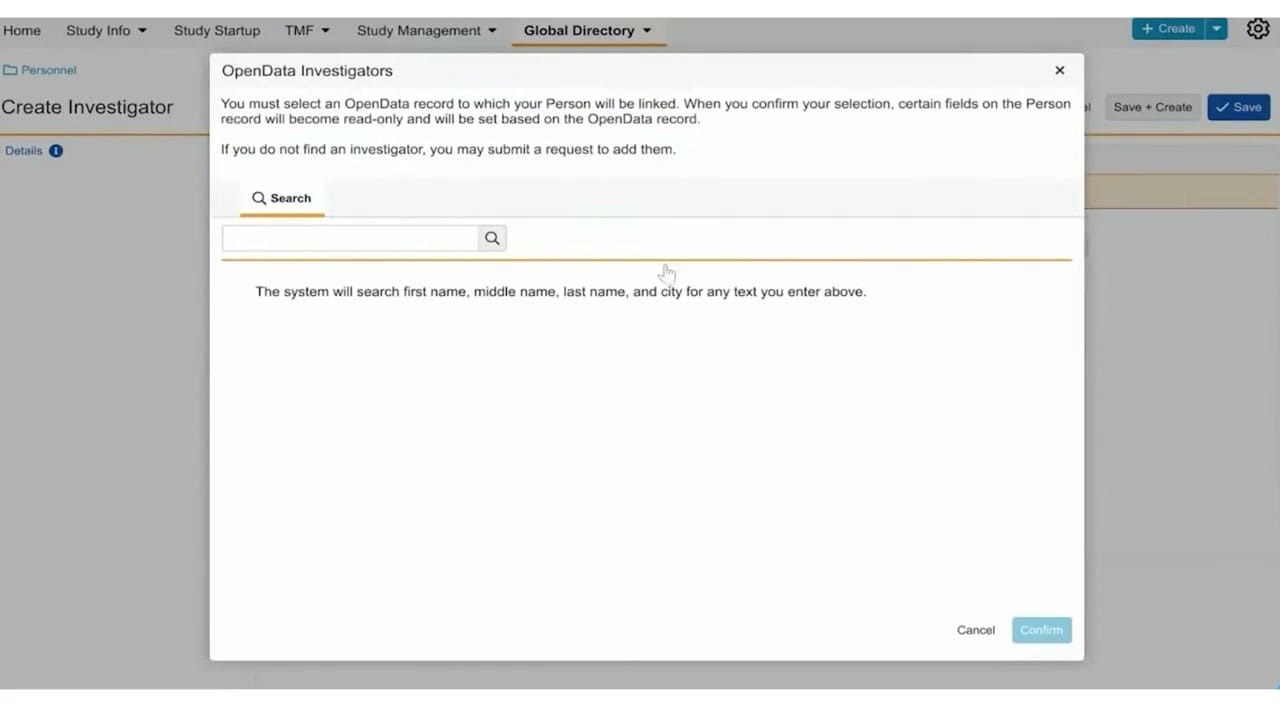
What this Study Startup screenshot shows
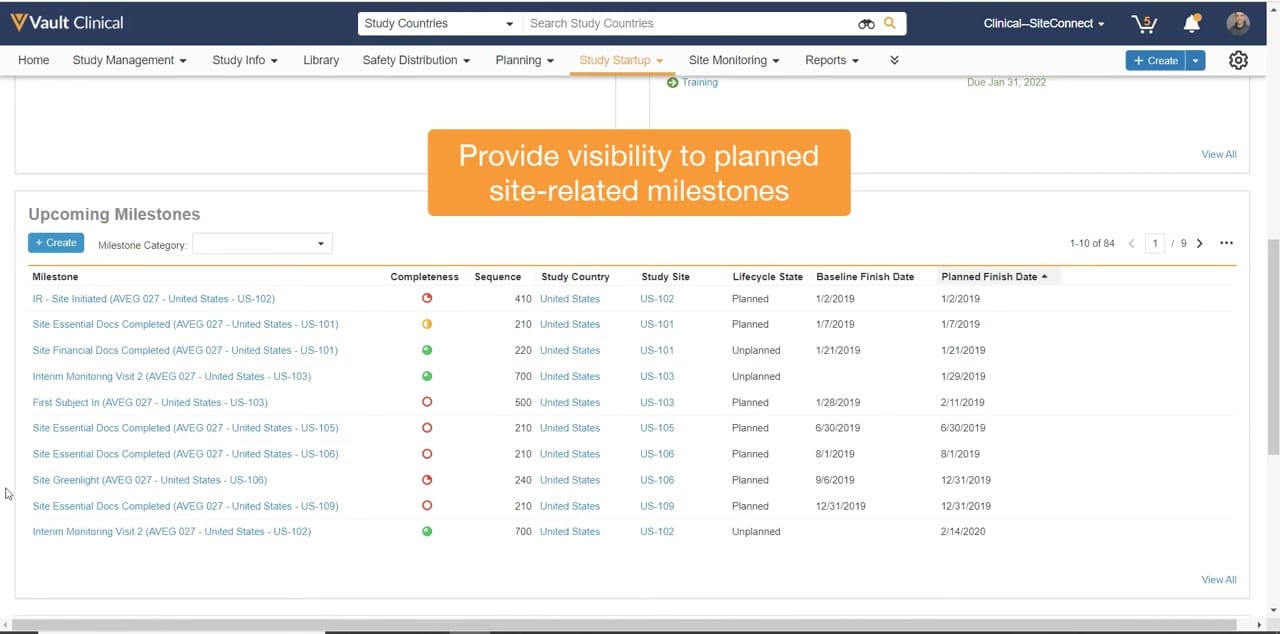
This reference screenshot displays the Upcoming Milestones interface within Veeva Vault Study Startup, a component of the Veeva Vault Clinical suite. The interface presents a structured tabular view designed to track and manage critical trial start-up milestones across various study sites. The main table lists upcoming milestones, such as site initiation, essential document completion, and site greenlight, alongside key metadata including completeness status, sequence numbers, and associated study countries and sites. A prominent orange overlay highlights the primary purpose of this view, which is to provide visibility into planned site-related milestones. Navigation elements, search bars, and filtering options are visible at the top of the screen, allowing users to locate specific study countries or access other clinical modules like planning and site monitoring.
Visible interface elements
- Upcoming Milestones table displaying site-related events and dates.
- Completeness column featuring color-coded circular progress indicators.
- Top navigation bar with tabs including Study Startup, Planning, and Site Monitoring.
- Search bar configured for "Study Countries" at the top of the interface.
- Pagination controls indicating "1-10 of 84" records with page navigation.
- "+ Create" button and "Milestone Category" dropdown filter above the table.
- Orange overlay text stating "Provide visibility to planned site-related milestones."
Interface details
The user interface features a clean, tabular layout under the heading Upcoming Milestones. A "+ Create" button and a "Milestone Category" dropdown filter are positioned directly below the heading, enabling users to add new milestones or filter the list. The table itself contains eight columns: Milestone, Completeness, Sequence, Study Country, Study Site, Lifecycle State, Baseline Finish Date, and Planned Finish Date. The Completeness column utilizes color-coded circular icons, such as green filled circles, yellow half-filled circles, and red outlined circles, to visually represent the progress of each milestone. The Milestone column lists specific events, such as "Site Essential Docs Completed" and "Site Greenlight," appended with study and site identifiers. The Lifecycle State column indicates whether a milestone is "Planned" or "Unplanned." Pagination controls on the top right show "1-10 of 84" records across nine pages, with arrow buttons and a "View All" link for broader navigation. The top navigation bar includes tabs for Home, Study Management, Study Info, Library, Safety Distribution, Planning, Study Startup, Site Monitoring, and Reports.
Workflow context
In clinical operations, tracking milestones is essential for maintaining study timelines and ensuring site readiness. This interface can support clinical trial managers in monitoring the progress of site activation activities, such as essential document collection and site greenlight approvals. By reviewing the Baseline Finish Date alongside the Planned Finish Date, users could identify potential schedule slippages or track deviations from the original plan. The completeness indicators could help coordinators quickly assess which sites require immediate attention or follow-up. Additionally, the ability to filter by milestone category or search by study country can streamline daily workflows, allowing teams to focus on specific regions or critical-path tasks. This structured visibility into planned site-related milestones can assist in coordinating activities across multiple global sites, ultimately supporting more predictable study startup timelines.
Source, version, and interpretation limits
The screenshot is sourced from an official Veeva YouTube demo published in February 2022, representing the Veeva Vault Study Startup interface. As a static image, it does not demonstrate real-time data updates, automated workflows, or active system integrations. The visible dates, study names, site codes, and milestone counts represent synthetic demonstration data and do not reflect actual clinical trial progress or regulatory compliance status. Actual user interfaces, available fields, and specific configurations may vary depending on the software release version and individual customer configurations. This reference is intended solely for educational and illustrative purposes regarding standard interface layouts.
Authoritative references
Use these primary sources to confirm current product positioning, terminology, and release-specific behavior.
- Veeva Vault Study Startup Homepage(Official Veeva YouTube demo)
- Veeva Study Startup product overview(Official Veeva product page)
- Veeva Study Startup features(Official Veeva resource)