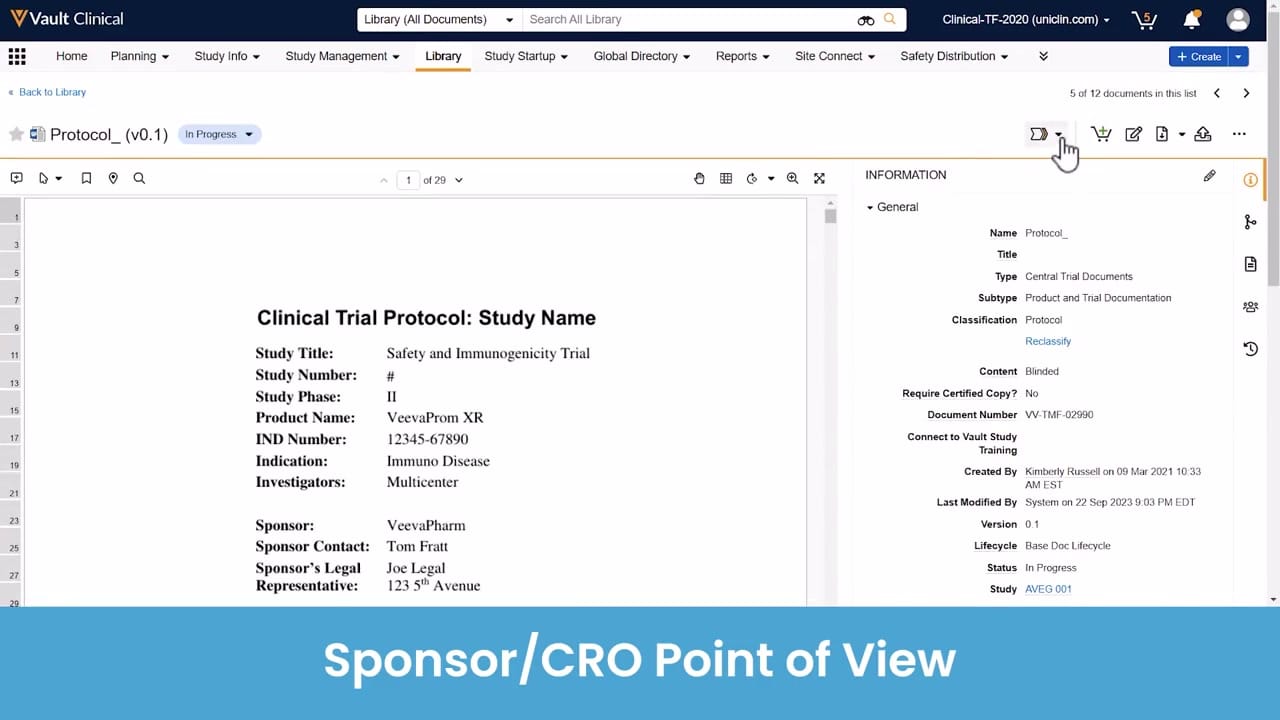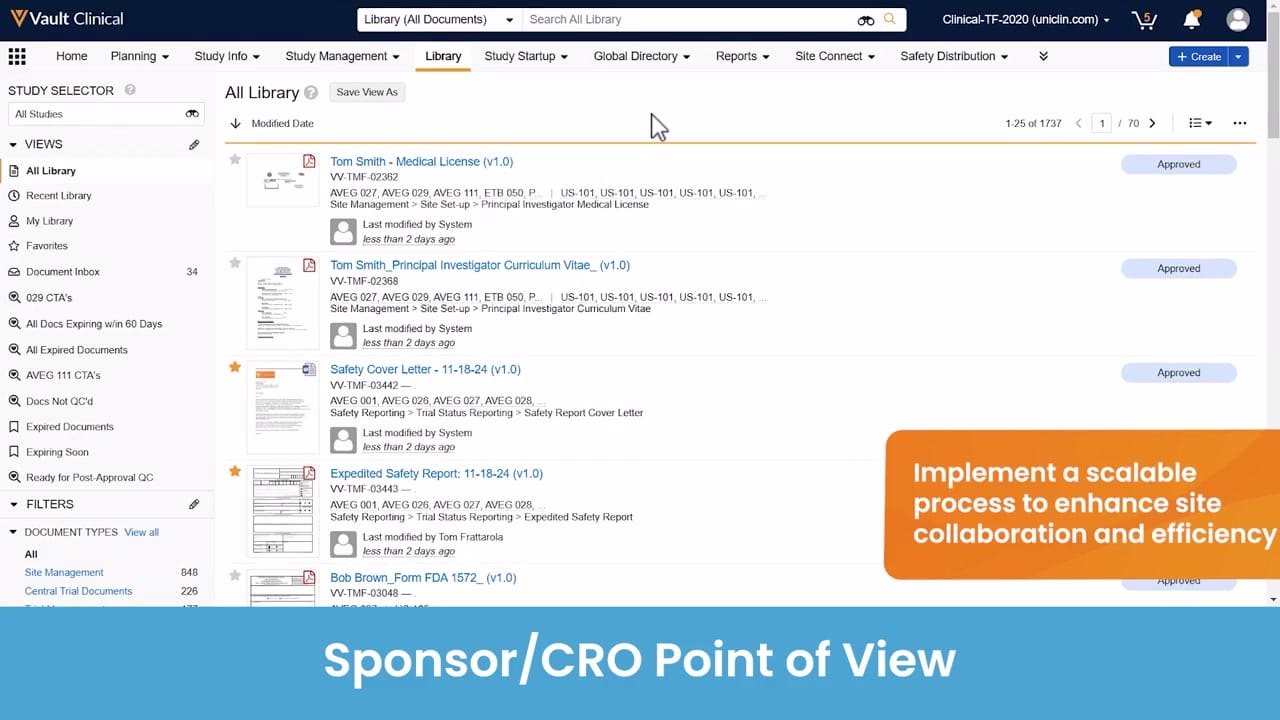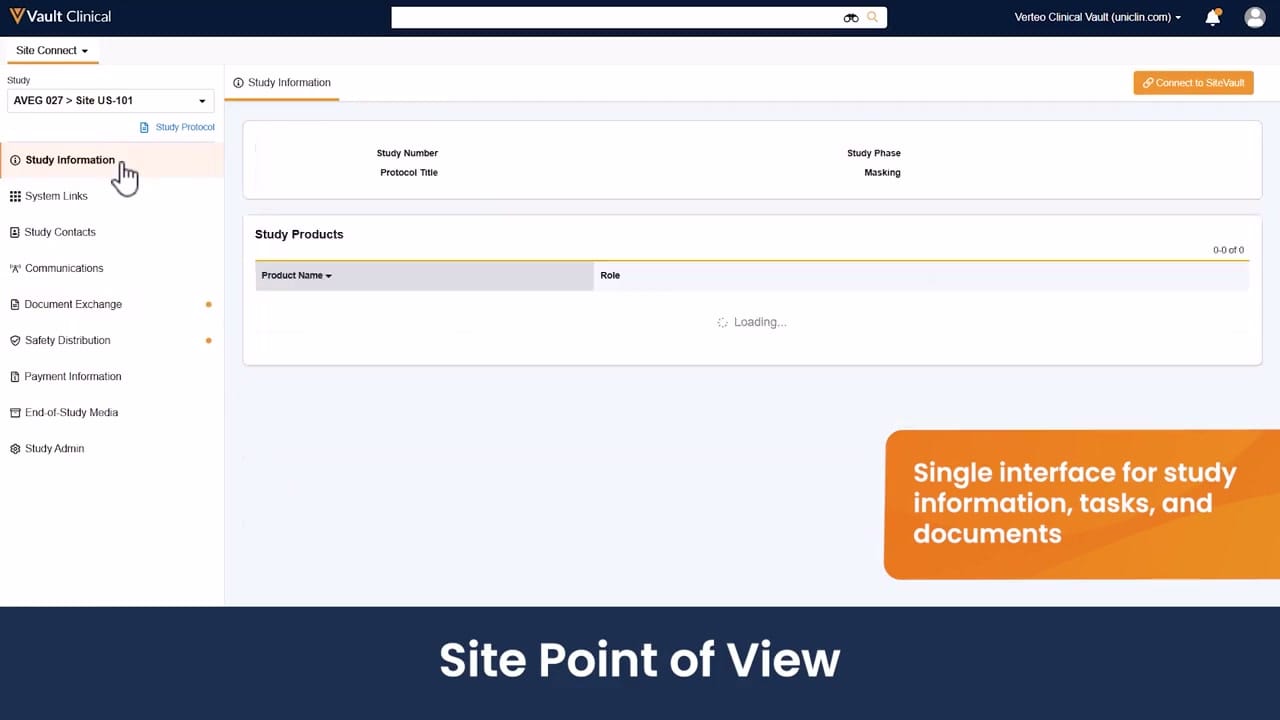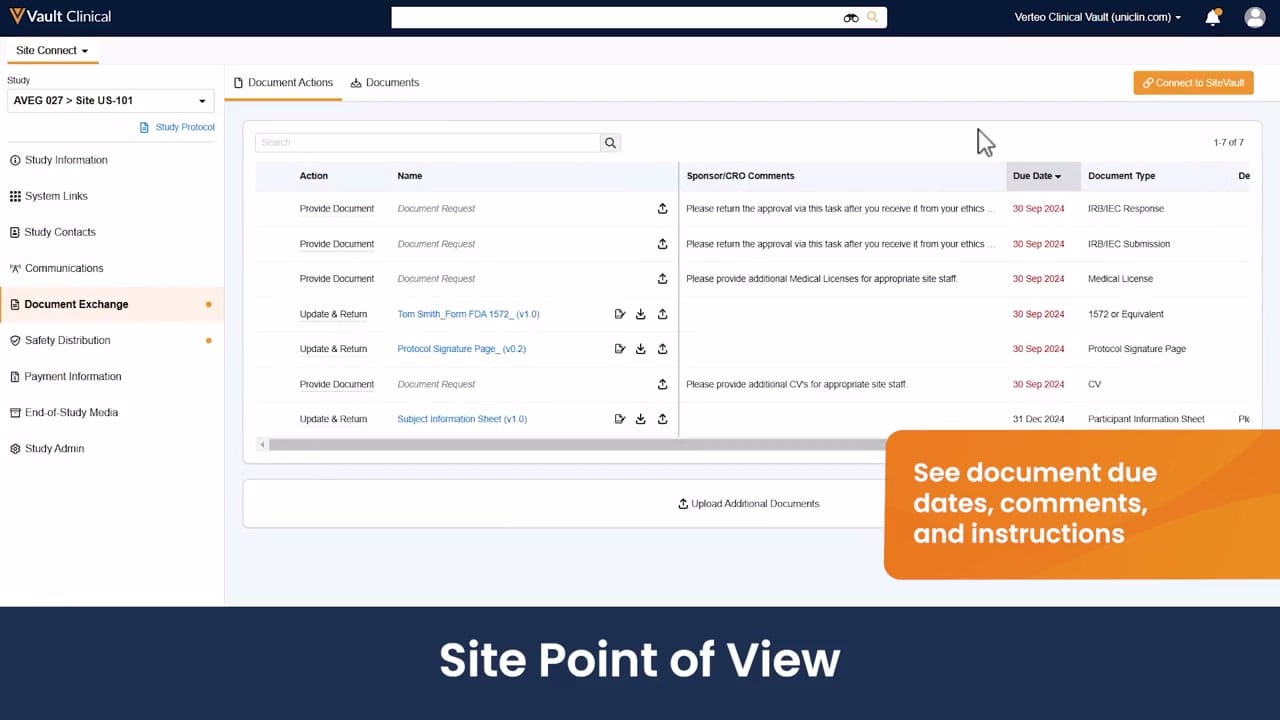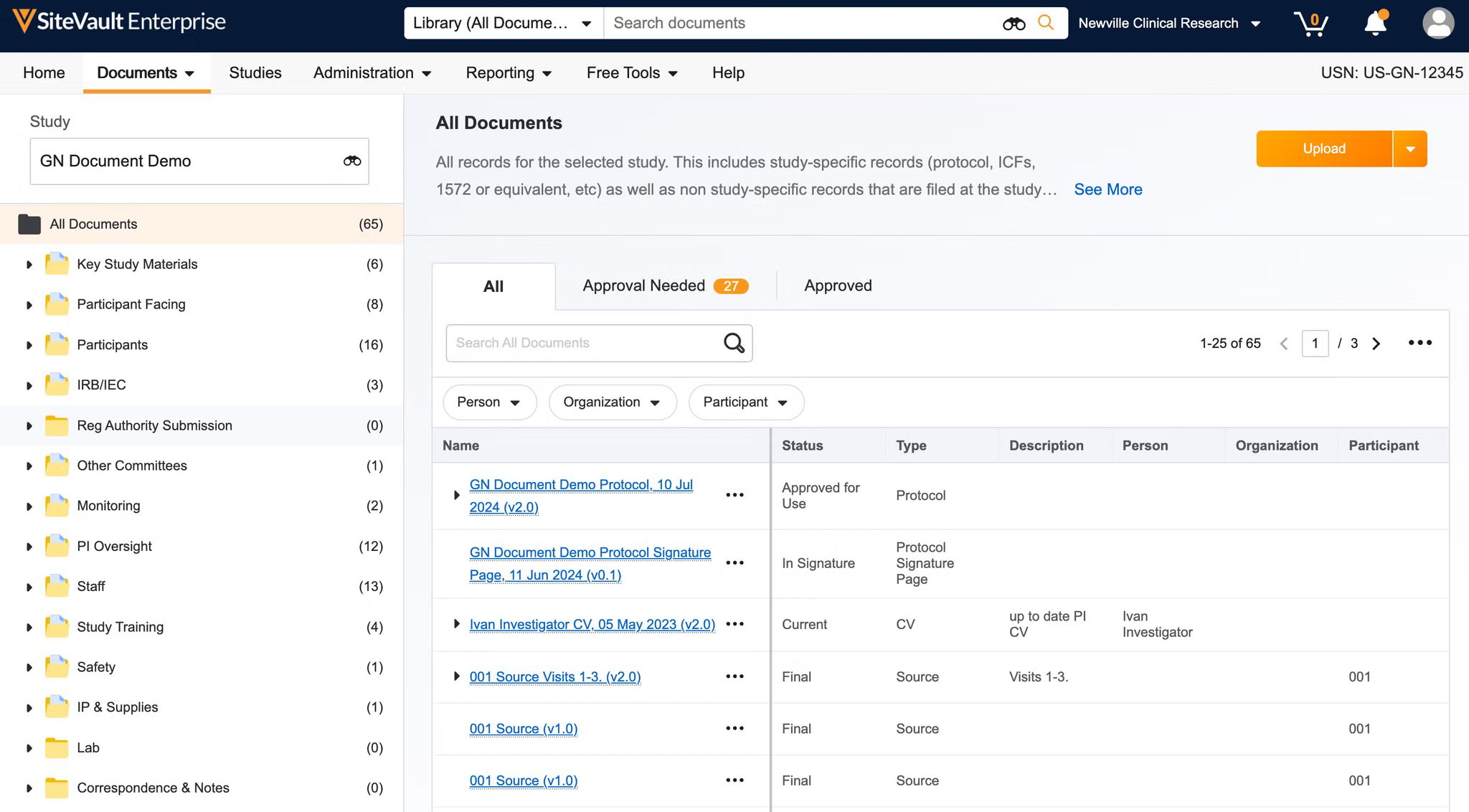
What this Site Connect screenshot shows
This interface reference displays the SiteVault Enterprise document library view, configured for a demonstration study named "GN Document Demo" at the organization "Newville Clinical Research." The screen presents a comprehensive document management layout designed to organize, filter, and track clinical trial documentation. A left-hand navigation panel categorizes documents into folders such as Key Study Materials, Participant Facing, and PI Oversight, each displaying a record count. The main content area features a tabbed document list with options for "All," "Approval Needed," and "Approved" files. Users can view key metadata in a structured table, including document names, version numbers, approval statuses, document types, and associated participants or personnel. An upload button and search filters are positioned to facilitate document ingestion and retrieval within the site's repository.
Visible interface elements
- SiteVault Enterprise header with global search, organization selector, and navigation tabs.
- Left-hand folder directory displaying document categories with record counts, such as PI Oversight and Participant Facing.
- Study selector dropdown displaying the active study as GN Document Demo.
- Tabbed document list views for All, Approval Needed, and Approved documents.
- Document metadata table showing columns for Name, Status, Type, Description, Person, Organization, and Participant.
- Orange Upload button with an adjacent dropdown arrow for document ingestion.
- Filter dropdowns for Person, Organization, and Participant located above the document list.
Interface details
The interface is structured into three primary zones: the top navigation bar, the left-hand folder directory, and the central document table. The top header displays the SiteVault Enterprise branding, a global search bar, the active organization selector, and utility icons. Below this, the main navigation tabs include Home, Documents, Studies, Administration, Reporting, Free Tools, and Help. The left sidebar lists fifteen document categories with numerical indicators showing the volume of files in each folder. In the main panel, the document table is filtered by the "All" tab, showing 25 of 65 total records. The table columns display essential metadata: Name, Status, Type, Description, Person, Organization, and Participant. Specific document entries, such as the "GN Document Demo Protocol" and "Ivan Investigator CV," show version numbers like v2.0 and statuses such as "Approved for Use," "In Signature," "Current," and "Final." Actionable elements include an orange "Upload" button with a dropdown menu, a search field within the table, and filter dropdowns for Person, Organization, and Participant.
Workflow context
In clinical operations, managing the high volume of regulatory and operational documents is critical for maintaining study compliance and readiness. This document library interface can support site coordinators and investigators by providing a centralized repository to track the lifecycle of essential trial documents. For example, the "Approval Needed" tab, which displays a count of 27, could help users quickly identify outstanding tasks requiring signature or review. The folder structure allows clinical staff to organize documents by category, such as IRB/IEC submissions or study training records. This categorization can assist in preparing for monitoring visits or audits. Additionally, the ability to filter by participant or personnel can help team members locate specific records, such as investigator CVs or source documents, thereby supporting efficient site administration and collaboration during trial execution.
Source, version, and interpretation limits
The description is based on a static screenshot from the IntuitionLabs public Veeva screenshot catalog, representing the SiteVault Enterprise document library interface. Because this is a static image, it cannot verify real-time data synchronization, automated workflows, or active integration with sponsor eTMF systems. The visible data, including the study name "GN Document Demo," the organization "Newville Clinical Research," and individual document records, is synthetic demonstration data. Actual user interfaces, available features, and folder structures may vary depending on the specific Vault release, user permissions, and individual site or sponsor configurations.
Authoritative references
Use these primary sources to confirm current product positioning, terminology, and release-specific behavior.
- IntuitionLabs public Veeva screenshot catalog(Public screenshot catalog)
- Veeva Site Connect product overview(Official Veeva product page)
- Veeva Site Connect features brief(Official Veeva resource)