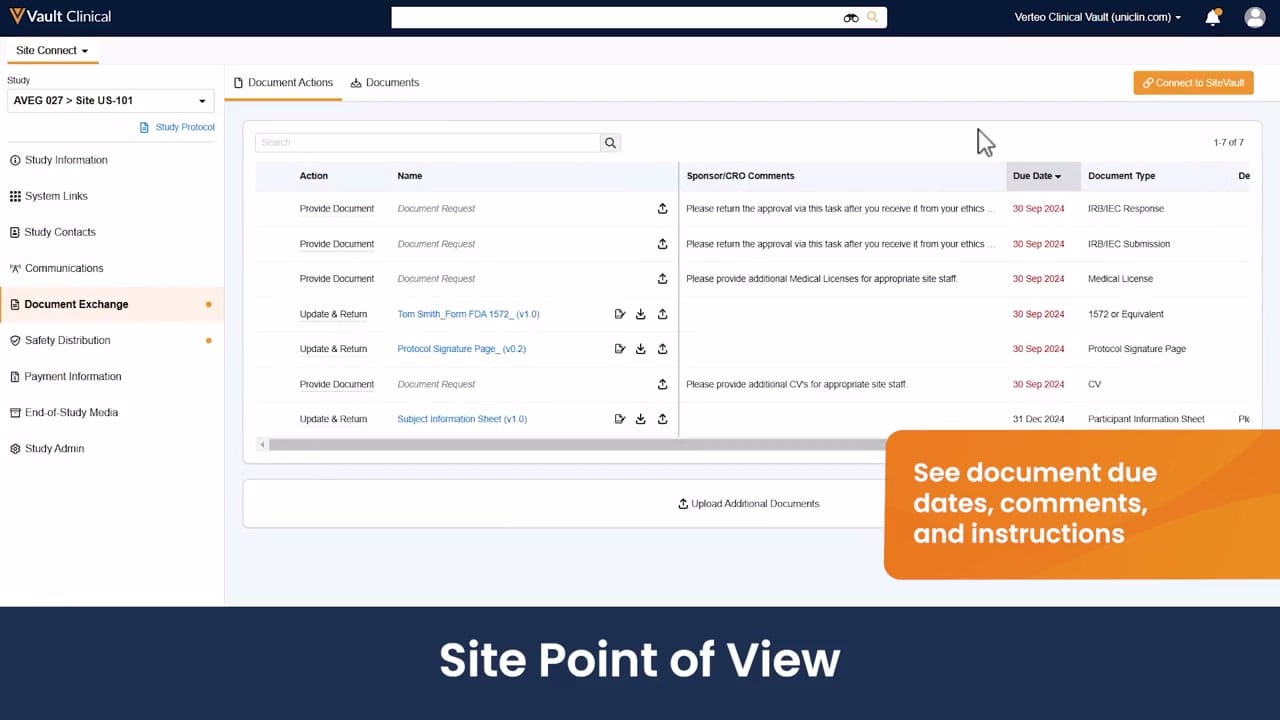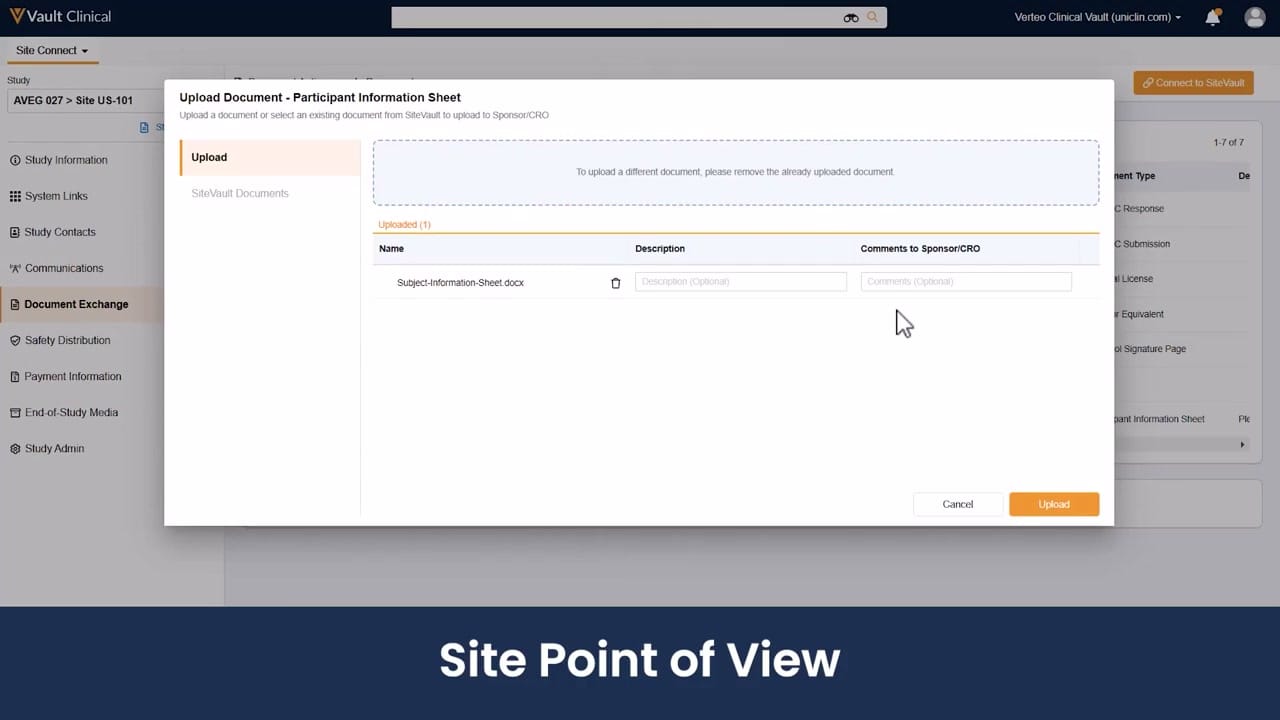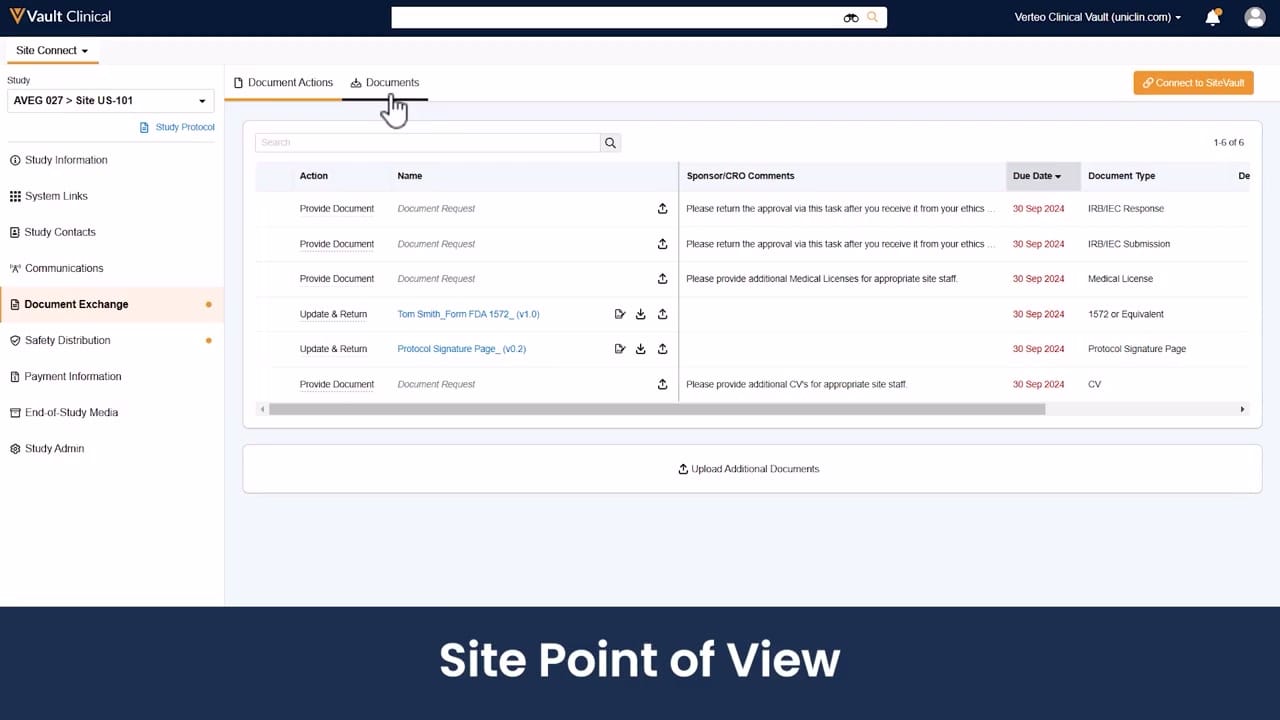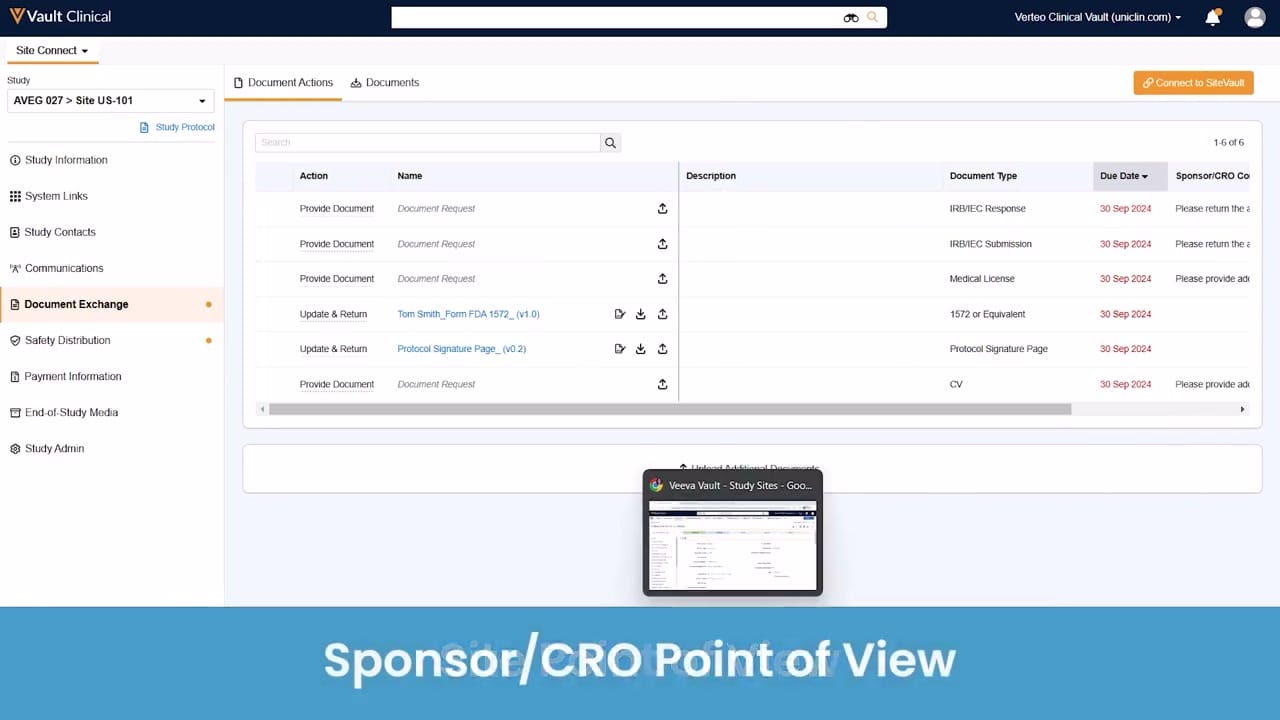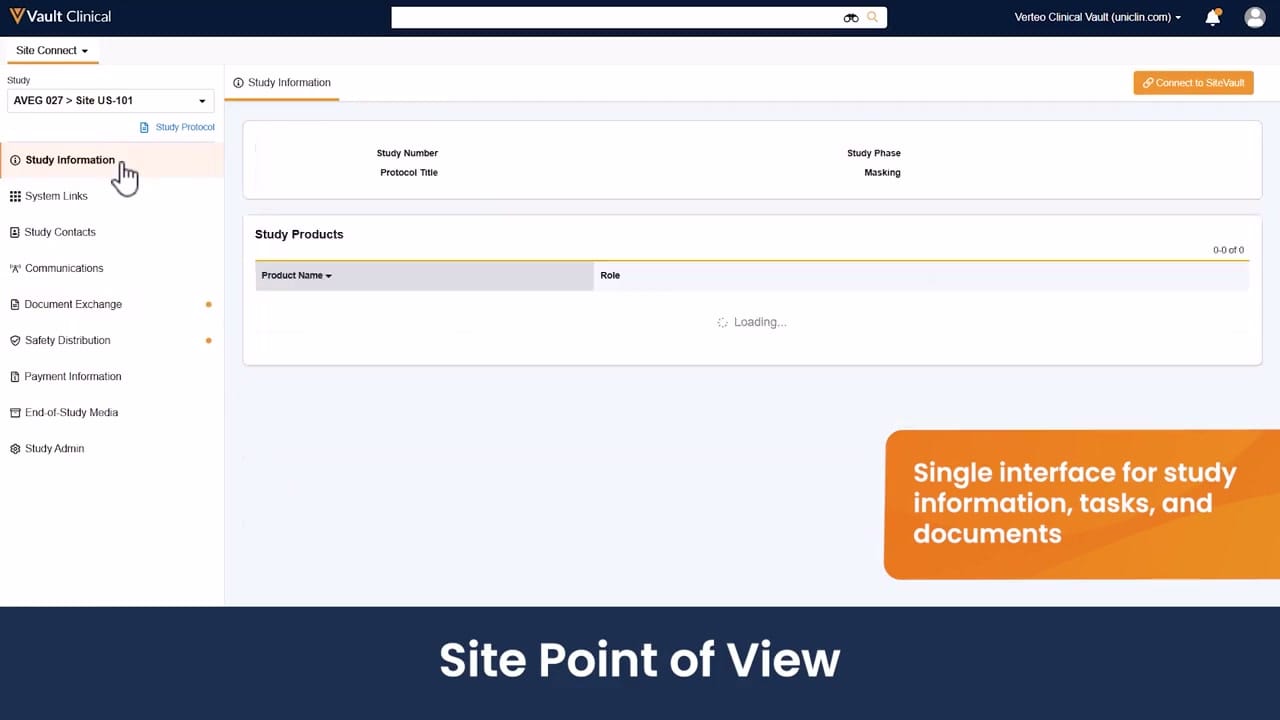
What this Site Connect screenshot shows
This reference page displays the Veeva Site Connect interface, presenting the site point of view for clinical trial collaboration. The screen captures the Study Information section, which serves as a central hub for site users to access key trial details. The layout features a left-hand navigation panel that organizes various study-related workflows, including document exchange, communications, and safety distribution. The main content area displays structured cards for Study Information and Study Products, though the latter is shown in a loading state. A prominent button in the upper right corner offers an option to connect to SiteVault. This interface is designed to consolidate study details, tasks, and documents into a single view, facilitating communication between research sites and sponsors or contract research organizations during clinical trials.
Visible interface elements
- Left-hand navigation panel containing links for Study Information, Document Exchange, and Safety Distribution.
- Study selector dropdown displaying the synthetic trial identifier AVEG 027 > Site US-101.
- Orange status indicators next to the Document Exchange and Safety Distribution menu items.
- Study Information card displaying placeholder fields for Study Number, Protocol Title, Study Phase, and Masking.
- Study Products table showing a loading spinner with Product Name and Role column headers.
- Orange Connect to SiteVault button located in the upper right corner of the main workspace.
- Hand cursor icon hovering over the selected Study Information navigation link.
Interface details
The interface is structured with a top header containing the Vault Clinical branding, a global search bar, and user profile controls. Below the header, a left-hand sidebar manages navigation. A dropdown menu allows users to select the active study, currently showing the synthetic demo value "AVEG 027 > Site US-101". Underneath this selector, a vertical menu lists key sections such as Study Information, System Links, Study Contacts, Communications, Document Exchange, and Safety Distribution. Orange dot indicators are visible next to Document Exchange and Safety Distribution, suggesting pending items or updates. In the main workspace, the Study Information tab displays placeholder fields for Study Number, Protocol Title, Study Phase, and Masking. Below this, the Study Products section contains a table with columns for Product Name and Role, displaying a loading spinner. An orange button labeled "Connect to SiteVault" is positioned at the top right of the workspace. A hand cursor icon is shown hovering over the selected Study Information menu item, indicating user interaction.
Workflow context
From a clinical operations perspective, this interface can support site coordinators and investigators by providing a centralized view of essential trial parameters. The navigation panel could help users quickly transition between reviewing study protocols, managing communications, and executing document exchanges. The orange status indicators next to specific menu items, such as Document Exchange, can alert site staff to new tasks or documents requiring attention, which could help streamline administrative workflows. Access to the Study Products table, once loaded, can assist coordinators in verifying active trial agents and their assigned roles. Additionally, the option to connect to SiteVault could support seamless document transfer and compliance tracking between the site and the sponsor. By consolidating these disparate clinical trial tasks into a single interface, the system can help reduce the administrative burden on research sites.
Source, version, and interpretation limits
The source image is a frame from an official Veeva hosted demo titled Site Connect Automatic Document Exchange, illustrating the site point of view. Because this is a static screenshot of a demonstration environment, it does not represent live, real-time clinical data, nor does it confirm active integration or regulatory validation. The visible study names, protocols, and product tables are synthetic demonstration data. Actual user interfaces, available features, and navigation options may vary depending on the specific Vault release, customer configurations, and site-specific permissions. The loading state of the Study Products table highlights that dynamic data behavior cannot be fully evaluated from this static image.
Authoritative references
Use these primary sources to confirm current product positioning, terminology, and release-specific behavior.
- Site Connect Automatic Document Exchange(Official Veeva hosted demo)
- Veeva Site Connect product overview(Official Veeva product page)
- Veeva Site Connect features brief(Official Veeva resource)