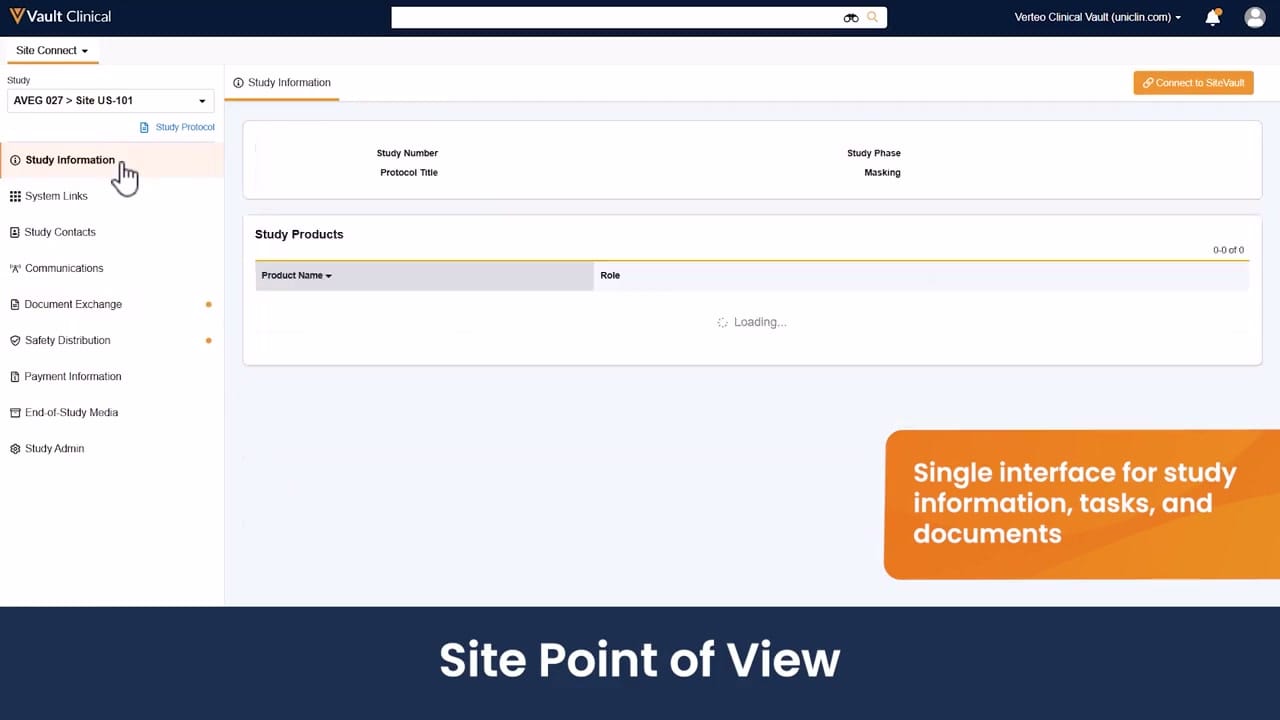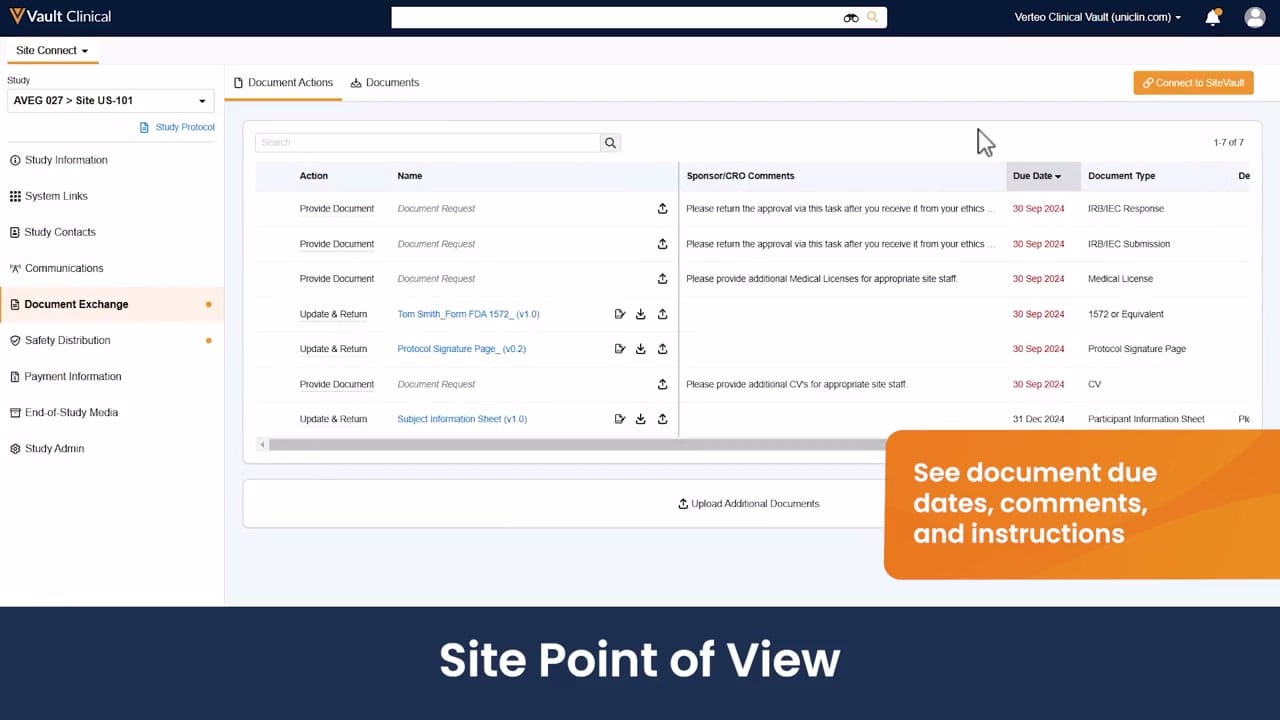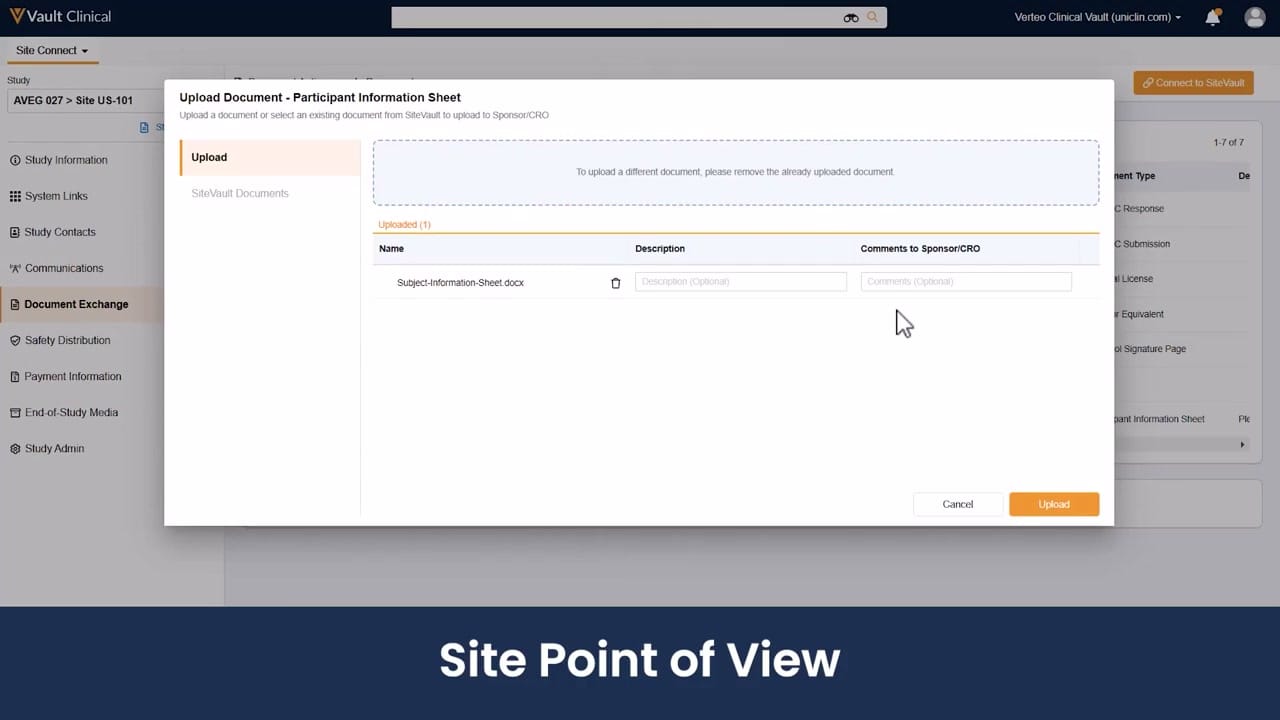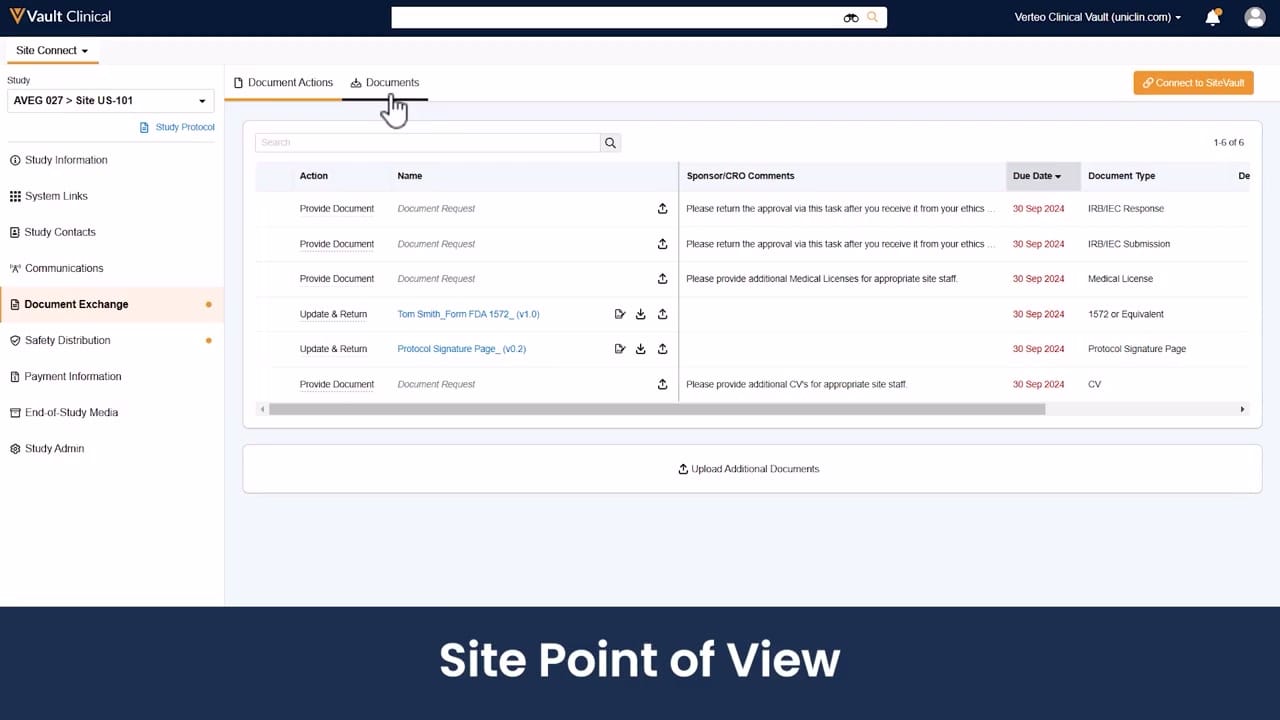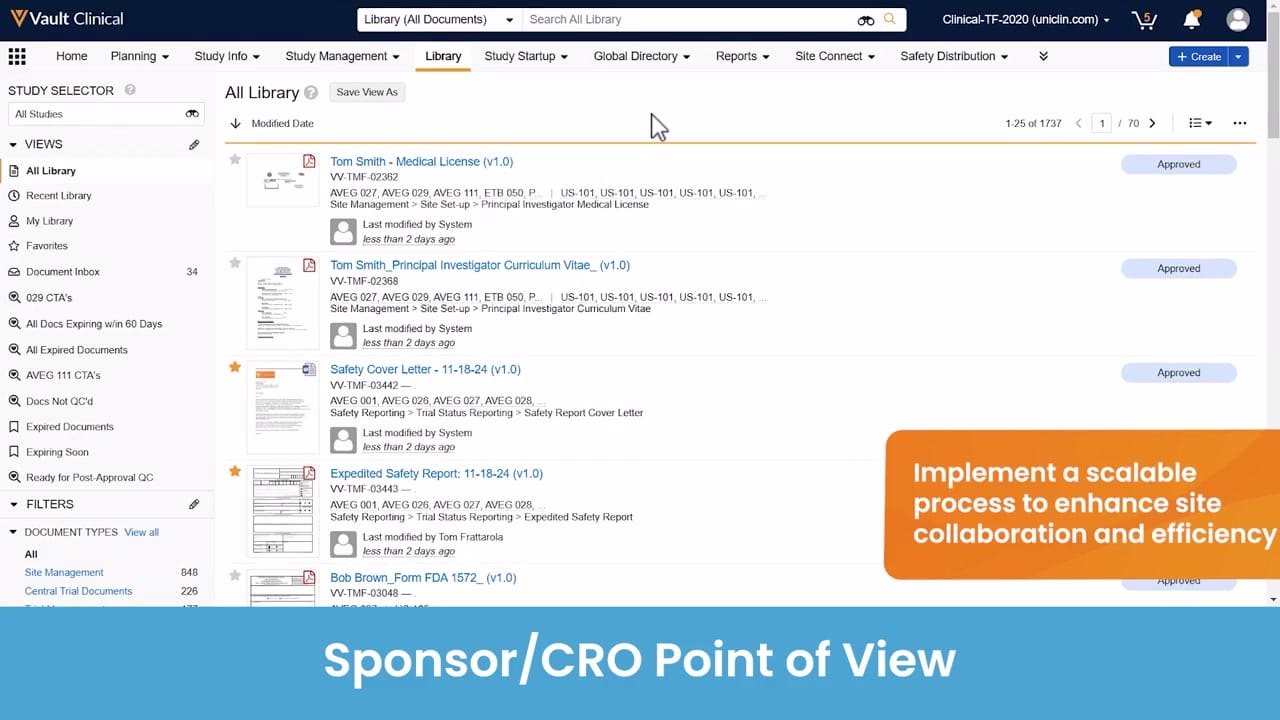
What this Site Connect screenshot shows
This interface reference displays the "All Library" view within Veeva Vault Clinical, presenting the Sponsor/CRO Point of View for managing clinical trial documentation. The screen illustrates a document repository containing various study-related files, such as medical licenses, curriculum vitae, safety cover letters, expedited safety reports, and FDA forms. The interface provides a structured layout for clinical operations teams to view, filter, and track the status of essential documents across multiple studies. A left-hand navigation panel offers quick access to specific views, document inboxes, and filtered lists, while the main content area displays document details, version numbers, unique identifiers, and approval statuses. This view represents a centralized hub where sponsors and CROs can monitor the progress of document collection and verification during clinical trial execution.
Visible interface elements
- "All Library" active view in the left sidebar showing document navigation options.
- Document list displaying entries such as "Tom Smith - Medical License (v1.0)" and "Expedited Safety Report: 11-18-24 (v1.0)".
- "Approved" status badges displayed on the right side of the document entries.
- Top navigation bar containing tabs for "Library", "Study Startup", and "Site Connect".
- Document Inbox counter in the sidebar showing a value of 34.
- Pagination controls indicating "1-25 of 1737" total documents.
- Document filters for "Site Management" and "Central Trial Documents" in the lower left panel.
Interface details
The interface is organized into three primary sections: a top navigation bar, a left-hand sidebar, and a central document list. The top navigation bar includes global search capabilities, a study selector, and tabs for clinical workflows such as Study Startup, Site Connect, and Safety Distribution. The left sidebar contains a "Views" menu, highlighting "All Library" as the active selection, alongside options like "Document Inbox" showing a count of 34 items, and various expiration-related filters. Below this, users can filter by document types, including Site Management and Central Trial Documents. The main panel displays a paginated list of 1,737 documents, showing 25 items per page. Each document entry features a thumbnail preview, the document title, version number, a unique system ID, associated study codes, and metadata indicating the last modified date and user. A prominent status badge, such as "Approved," is visible on the right side of each entry. The interface also includes sorting controls, currently set to sort by modified date.
Workflow context
In the context of a Sponsor Document Request workflow, this interface can support clinical operations teams in tracking the receipt and approval of essential site documentation. By centralizing incoming files from research sites, the library view could help sponsors verify that critical documents, such as Principal Investigator medical licenses and CVs, are complete and approved. The visible metadata, including modification dates and system-generated updates, can assist users in identifying recently updated files. Additionally, the document inbox and specialized views, such as "Docs Not QC'd" or "Expiring Soon," could help coordinators prioritize their daily tasks and address pending reviews. This structured visibility can support efficient collaboration between sponsors, CROs, and clinical sites, helping to maintain an organized trial master file throughout the study lifecycle.
Source, version, and interpretation limits
The source of this image is an official Veeva hosted demo titled "Site Connect Automatic Document Exchange," representing the sponsor or CRO point of view. Because this is a static screenshot of a demonstration environment, it does not reflect real-time data, active system integrations, or automated validation processes. The visible names, document titles, dates, and study codes are synthetic demonstration data and do not represent actual clinical trial records. Actual user interfaces, available features, and configured metadata fields may vary depending on the specific Vault release, organization settings, and individual user permissions established by the customer.
Authoritative references
Use these primary sources to confirm current product positioning, terminology, and release-specific behavior.
- Site Connect Automatic Document Exchange(Official Veeva hosted demo)
- Veeva Site Connect product overview(Official Veeva product page)
- Veeva Site Connect features brief(Official Veeva resource)