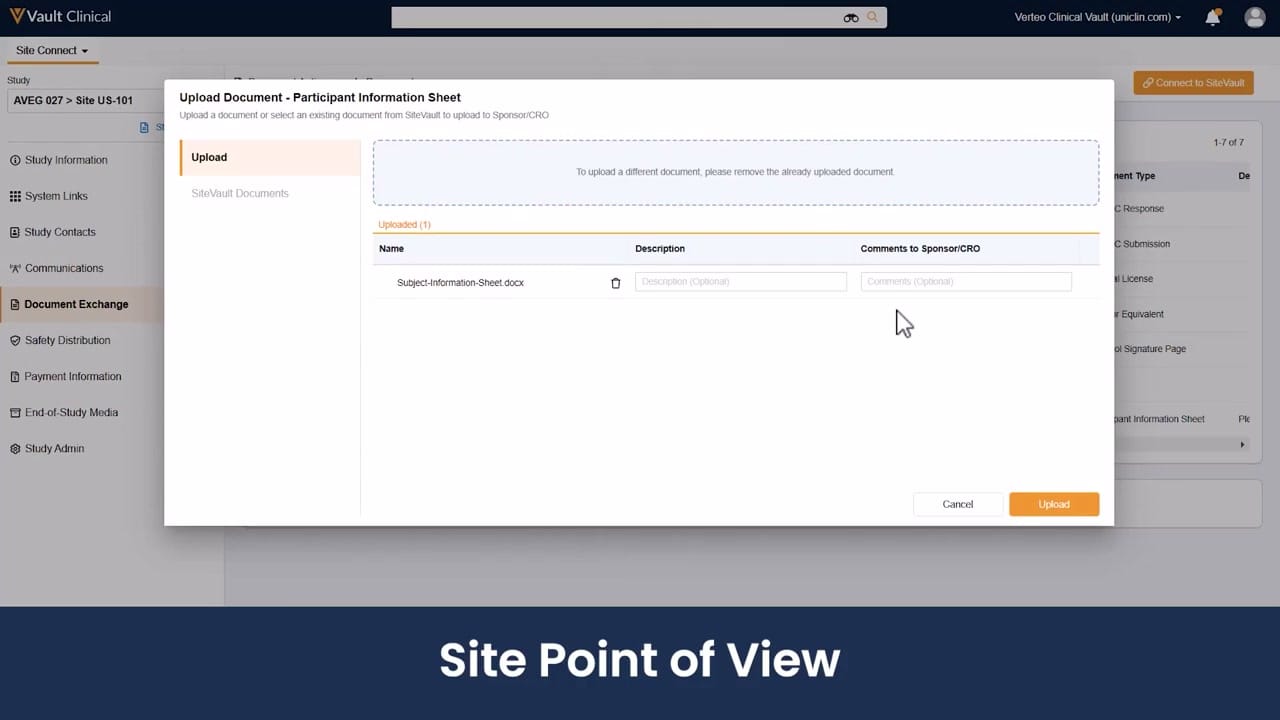
What this Site Connect screenshot shows
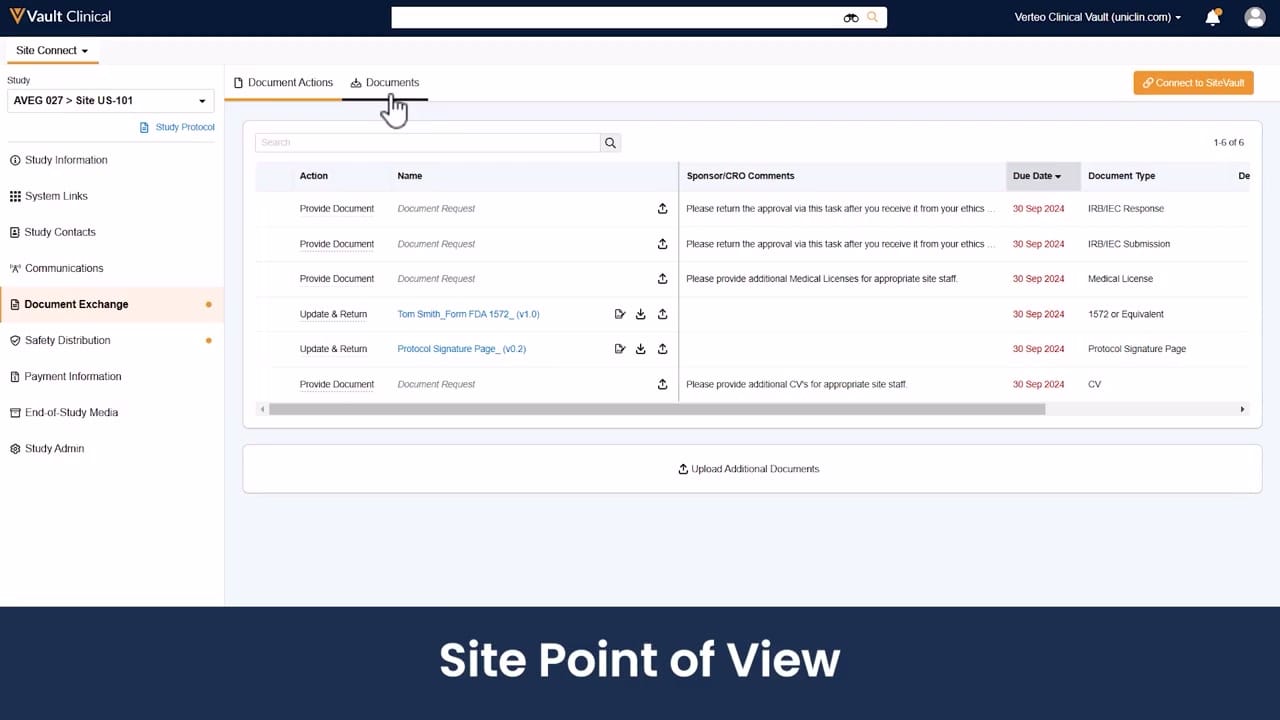
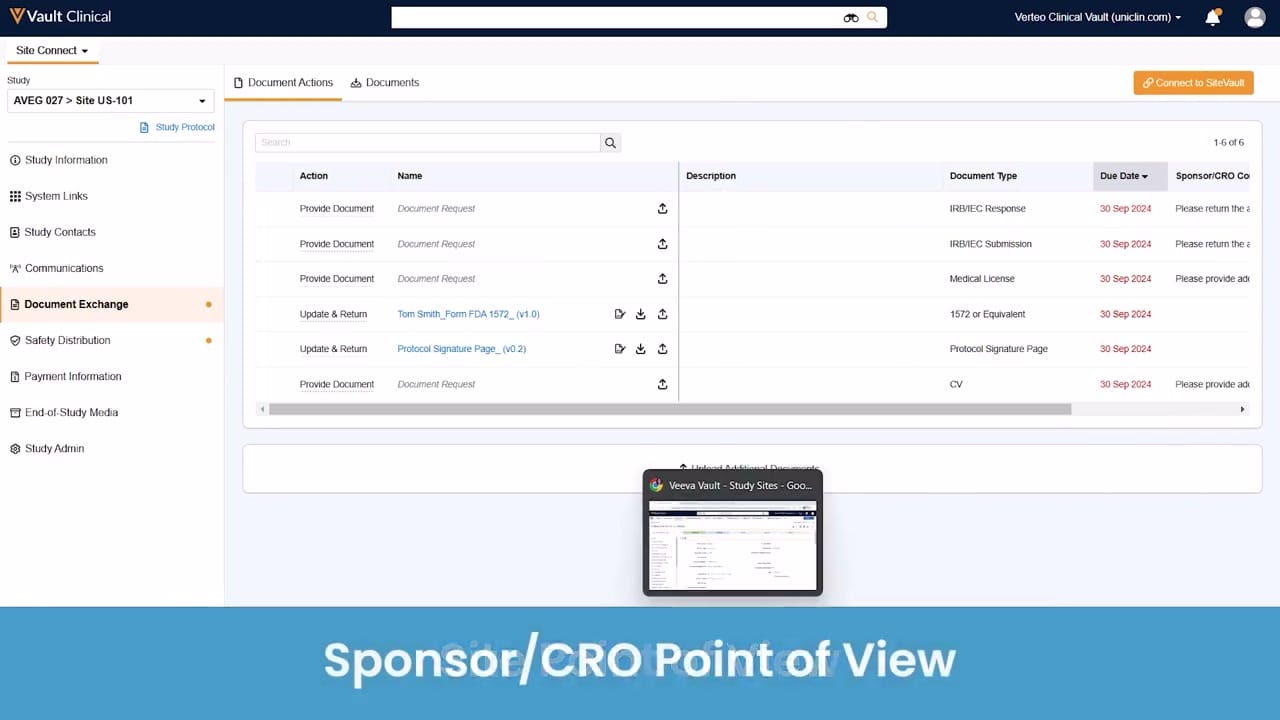
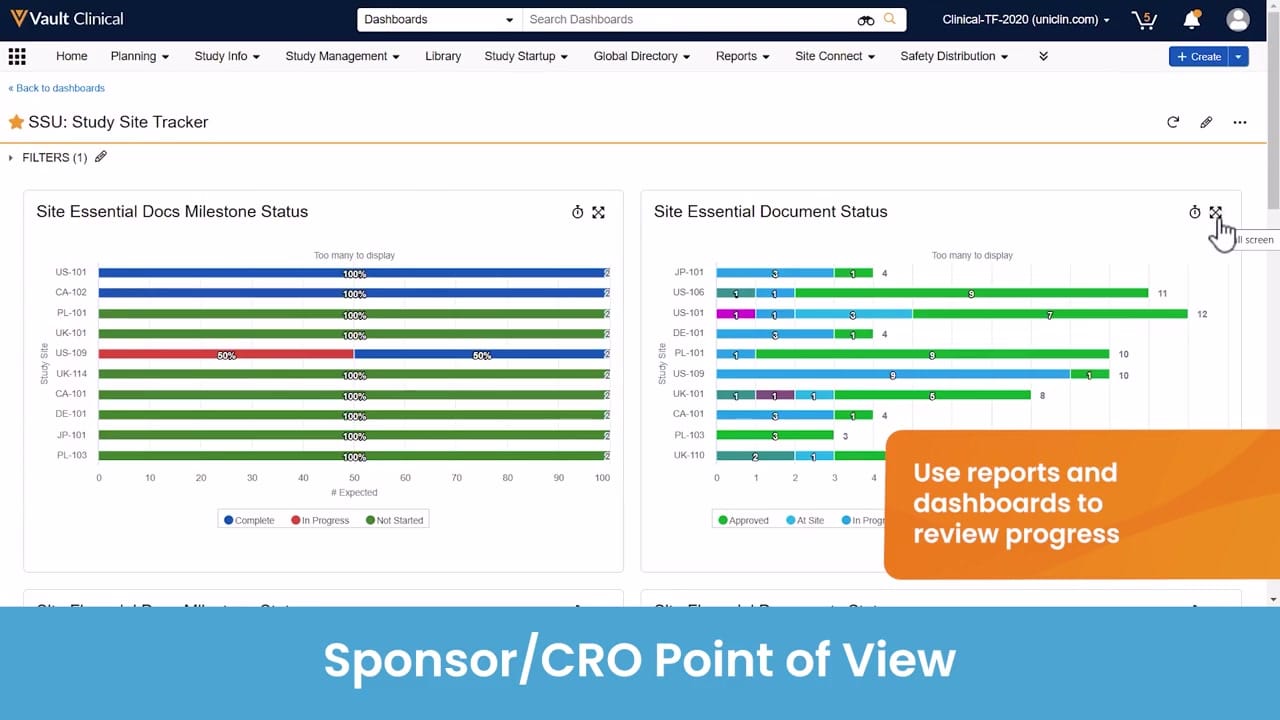
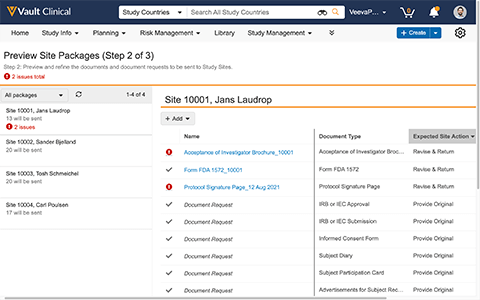
This screenshot displays the Veeva Site Connect interface, specifically illustrating the site request response workflow from the research site point of view. The user is interacting with an "Upload Document - Participant Information Sheet" modal dialog, which is overlaid on the Document Exchange section of the portal. This modal allows site personnel to upload local files or select existing documents from SiteVault to send to the sponsor or contract research organization (CRO). The background displays the study context, identified as AVEG 027 for Site US-101, alongside a left-hand navigation menu containing clinical operations categories. The interface provides a structured mechanism for sites to fulfill document requests, supporting the exchange of essential trial information during study execution.
Visible interface elements
- "Upload Document - Participant Information Sheet" modal dialog title
- "Upload" and "SiteVault Documents" tab options within the modal
- Uploaded file entry for "Subject-Information-Sheet.docx" with a trash can icon
- "Description (Optional)" and "Comments to Sponsor/CRO" text input fields
- "Cancel" and "Upload" action buttons at the bottom of the modal
- Left-hand navigation menu displaying "Document Exchange" as the active section
- "Connect to SiteVault" button in the upper right corner of the background page
- Study context breadcrumb showing "AVEG 027 > Site US-101"
Interface details
The interface features a prominent modal dialog titled "Upload Document - Participant Information Sheet" centered over the main workspace. Within this modal, a left-hand navigation panel offers two options: "Upload" and "SiteVault Documents." The active "Upload" tab displays a dotted drag-and-drop zone containing instructions to remove the current document before uploading a different one. Below this zone, the "Uploaded (1)" table lists a single file named "Subject-Information-Sheet.docx" with an adjacent trash can icon for removal. Two optional text input fields, "Description (Optional)" and "Comments to Sponsor/CRO," allow users to add context to the file. Action buttons for "Cancel" and "Upload" are positioned in the bottom right corner of the modal. In the background, the primary navigation sidebar lists options such as Study Information, Study Contacts, and Document Exchange. A "Connect to SiteVault" button is visible in the upper right of the main page, and the top header displays the "Vault Clinical" branding alongside a global search bar and user profile controls.
Workflow context
From a clinical operations perspective, this interface supports the document exchange workflow by providing a clear path for research sites to submit requested documentation to sponsors or CROs. By allowing users to upload files directly or pull them from SiteVault, the system can help streamline the document collection process during trial startup or execution. The optional description and comment fields can support communication by allowing site staff to provide immediate context or explanations regarding the submitted file, which could reduce back-and-forth clarification emails. This structured submission process can help ensure that essential documents, such as the Participant Information Sheet shown here, are tracked and organized under the correct study and site identifiers, potentially assisting in maintaining an organized trial master file.
Source, version, and interpretation limits
The screenshot is sourced from an official Veeva hosted demo titled "Site Connect Automatic Document Exchange," representing a site point of view. Because this is a static image, it cannot establish real-time data synchronization, automated filing validation, or active integration with other clinical systems. The displayed study name, site identifier, and document names are synthetic demonstration data and do not represent actual clinical trial records or active patient information. Additionally, the visible user interface elements, available fields, and specific workflow steps may vary depending on the specific Vault release version and individual customer configurations.
Authoritative references
Use these primary sources to confirm current product positioning, terminology, and release-specific behavior.
- Site Connect Automatic Document Exchange(Official Veeva hosted demo)
- Veeva Site Connect product overview(Official Veeva product page)
- Veeva Site Connect features brief(Official Veeva resource)