What this CTMS screenshot shows
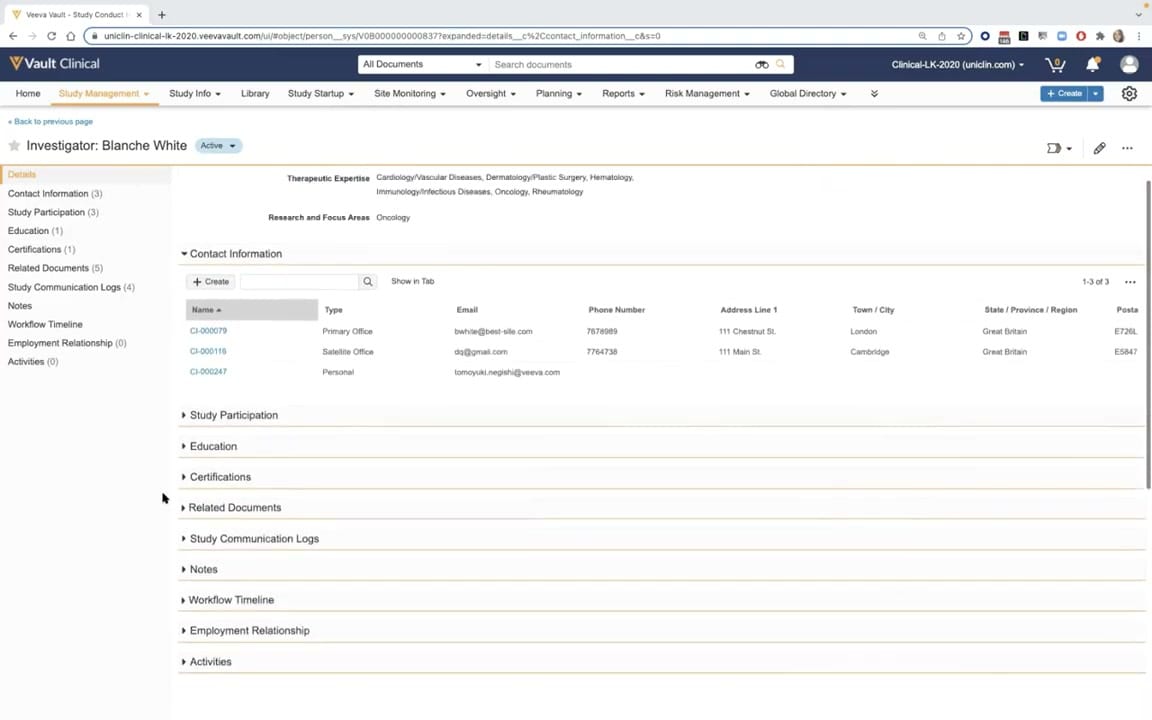
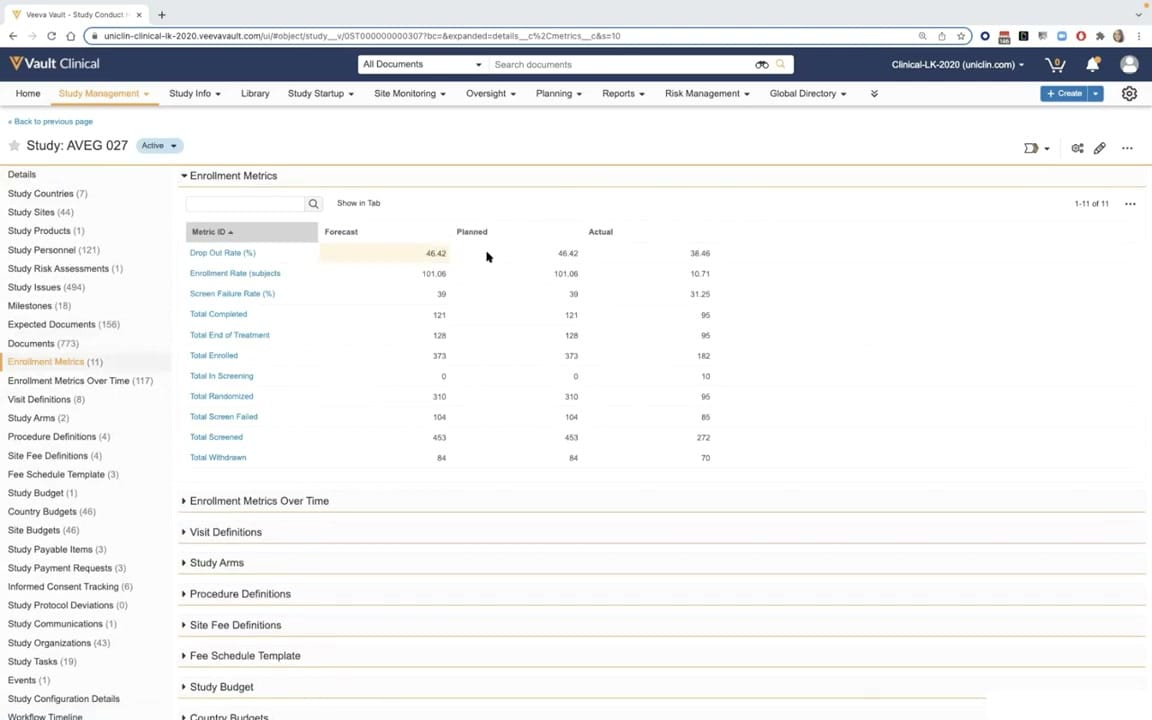
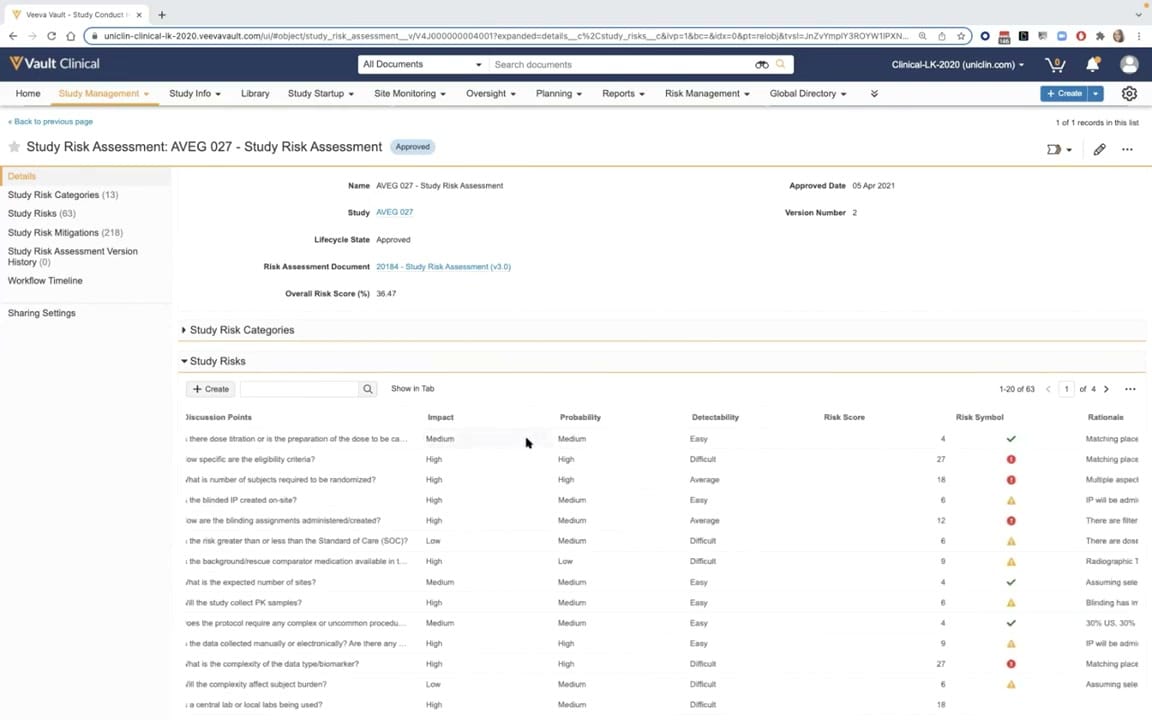
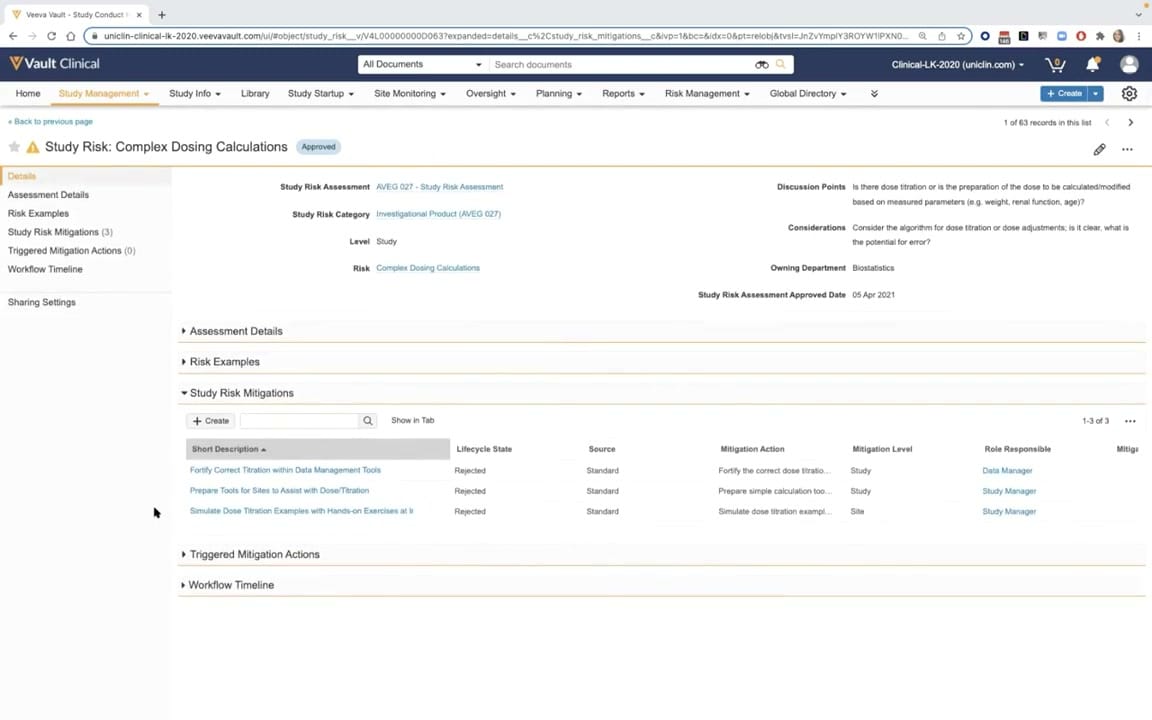
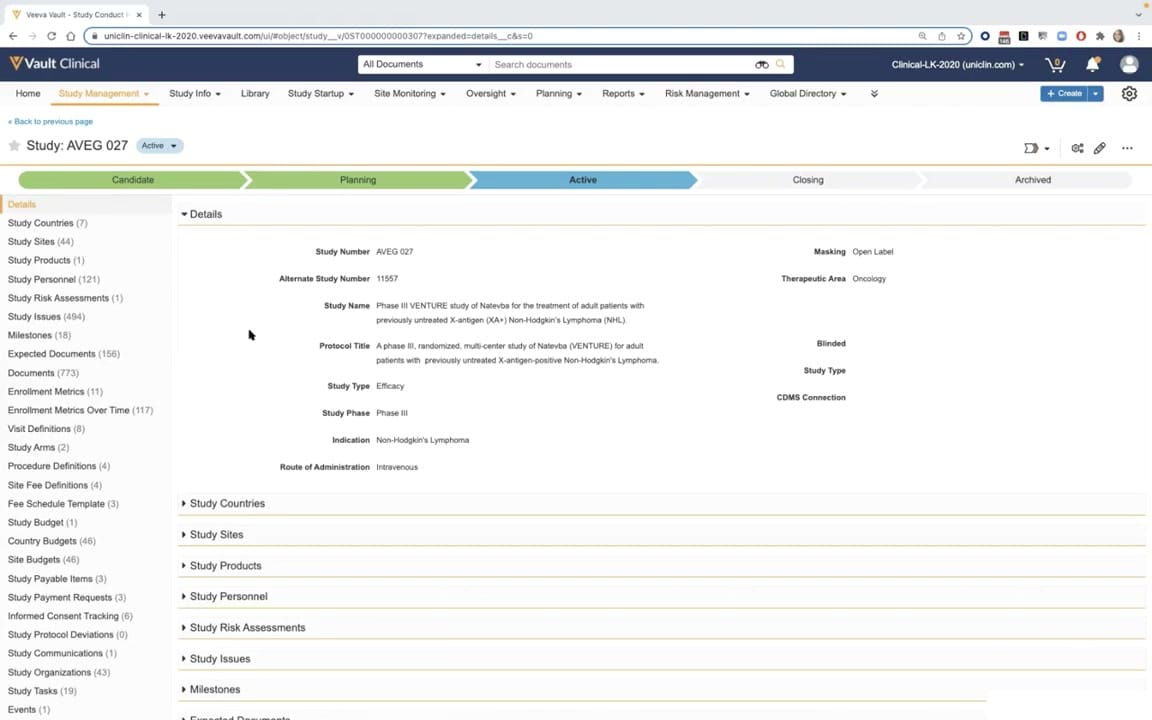
This interface displays a study record within Veeva Vault Clinical, specifically highlighting the Study Record Lifecycle for a study designated as AVEG 027. The screen illustrates a configured Vault CTMS environment where clinical operations teams manage end-to-end trial details. At the top of the workspace, a visual lifecycle chevron progress bar tracks the study's progression through stages including Candidate, Planning, Active, Closing, and Archived, with the Active stage currently highlighted in blue. The main workspace is divided into a left-hand navigation panel listing numerous related clinical objects and a central details pane. This central pane displays key metadata fields such as Study Number, Study Name, Protocol Title, Study Phase, and Indication. This layout provides clinical trial managers with a centralized view of study-level parameters, facilitating oversight of active clinical trials.
Visible interface elements
- Study: AVEG 027 header with an Active status badge.
- Chevron progress bar showing Candidate, Planning, Active, Closing, and Archived stages.
- Left navigation panel listing related clinical objects with record counts, such as Study Sites (44) and Study Issues (494).
- Details section displaying metadata fields including Study Name, Protocol Title, and Indication.
- Collapsible section headers for Study Countries, Study Sites, and Study Products.
- Top navigation bar with menus for Study Management, Site Monitoring, and Risk Management.
- Search bar at the top of the page with a dropdown menu set to All Documents.
Interface details
The user interface is structured to optimize data density and navigation. The top navigation bar features standard Vault Clinical menus such as Study Management, Site Monitoring, and Risk Management. Below this, the study header displays the study identifier, AVEG 027, alongside an Active status badge. The prominent chevron lifecycle indicator visually maps out the trial's current phase. On the left side, a comprehensive vertical navigation panel lists related records and metrics, including Study Countries, Study Sites, Study Personnel, and Study Issues, each appended with a numerical count of associated records. The main content area features an expandable Details section containing structured metadata fields. Visible fields include Study Number, Alternate Study Number, Study Name, Protocol Title, Study Type, Study Phase, Indication, Route of Administration, Masking, and Therapeutic Area. Below the expanded Details section, collapsible headers for Study Countries, Study Sites, Study Products, Study Personnel, Study Risk Assessments, Study Issues, and Milestones allow users to expand or collapse related lists directly within the main view, minimizing the need to navigate away from the primary study record.
Workflow context
Within the context of clinical trial management systems, this interface supports the study record lifecycle workflow. The active status of study AVEG 027 indicates that the trial is currently underway, transitioning from the initial Candidate and Planning phases. During this active phase, clinical operations personnel utilize this centralized record to monitor and manage trial components. The left-hand navigation panel links directly to critical operational areas such as Study Sites, Study Personnel, and Study Issues, which are essential for ongoing trial oversight. For instance, the presence of counts next to Study Sites and Study Issues suggests active tracking of site-level activities and potential protocol deviations or operational challenges. By consolidating study parameters, milestones, and related documents into a single, structured record, the system enables clinical teams to maintain oversight, track enrollment metrics, and manage study-level configurations throughout the active phase of the clinical trial lifecycle.
Source, version, and interpretation limits
The screenshot is sourced from the official Veeva YouTube demo titled CTMS Oversight Deep Dive Demo, published in March 2022. It represents a demonstration tenant environment with synthetic data, including the study name Phase III VENTURE study of Natevba. Because this is a configured demonstration environment, the visible fields, related lists, and lifecycle stages reflect a specific setup that may differ from actual customer implementations. Additionally, browser chrome and specific URL parameters are visible at the top of the frame. Users should note that actual user interfaces, available features, and navigation options may vary based on the specific Vault release, user permissions, and individual organization configurations.
Authoritative references
Use these primary sources to confirm current product positioning, terminology, and release-specific behavior.
- CTMS Oversight Deep Dive Demo(Official Veeva YouTube demo)
- Veeva CTMS product overview(Official Veeva product page)
- Veeva CTMS trial-management overview(Official Veeva resource)