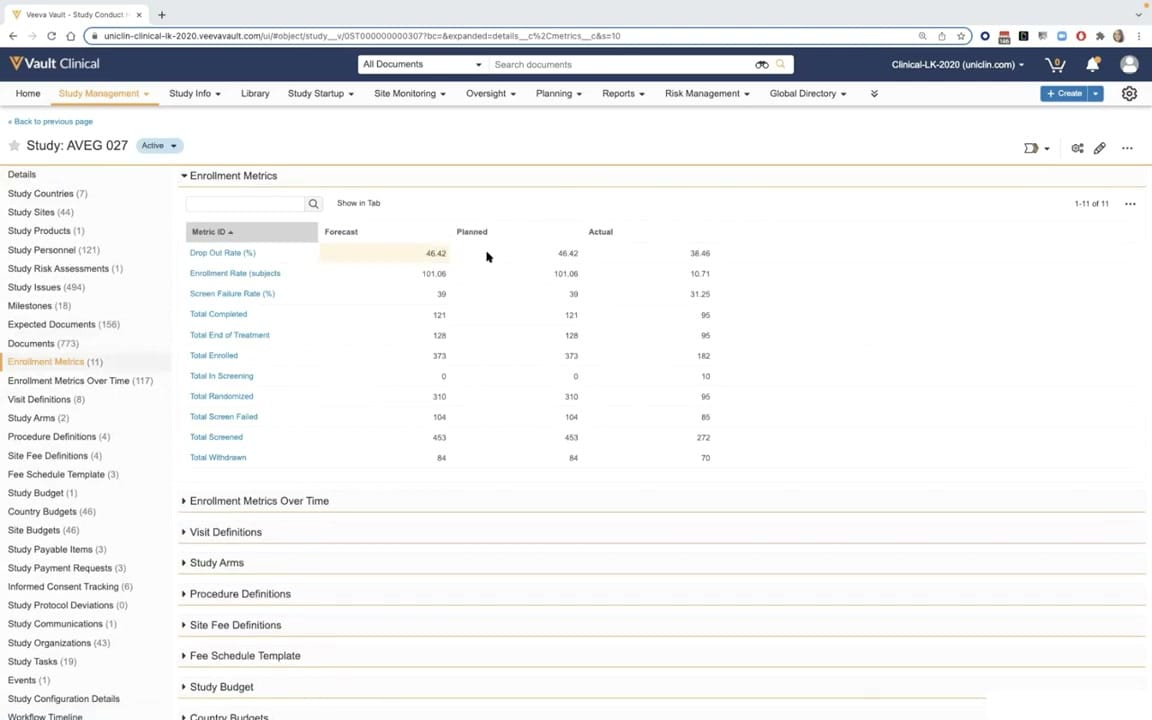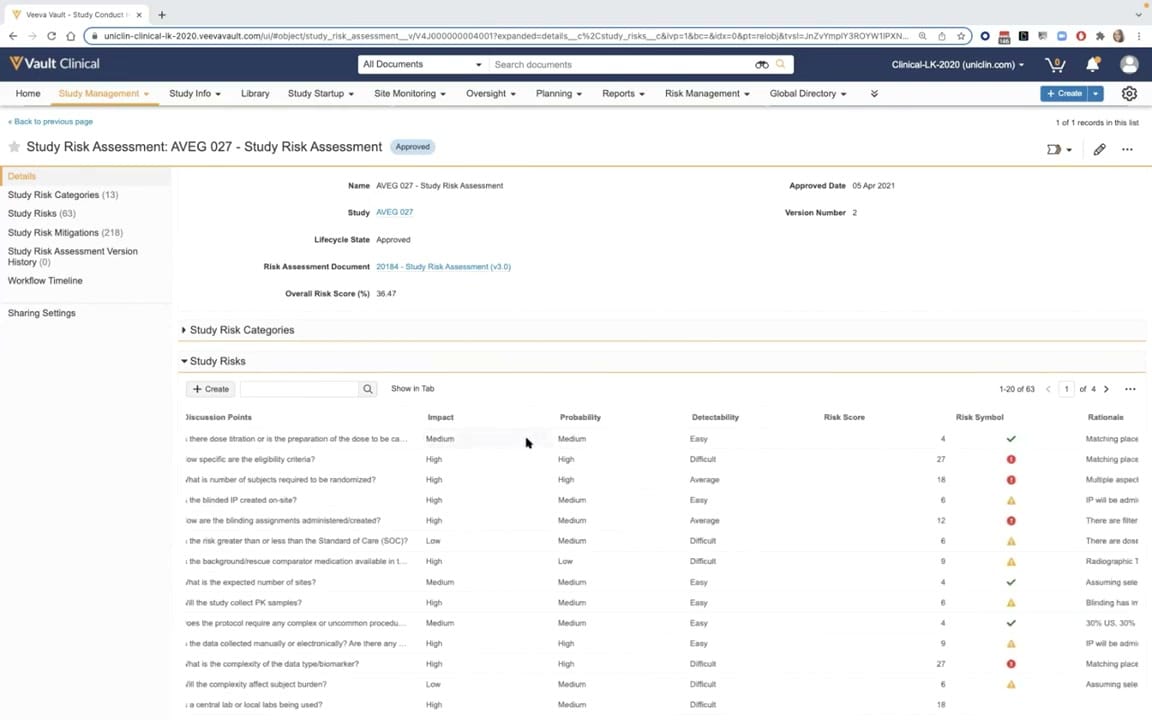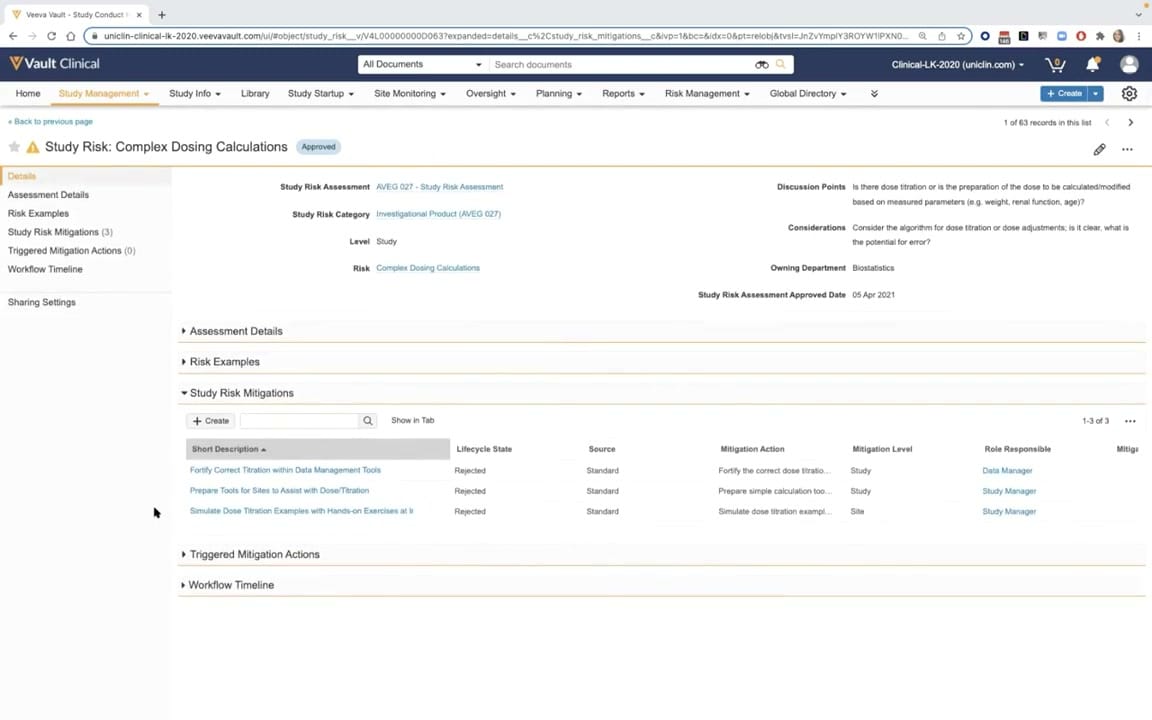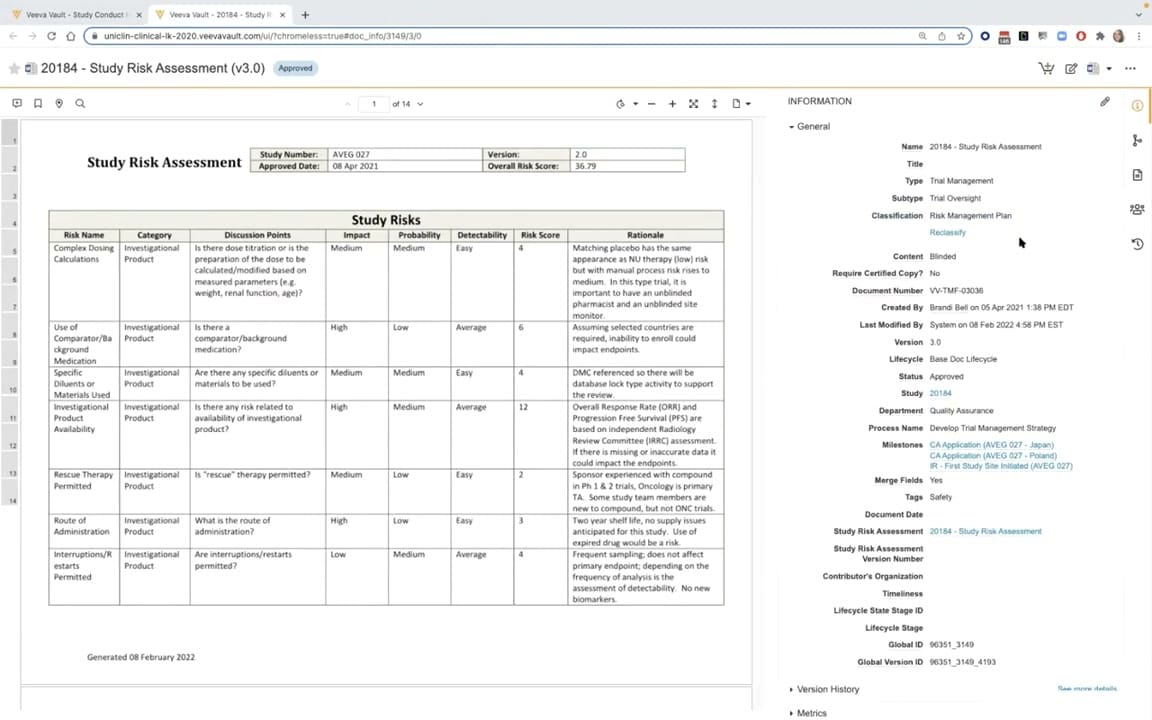
What this CTMS screenshot shows
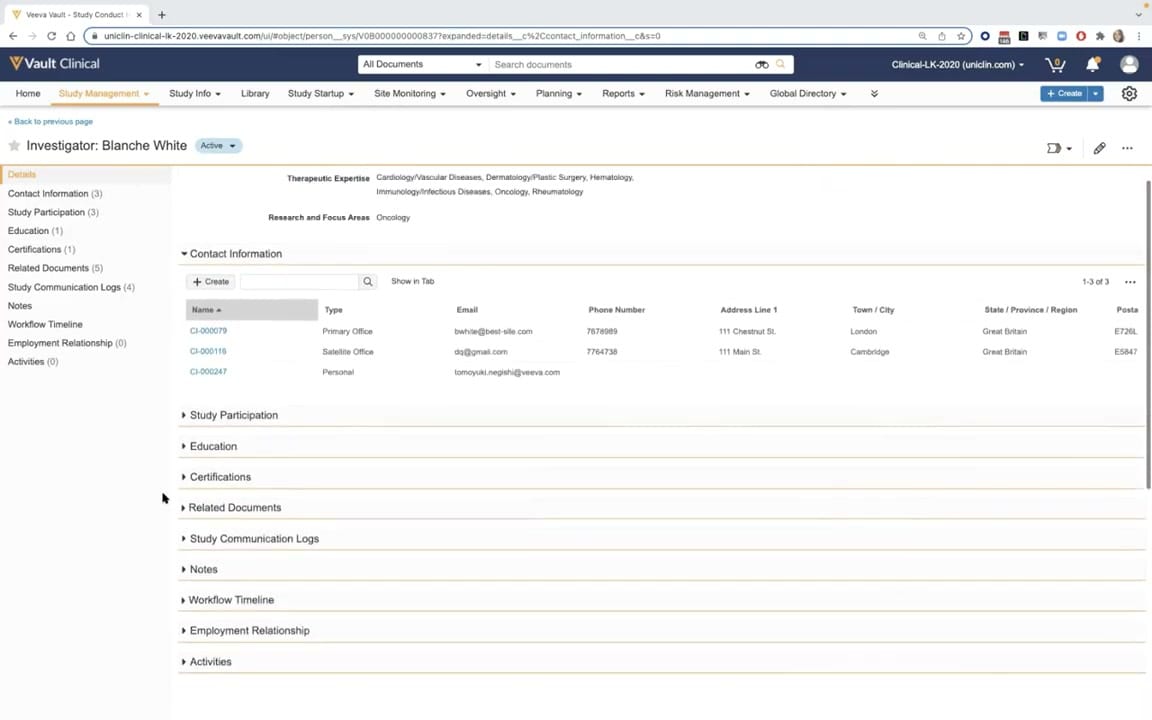
This public interface screenshot displays the investigator and contact management interface within Veeva Vault CTMS, specifically focusing on an individual investigator profile. The screen shows a detailed record for a synthetic investigator named Blanche White, marked with an active status. The layout features a left-hand navigation panel listing various record sections, such as Contact Information, Study Participation, Education, Certifications, and Related Documents. The main content area displays the investigator's therapeutic expertise and research focus areas at the top, followed by an expanded Contact Information section. This section contains a table listing primary, satellite, and personal contact details, including email addresses, phone numbers, and physical addresses. The interface is designed to centralize investigator profile data, facilitating efficient clinical trial management and communication tracking within the clinical operations ecosystem.
Visible interface elements
- Investigator name header displaying "Blanche White" with an "Active" status pill.
- Left-hand navigation sidebar listing profile sections with record counts, such as "Contact Information (3)" and "Related Documents (5)".
- Expanded "Contact Information" table containing columns for Name, Type, Email, Phone Number, and Address.
- Action buttons within the contact section, including "+ Create" and "Show in Tab".
- Metadata fields at the top of the profile showing "Therapeutic Expertise" and "Research and Focus Areas".
- Collapsed accordion sections for "Study Participation", "Education", "Certifications", and "Study Communication Logs".
- Top global navigation bar with tabs for "Study Management", "Site Monitoring", "Oversight", and "Risk Management".
Interface details
The user interface is structured with a top navigation bar containing global search capabilities and primary tabs such as Study Management, Site Monitoring, and Risk Management. Below this, the main workspace displays the investigator's name, "Blanche White," alongside an "Active" status indicator. A left-hand sidebar serves as an anchor for navigating different categories of the investigator's profile, with numerical indicators showing the count of records in each section, such as Contact Information (3) and Related Documents (5). In the main panel, the expanded "Contact Information" section features a table with columns for Name, Type, Email, Phone Number, Address Line 1, Town/City, State/Province/Region, and Postal Code. Users can interact with this table using the "+ Create" button, a search bar, or the "Show in Tab" option. Below the active table, several collapsed accordion sections are visible, including Study Participation, Education, Certifications, and Study Communication Logs. These sections can be expanded to reveal further structured data, maintaining a clean and organized layout for managing complex clinical contact directories.
Workflow context
Within the context of clinical trial management, maintaining accurate and up-to-date investigator profiles is essential for study oversight and site monitoring. This interface supports the Investigator and Contact Management workflow by consolidating essential investigator credentials, contact details, and historical study participation in a single location. Clinical operations teams utilize this centralized repository to identify qualified investigators based on therapeutic expertise, manage communication logs, and track certifications. By organizing contact information into distinct types, such as primary and satellite offices, the system helps ensure that study communications are directed to the correct locations. This structured data management supports broader CTMS processes, including site feasibility assessments, regulatory compliance tracking, and monitoring visit planning, by providing a reliable source of truth for investigator details across multiple active and planned clinical trials.
Source, version, and interpretation limits
The provided screenshot is a frame from the "CTMS Oversight Deep Dive Demo," an official Veeva YouTube video published in March 2022. Because this image represents a demonstration environment, the visible data, including names, addresses, and contact details, is synthetic and intended for illustrative purposes only. The specific configuration of tabs, fields, and sections reflects the demo tenant's setup and may differ from actual customer implementations. Additionally, software updates released after March 2022 may have altered the user interface design, navigation options, or functional capabilities of the Veeva Vault CTMS platform.
Authoritative references
Use these primary sources to confirm current product positioning, terminology, and release-specific behavior.
- CTMS Oversight Deep Dive Demo(Official Veeva YouTube demo)
- Veeva CTMS product overview(Official Veeva product page)
- Veeva CTMS trial-management overview(Official Veeva resource)